
Visitors and passes
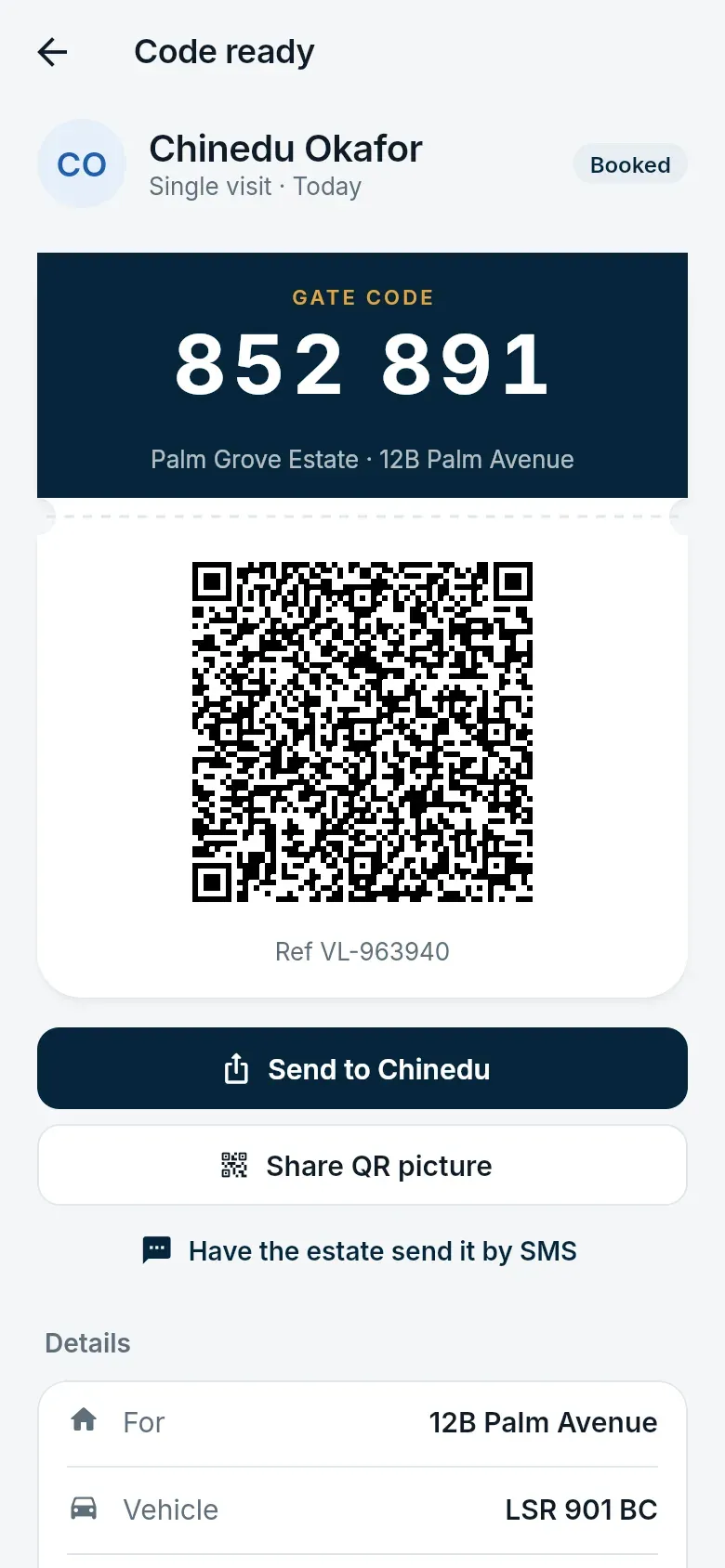
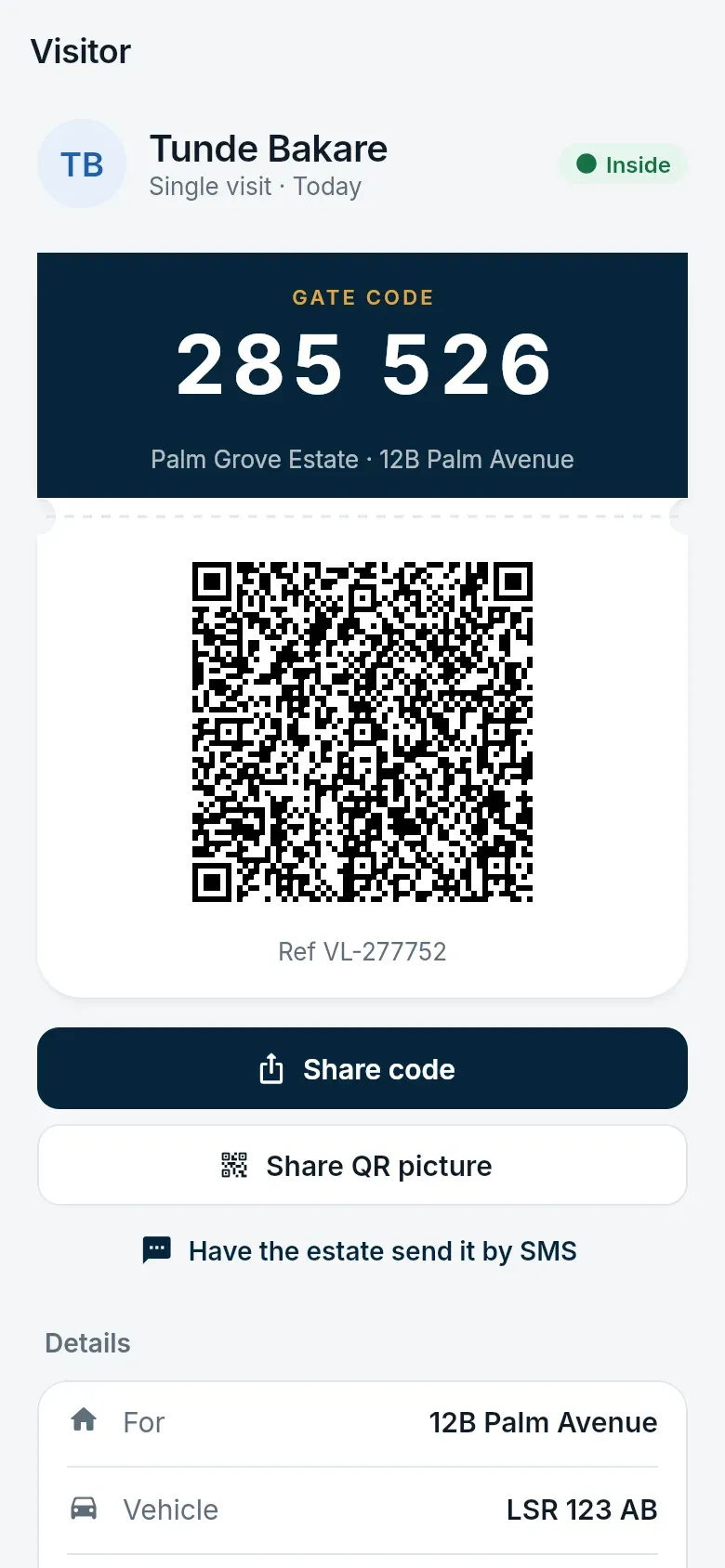
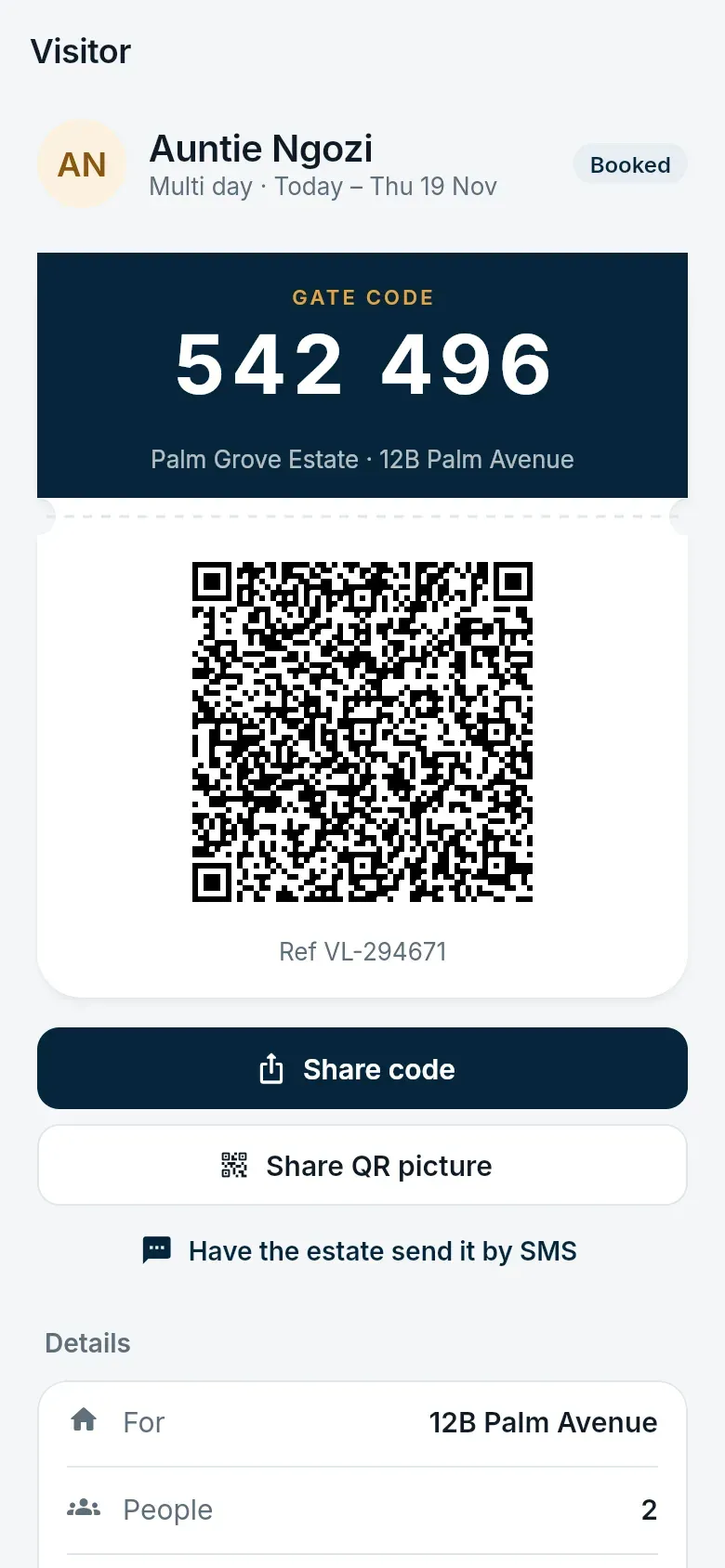
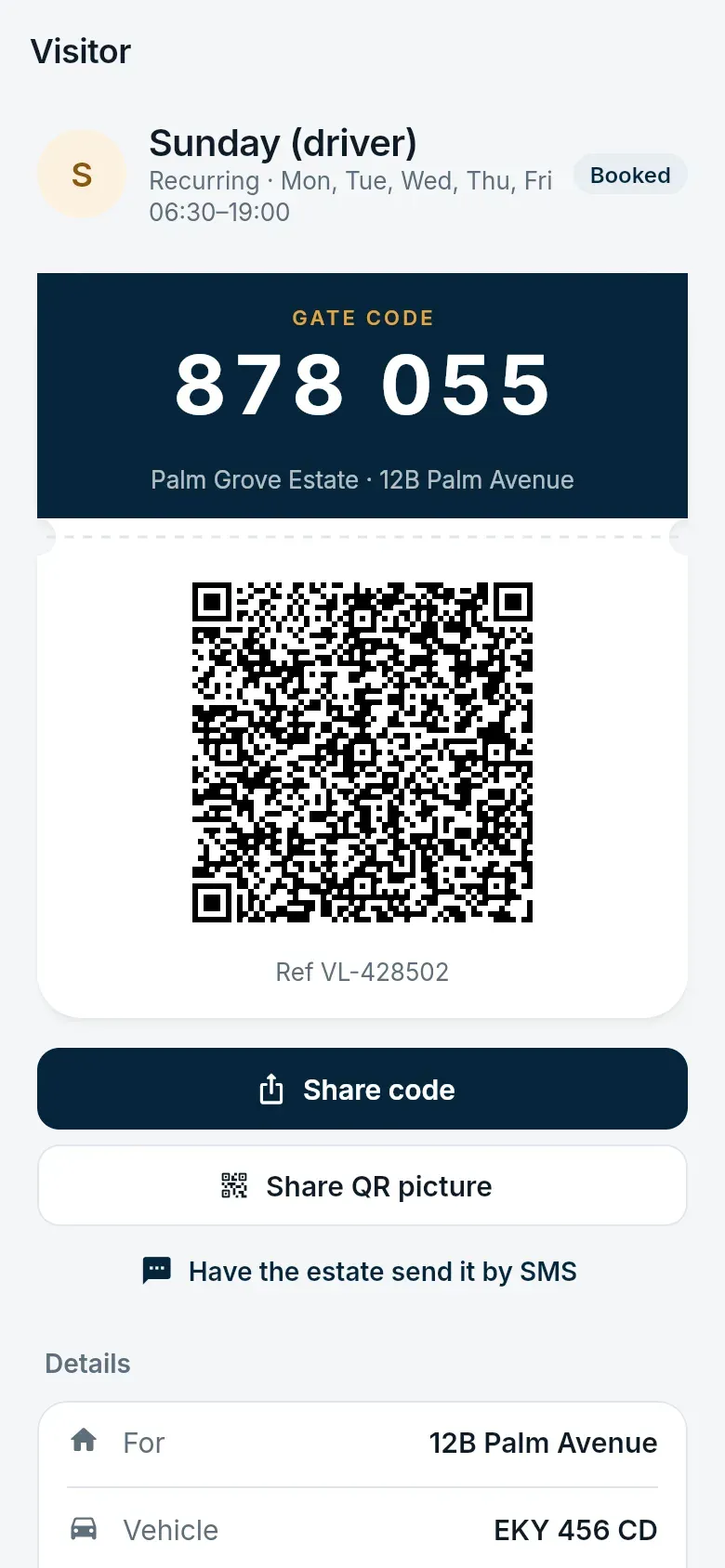
Every visitor gets a six-digit code and a QR code for the same pass. The guard types the code or scans the QR; gate controllers on unmanned lanes do the same. You are told when your visitor arrives and leaves.
Booking a visitor
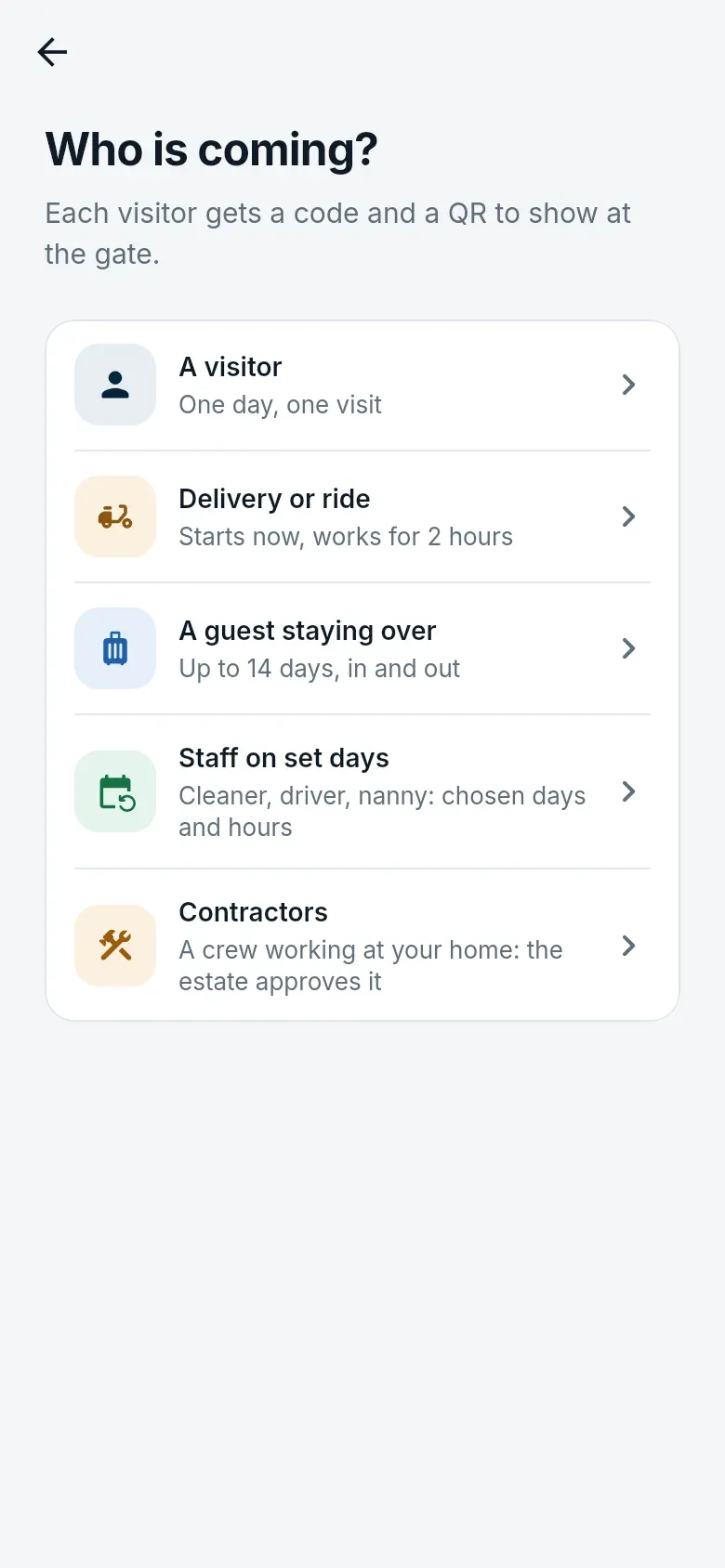
Section titled “Booking a visitor”- On Home, tap Book a visitor and choose who is coming.
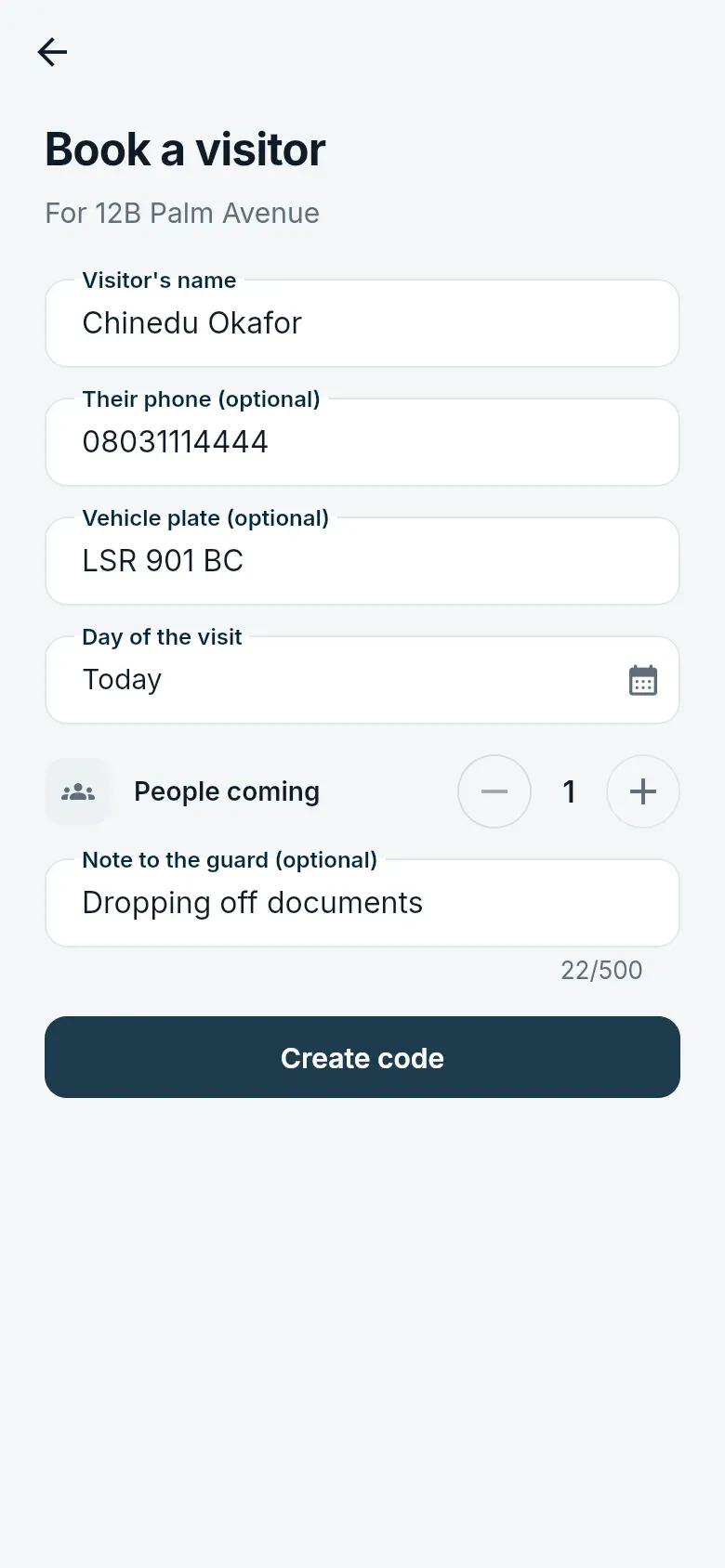
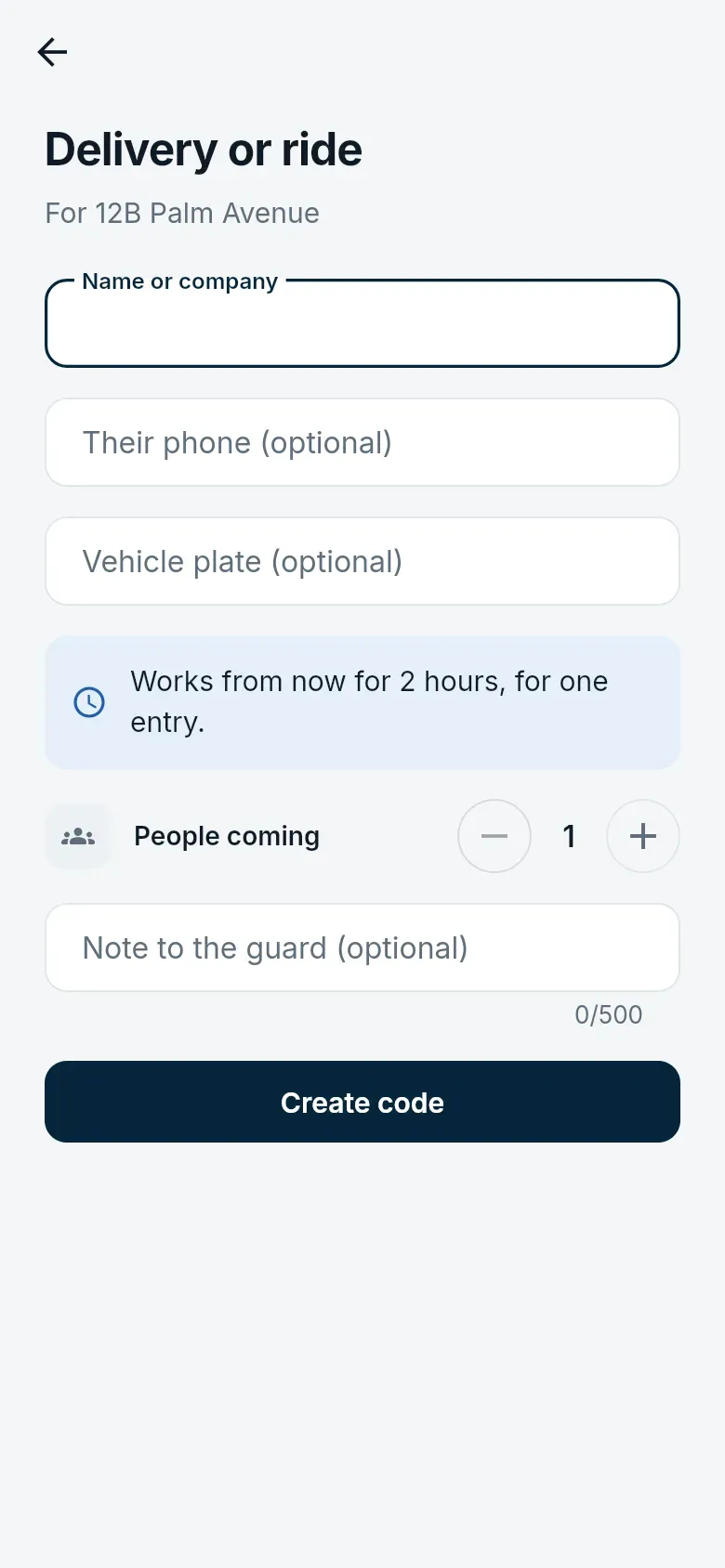
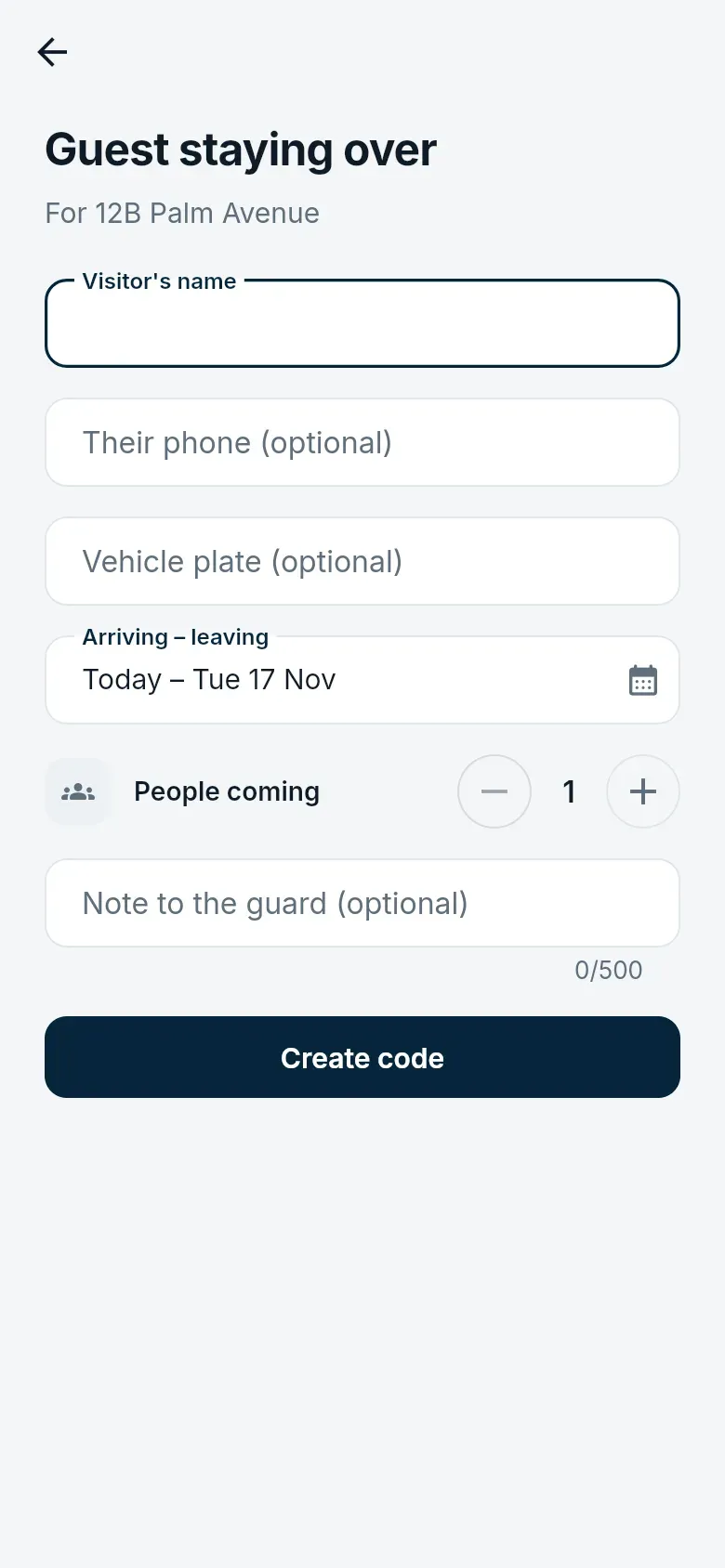
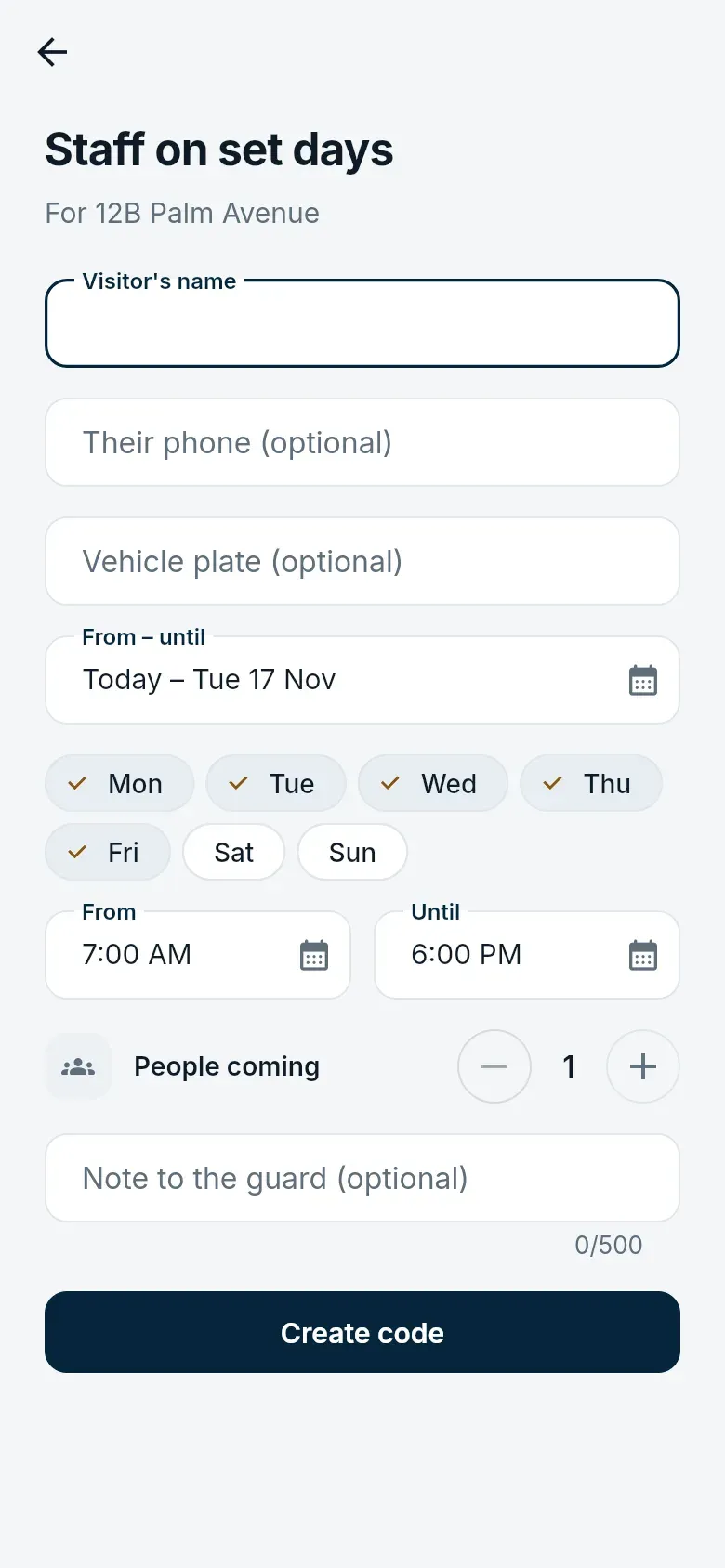
- Fill in the form. Only the name is needed; a phone number lets the estate text them the code, and a plate lets number-plate cameras recognise the car.
- Tap Create code, then share the code or the QR from the screen that follows.
| Pass | When it works |
|---|---|
| A visitor | One day, one visit in and out. |
| Delivery or ride | From now, for two hours, one entry. |
| A guest staying over | Up to 14 days, in and out as often as needed. |
| Staff on set days | Chosen weekdays and hours, for months: a cleaner, driver or nanny. |
| Contractor | A crew working at your home, once the estate approves it (below). |
Having the estate send the code
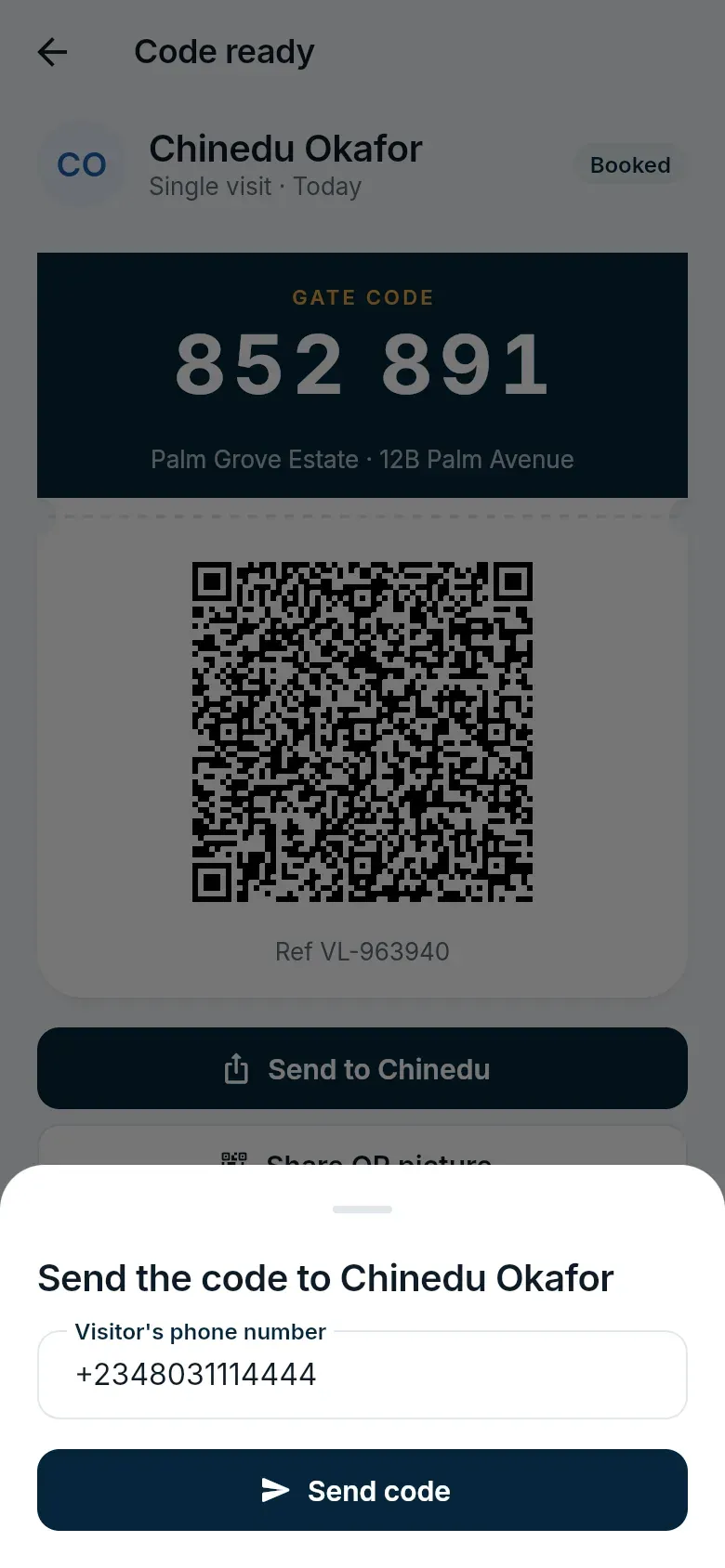
Section titled “Having the estate send the code”If you would rather not send the code from your own phone, tap Have the estate send it by SMS (or WhatsApp, where the estate offers it). The message links to the estate’s privacy notice for visitors.
Your visitors
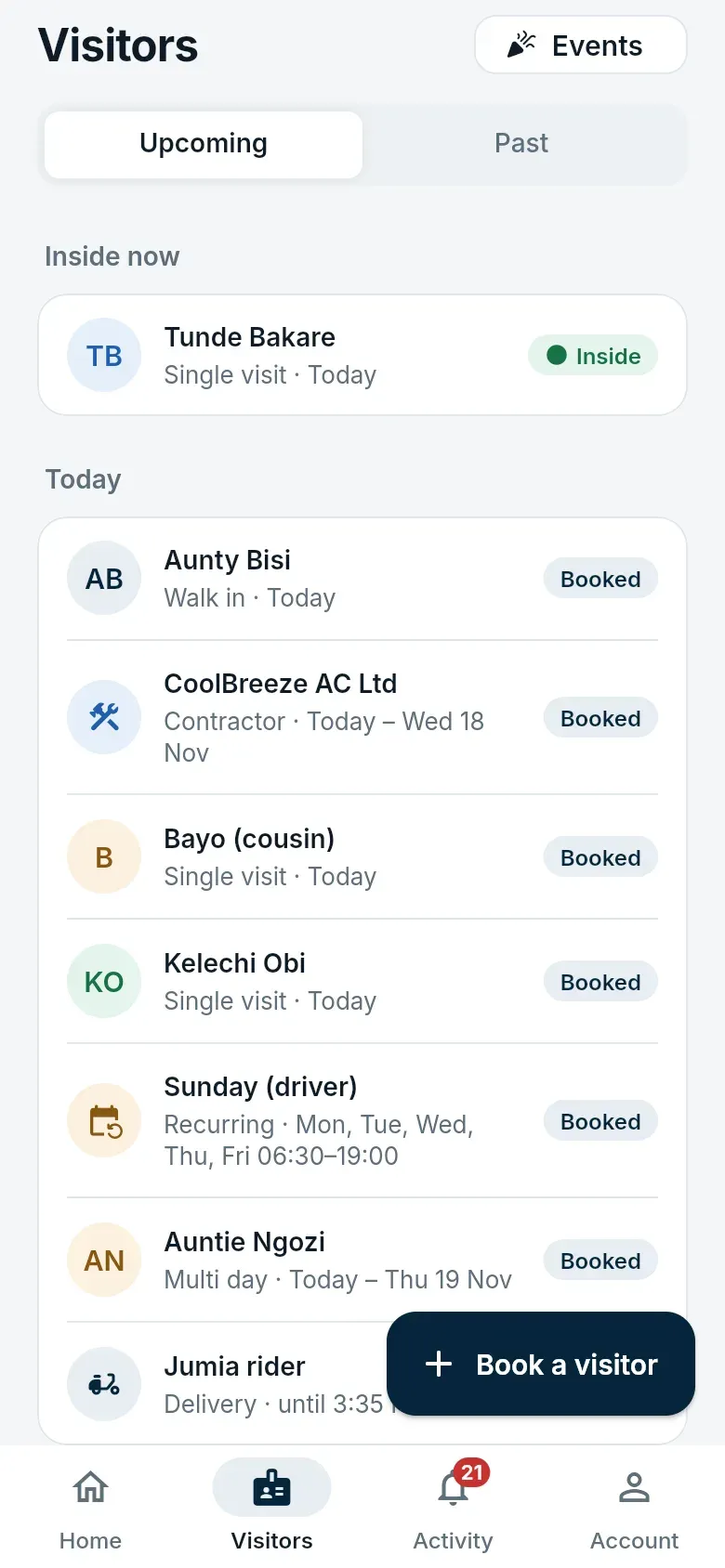
Section titled “Your visitors”Visitors lists everyone expected, inside, and recently gone. Open a pass to see its code and QR, when it works, and every time it was used. You can cancel a pass that is no longer needed.
Walk-in visitors
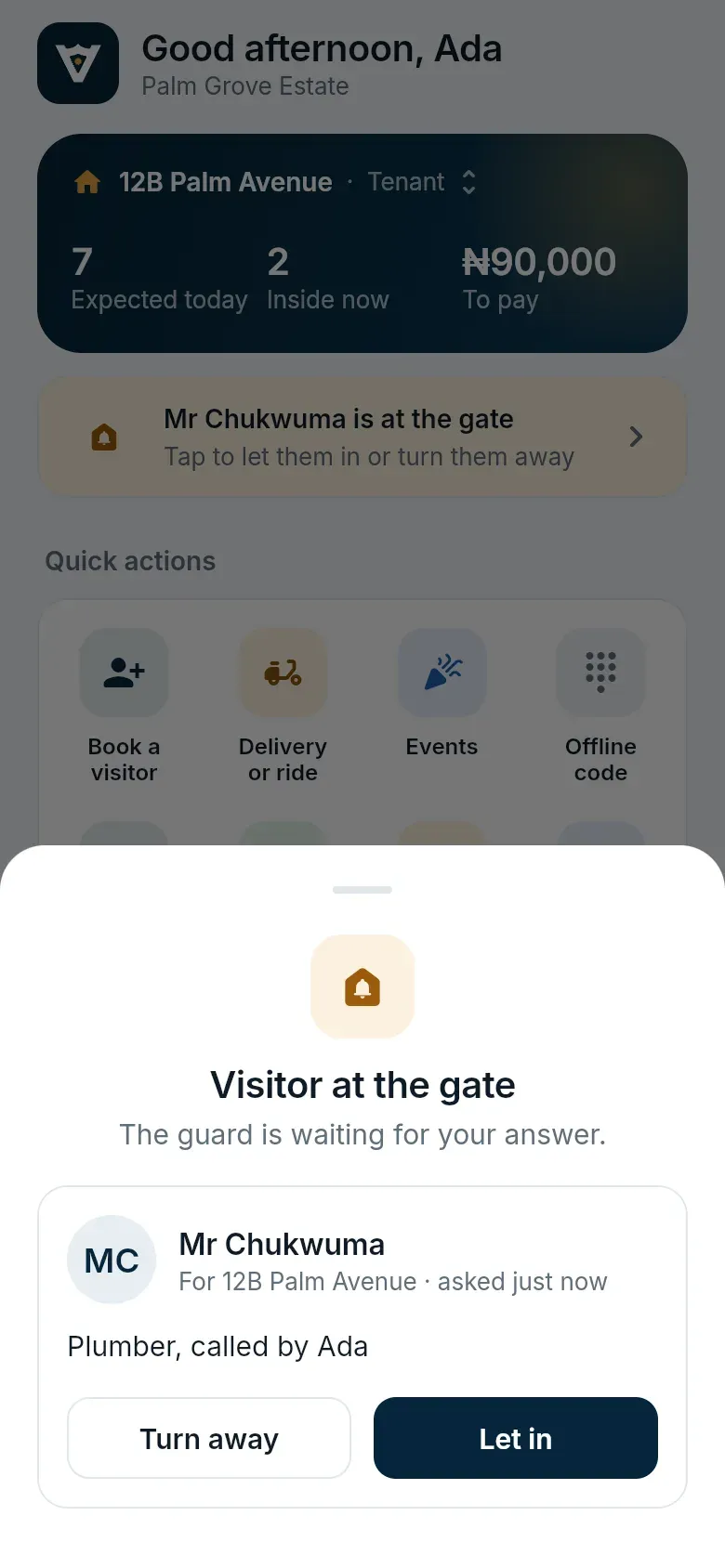
Section titled “Walk-in visitors”When someone arrives without a code, the guard asks your household from the gate. Everyone in the home gets the request; the first person to answer Let in or Turn away decides.
Contractors
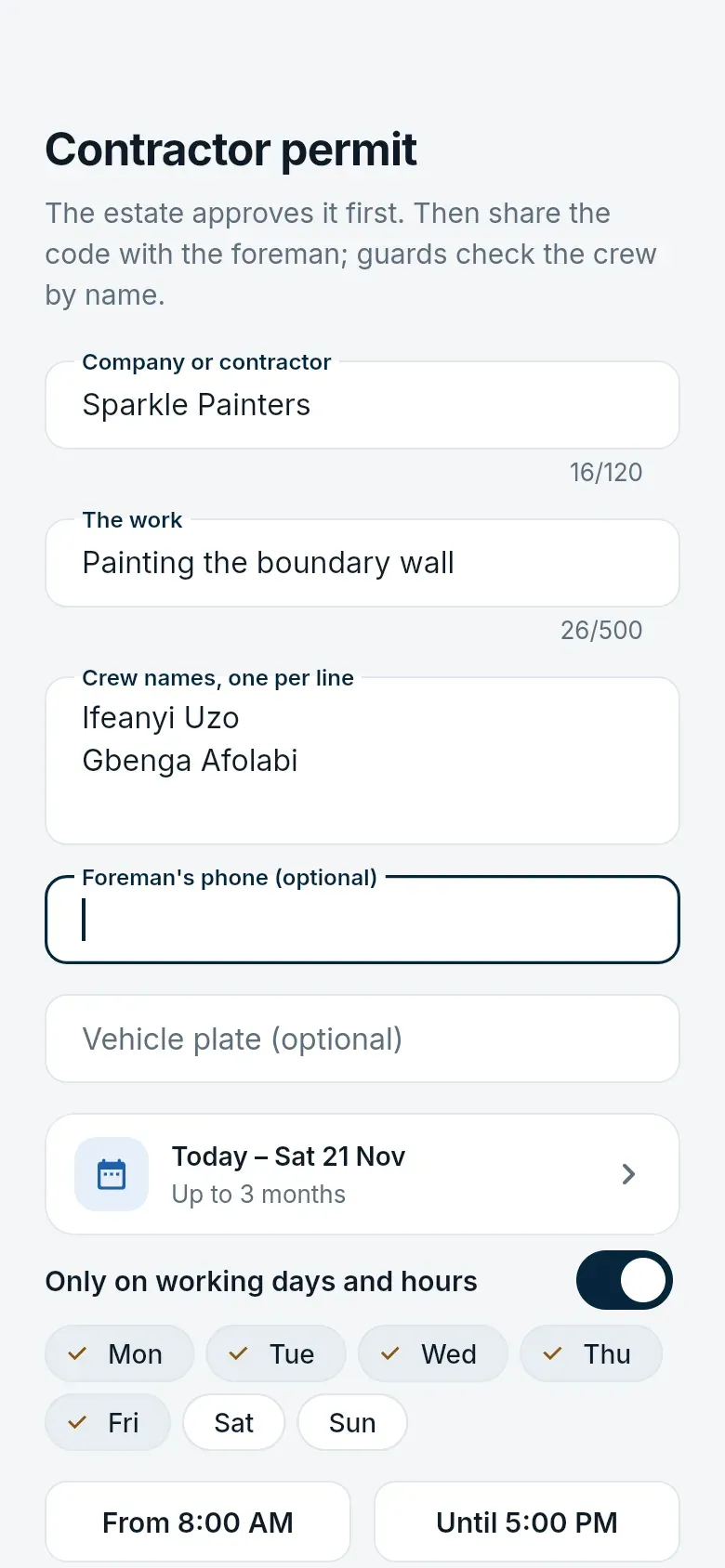
Section titled “Contractors”For a crew working at your home, book a Contractor permit: the company, the work, the crew’s names (up to 20), the dates (up to three months), and optionally the working days and hours. The estate office approves or refuses it, and you are told either way. Once approved, share the code with the foreman; guards check the crew by name.
Your own way in
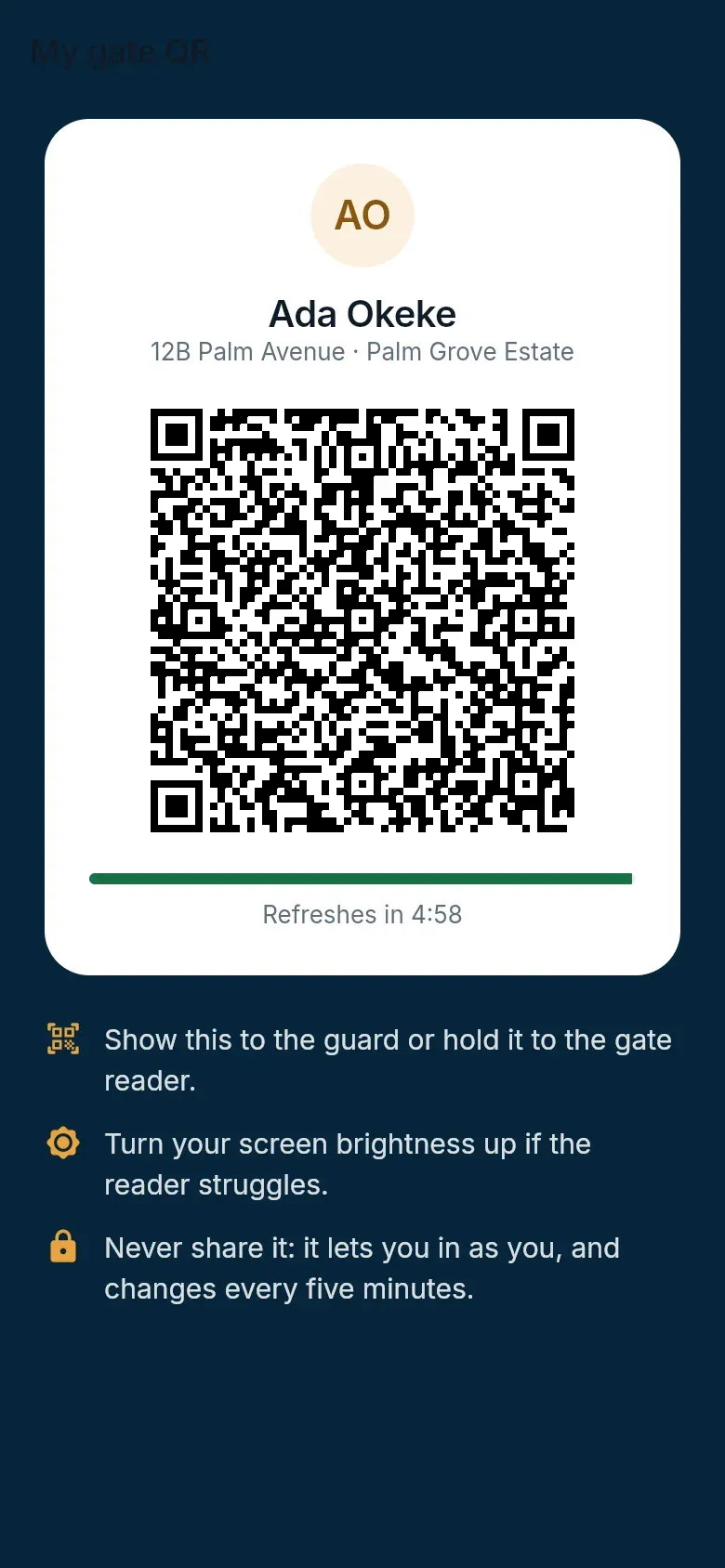
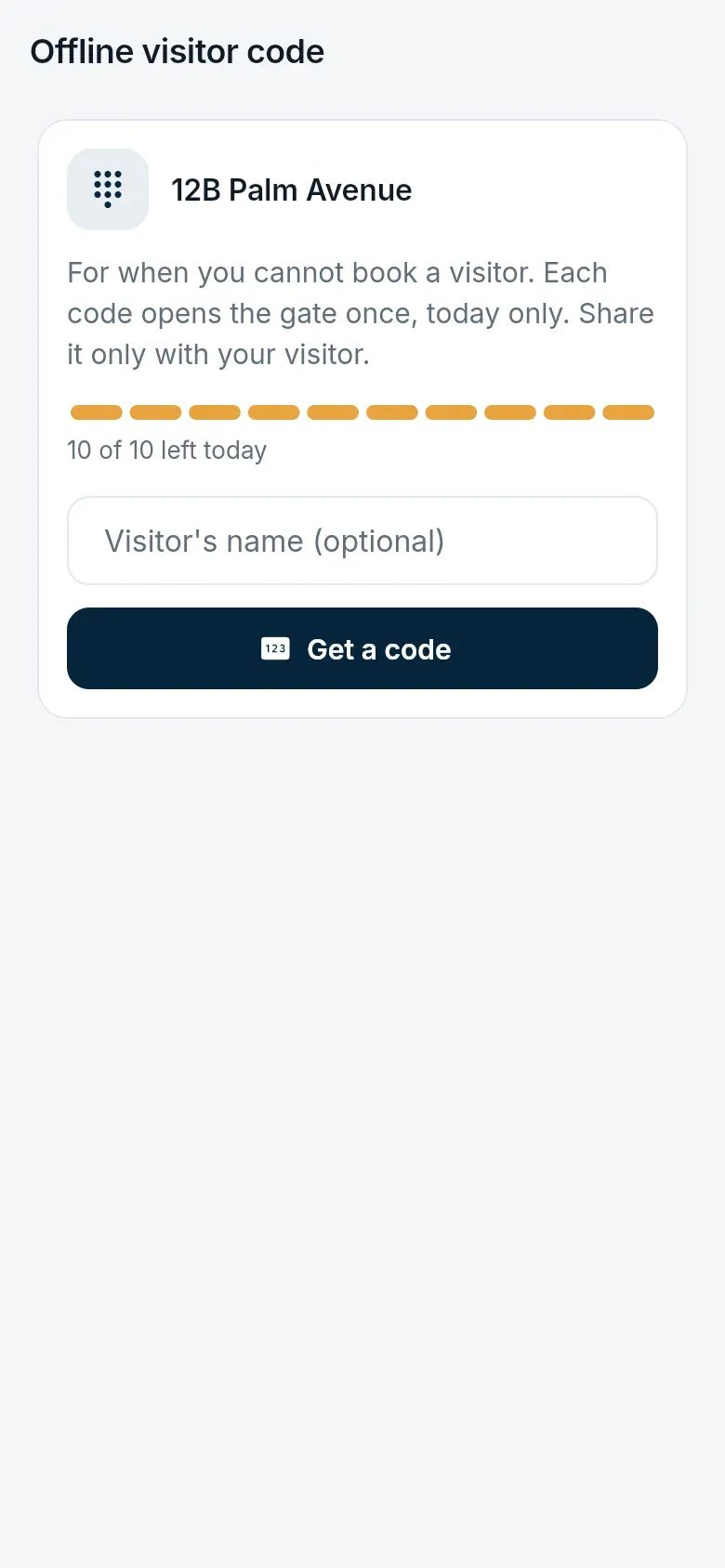
Section titled “Your own way in”My gate QR is your own pass, for unmanned lanes and busy gates. If the internet is down at the gate, use the offline code for your home: an eight-digit code that changes through the day and that the gate can check without a connection.