
Gates and visitors
Visitors and the gate log
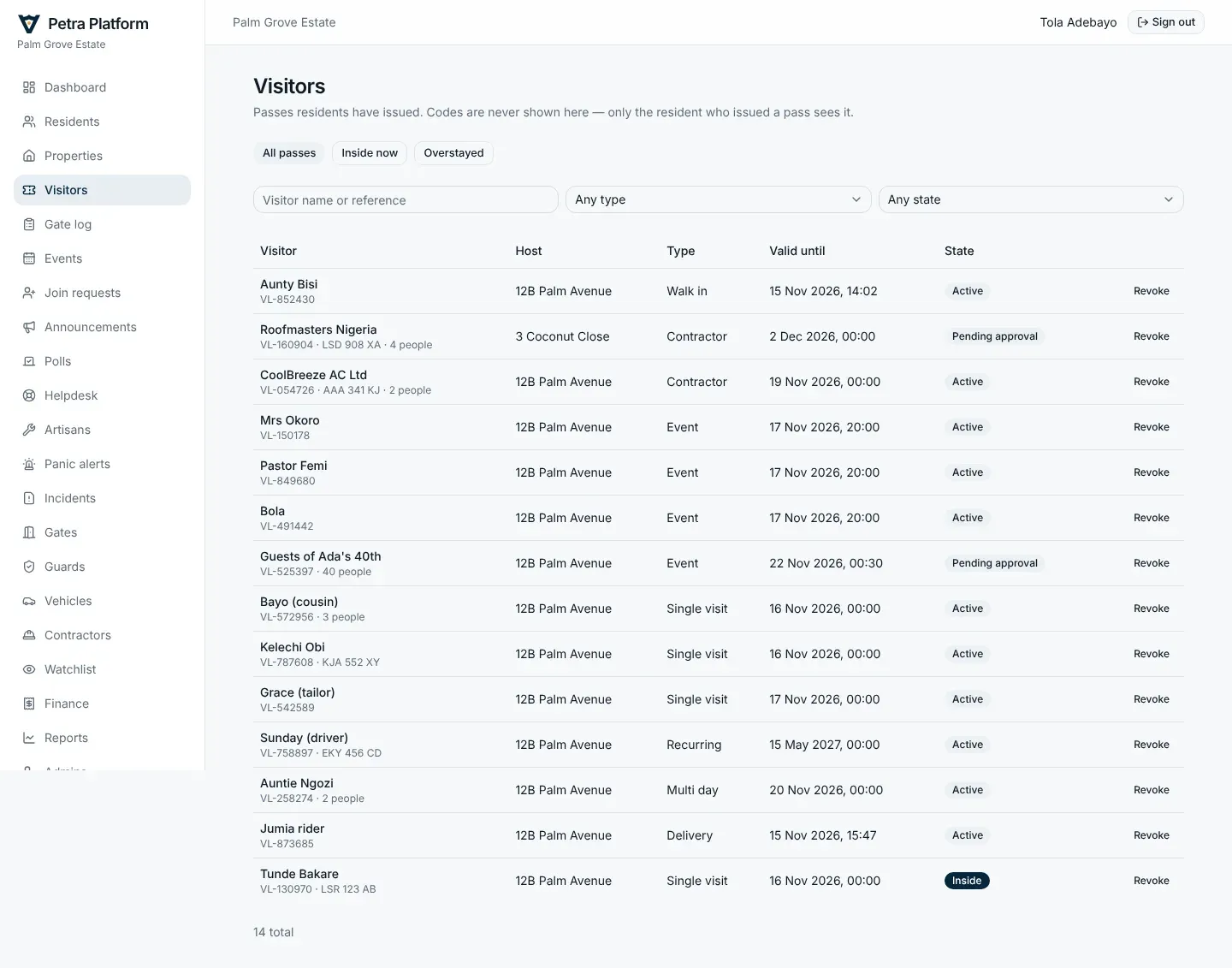
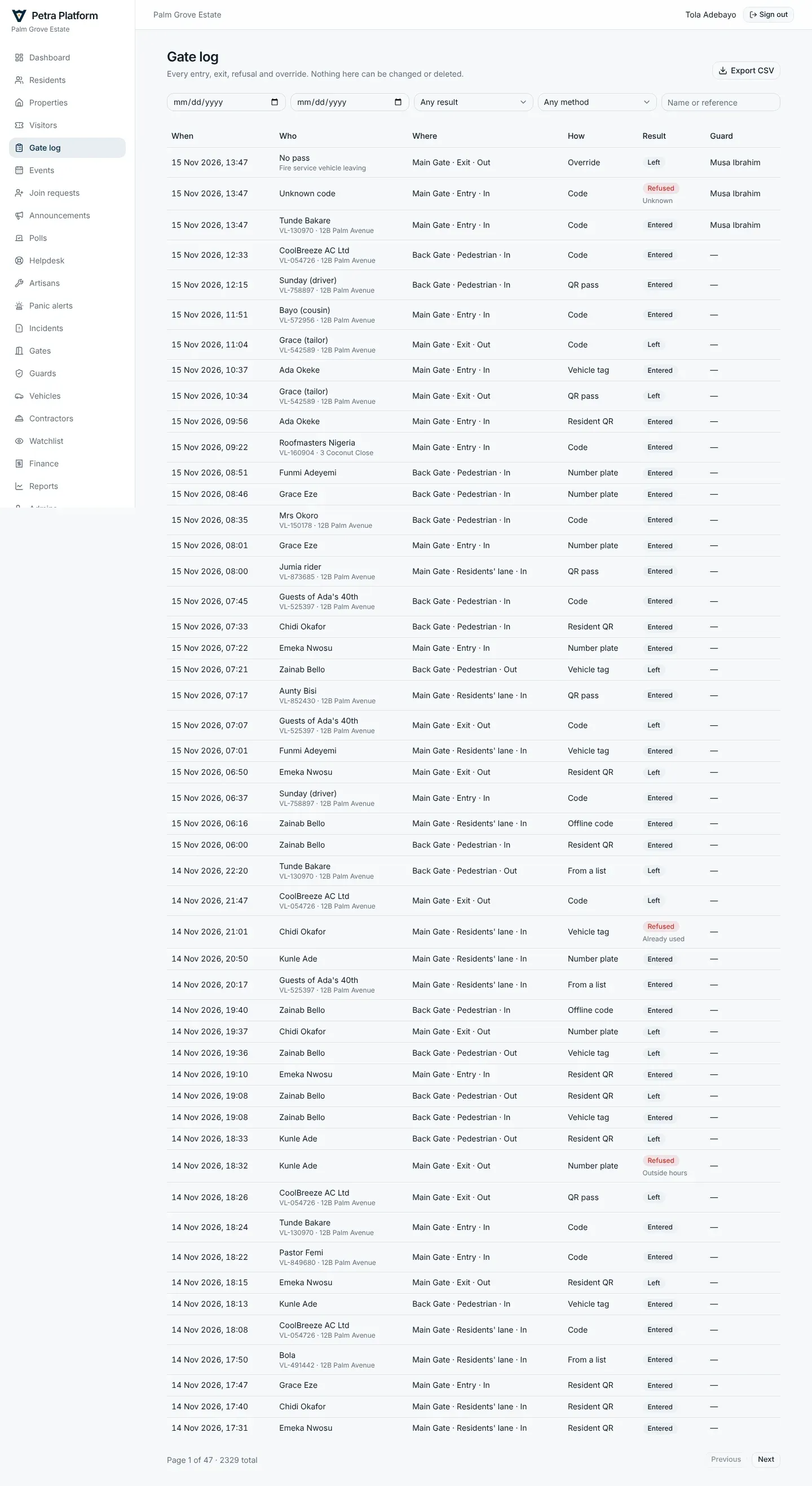
Section titled “Visitors and the gate log”Visitors lists every pass: expected, inside, overstayed and past. Gate log is every entry and exit, how it happened (code, QR, tag, plate, offline code, override) and every refusal with its reason. Both can be filtered and downloaded.
Events
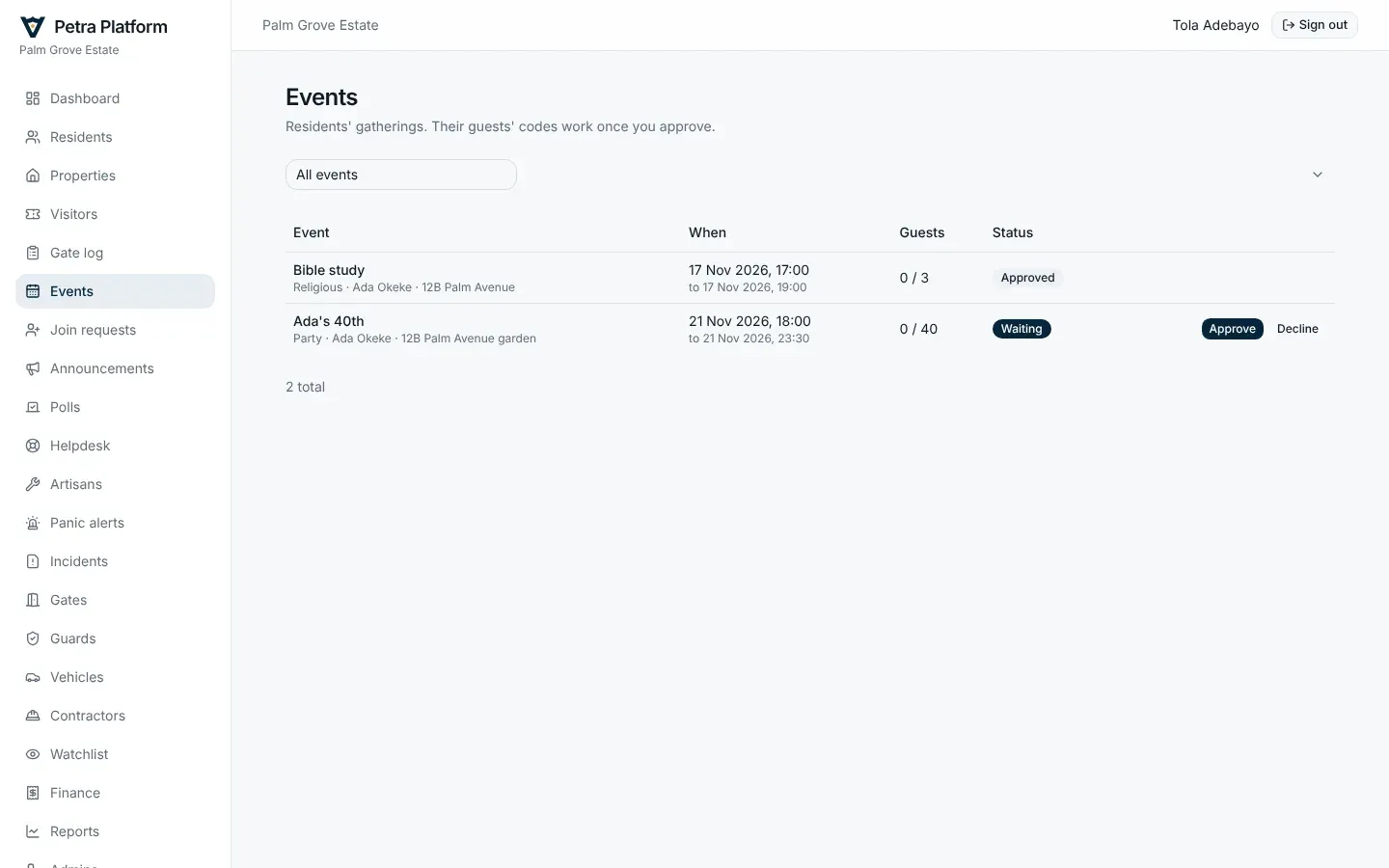
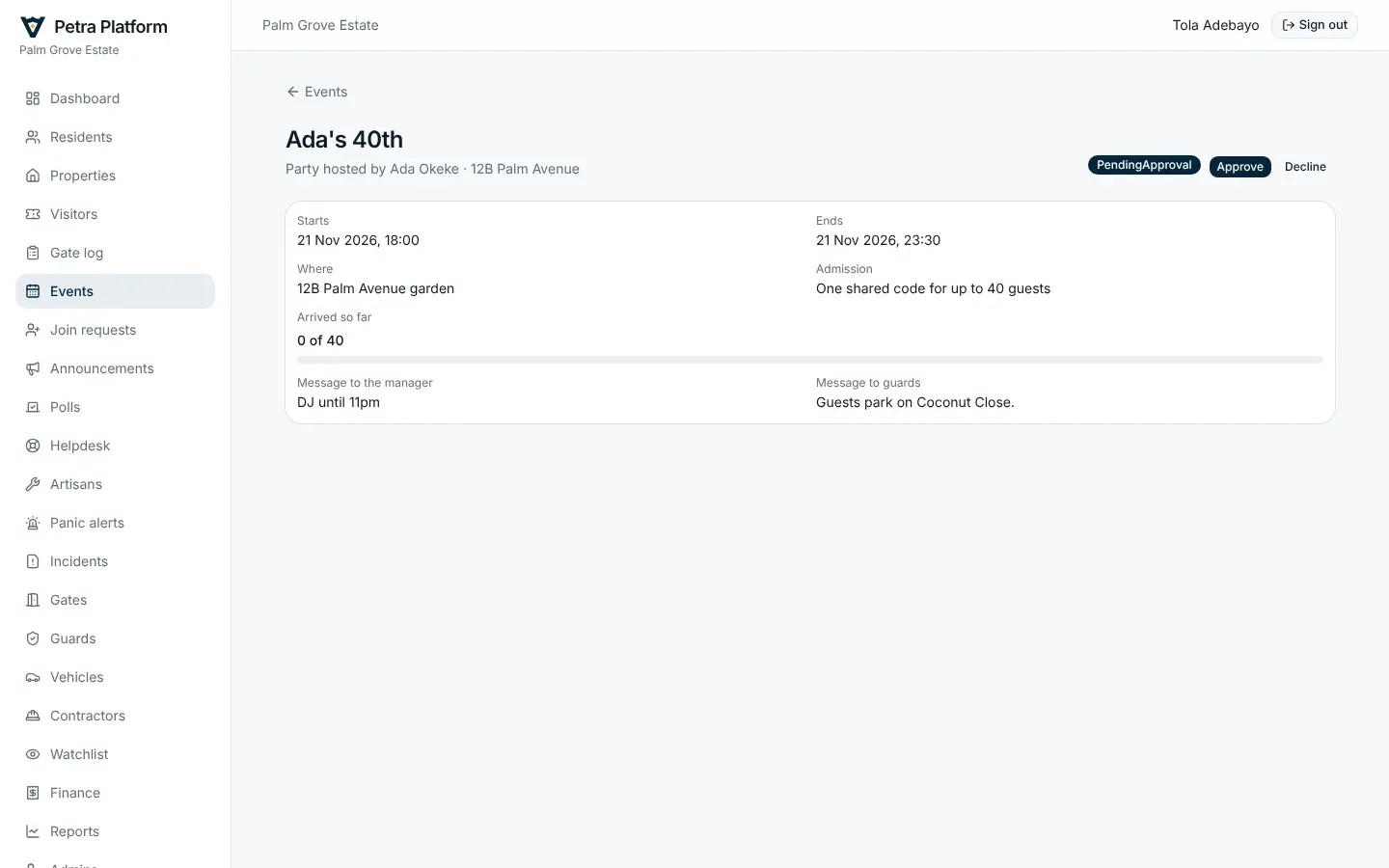
Section titled “Events”Residents’ events show here. If your estate approves events first, approve or decline them; the event page shows guests arriving live.
Watchlist
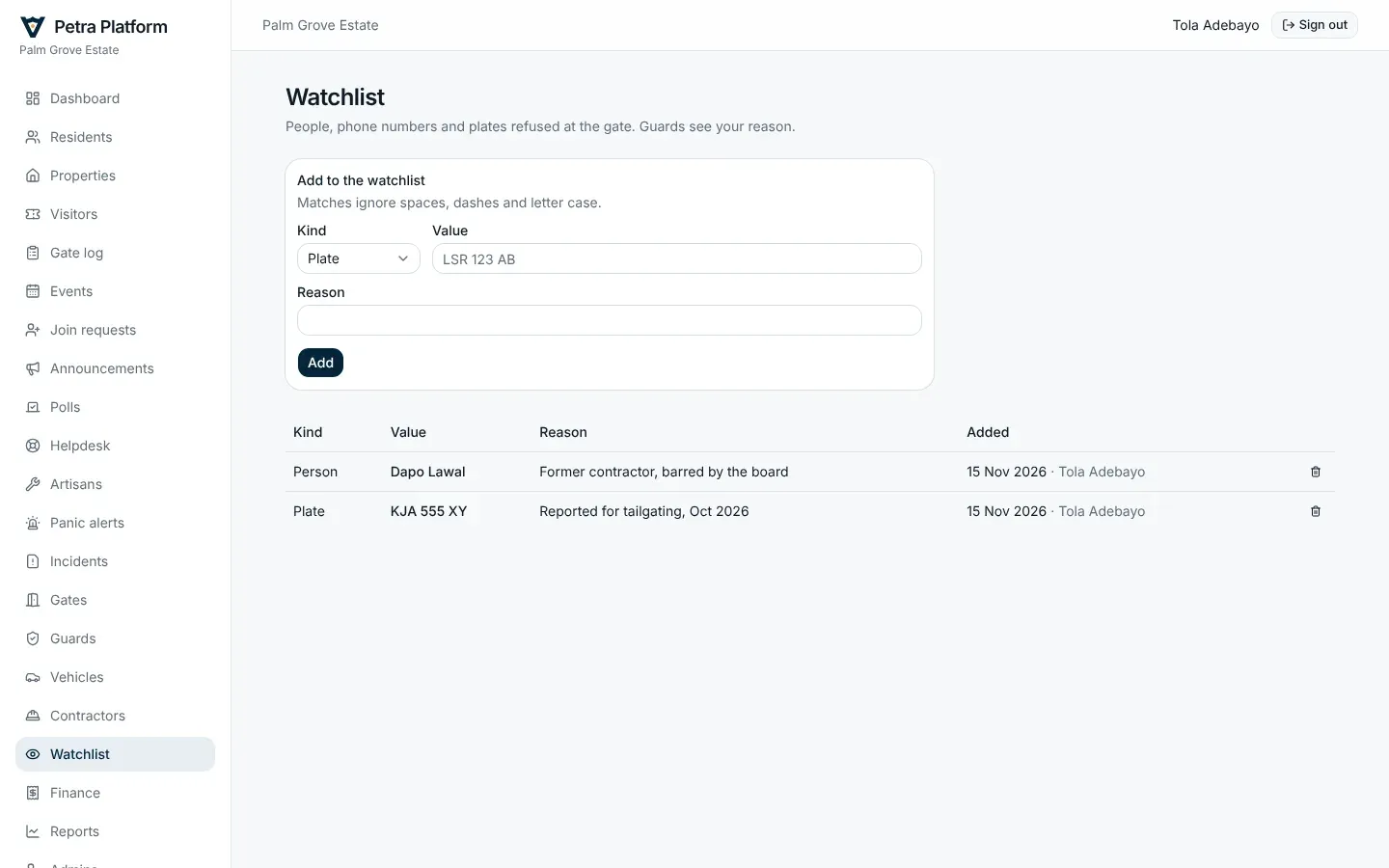
Section titled “Watchlist”People and plates on the watchlist are refused at every gate, and the guard sees why.
Vehicles
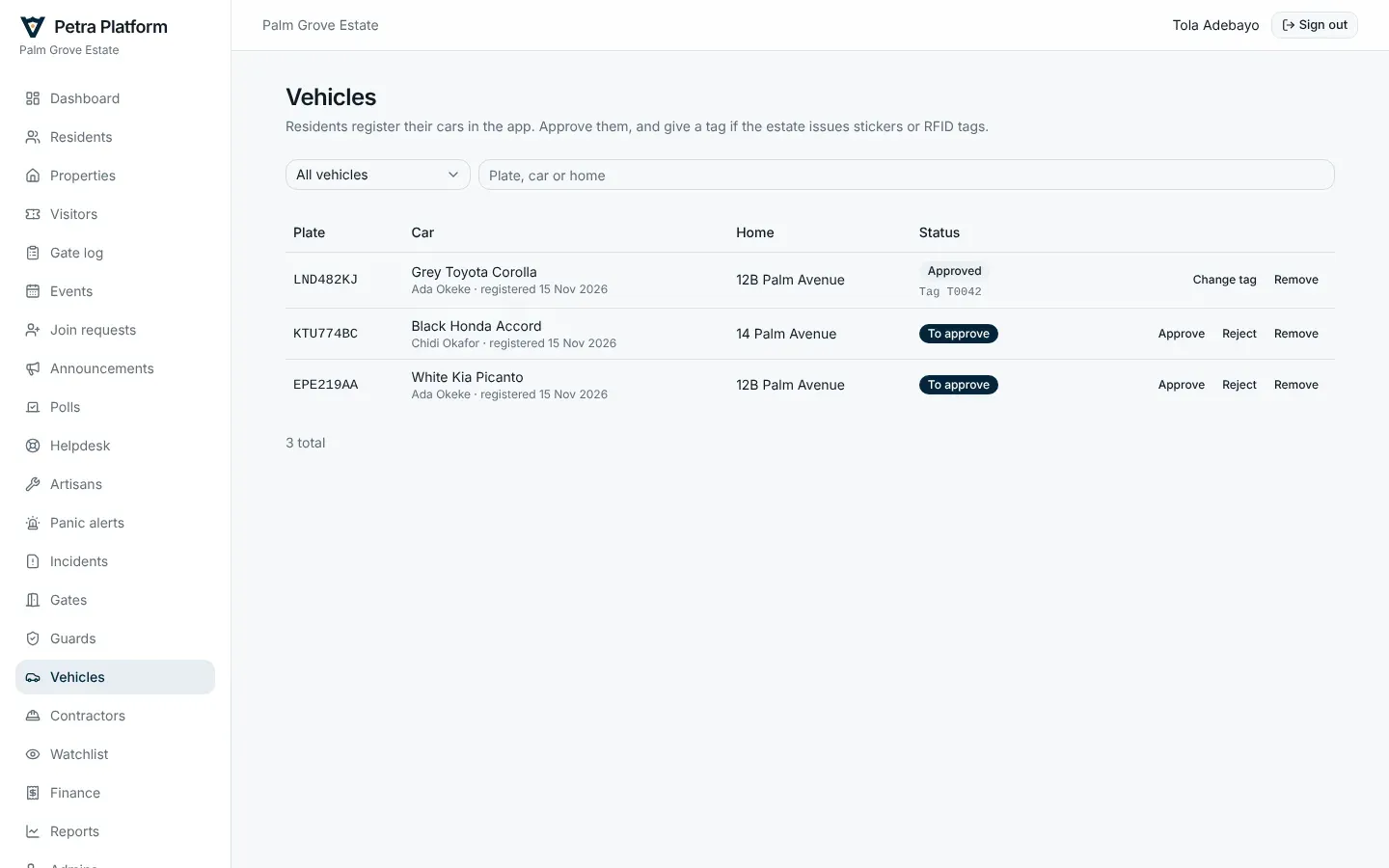
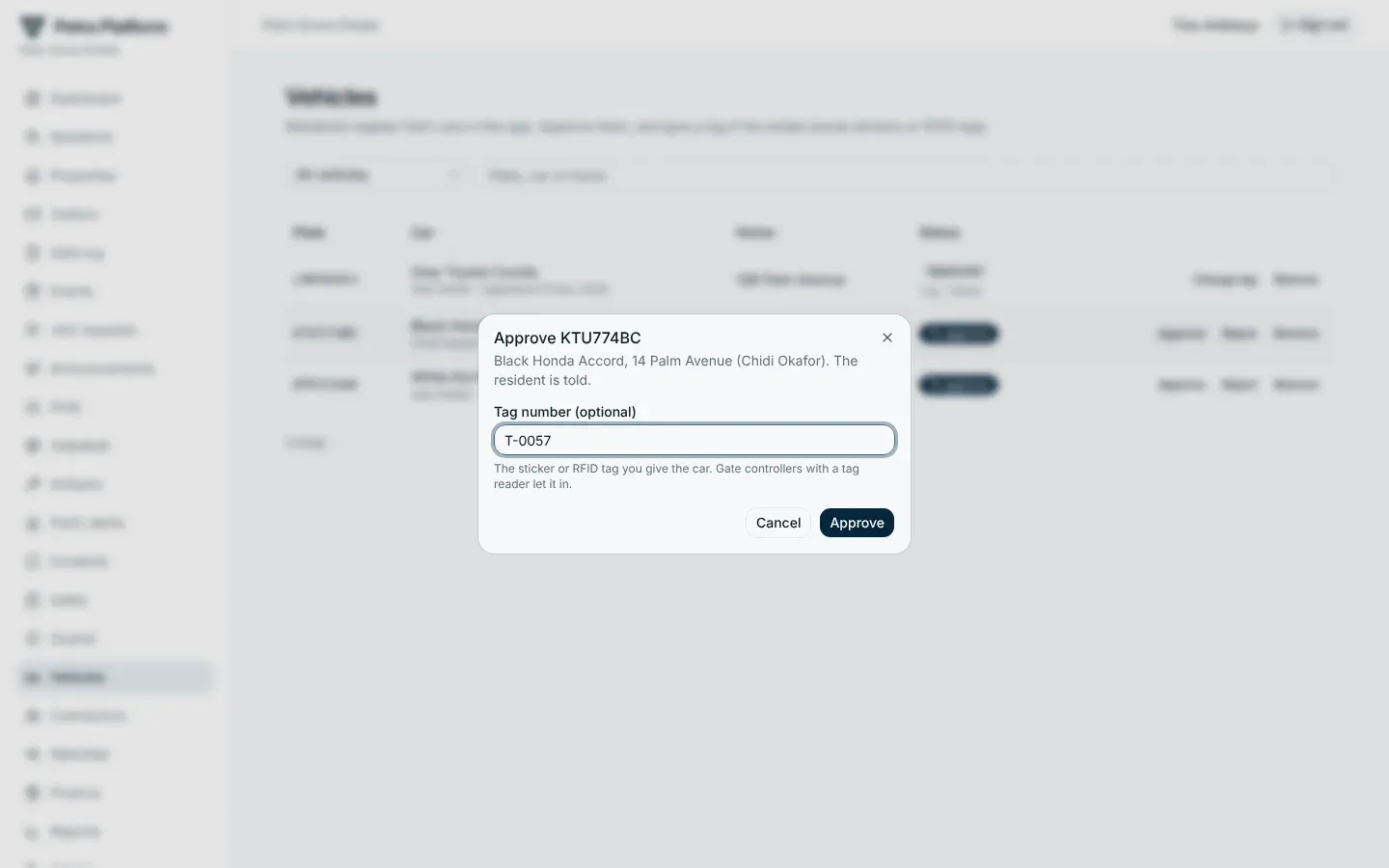
Section titled “Vehicles”Residents register their cars in the app. Approve or reject each one; give it a tag number if the estate issues windscreen stickers or RFID tags. Approved cars open the gate by tag or plate where there are readers or cameras.
Contractor permits
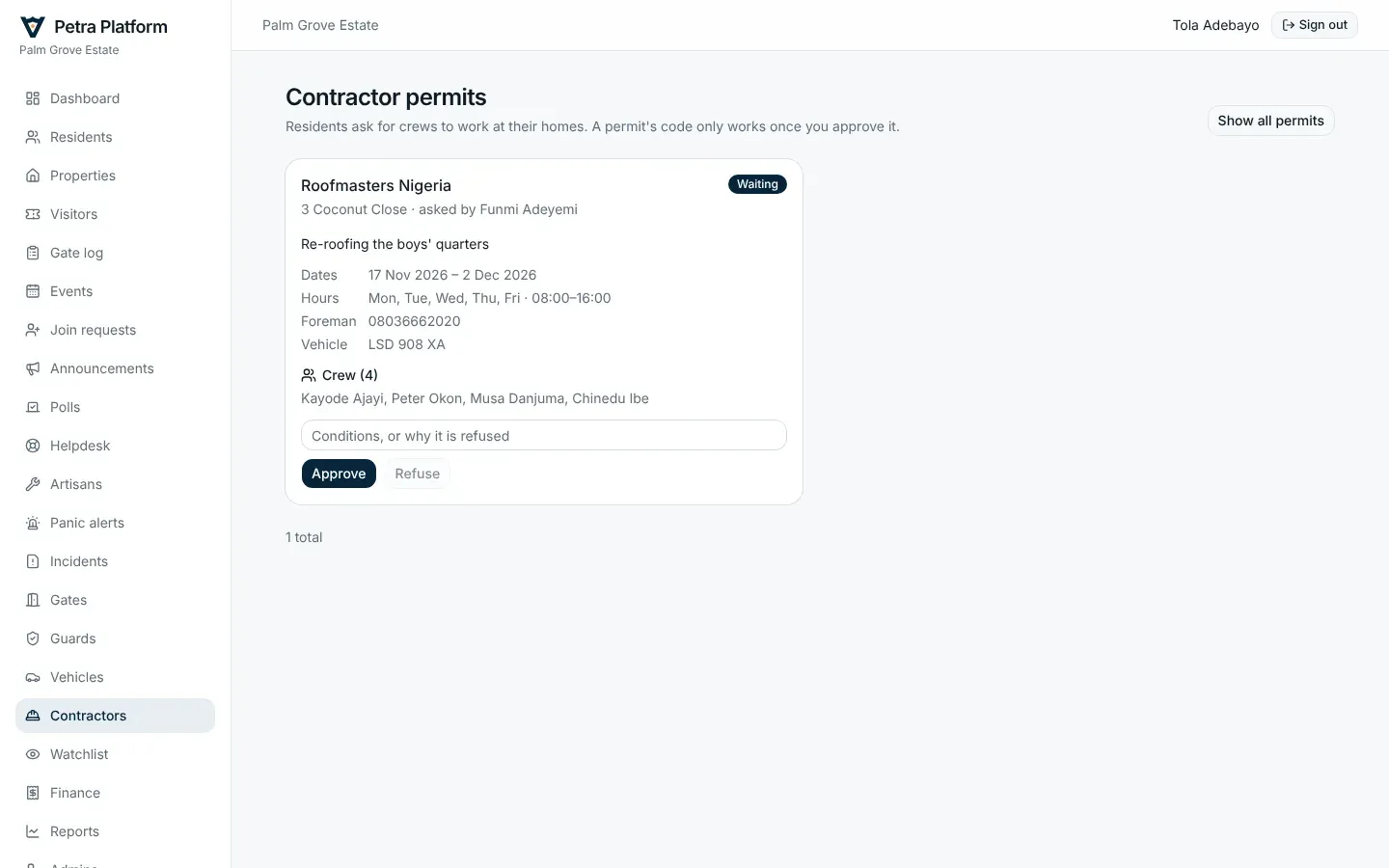
Section titled “Contractor permits”A resident asks for a permit for a crew working at their home. Check the company, the work, the dates, the hours and the crew, then approve (with a condition if you like) or refuse with a reason. The resident is told either way.
Gates and controllers
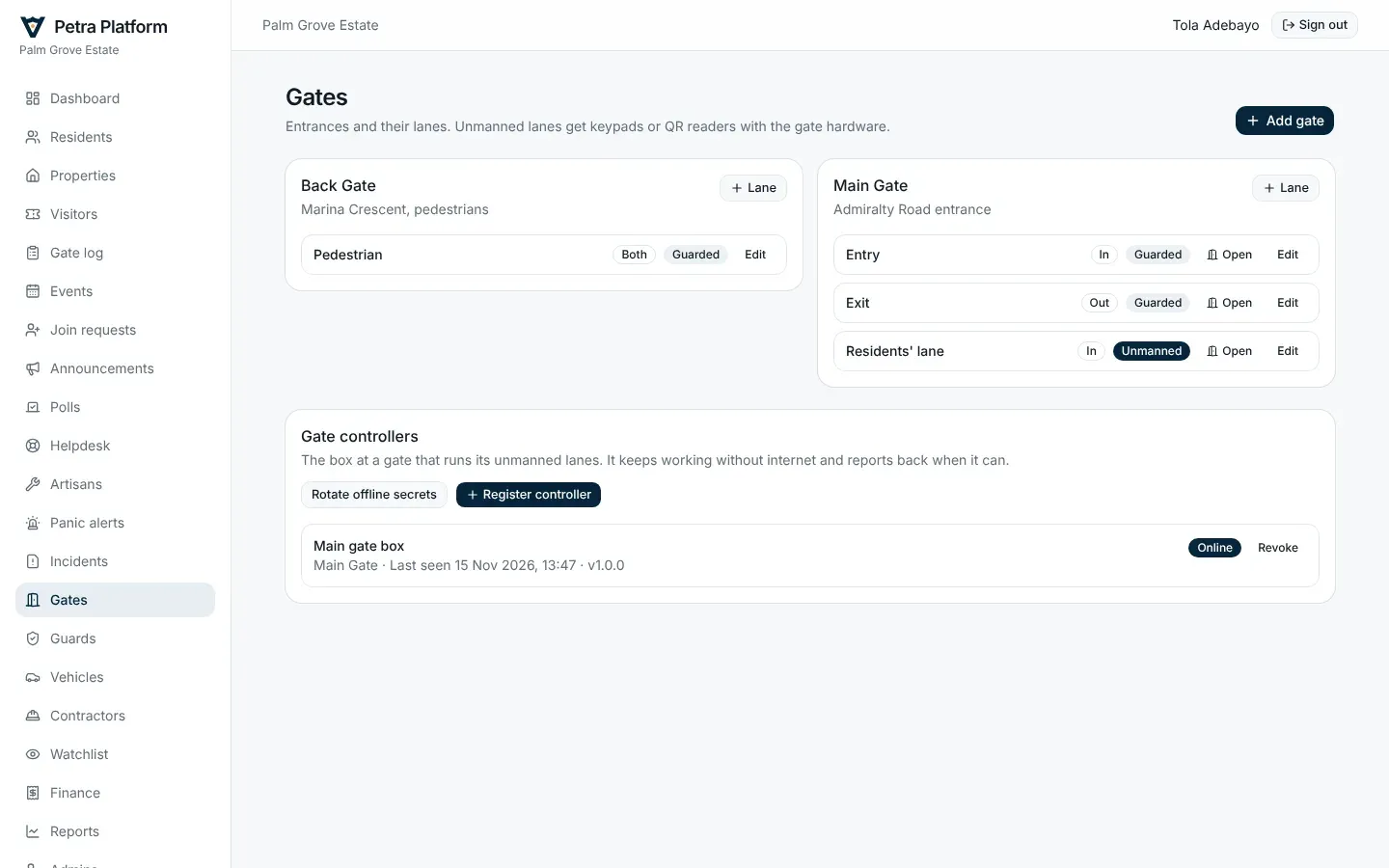
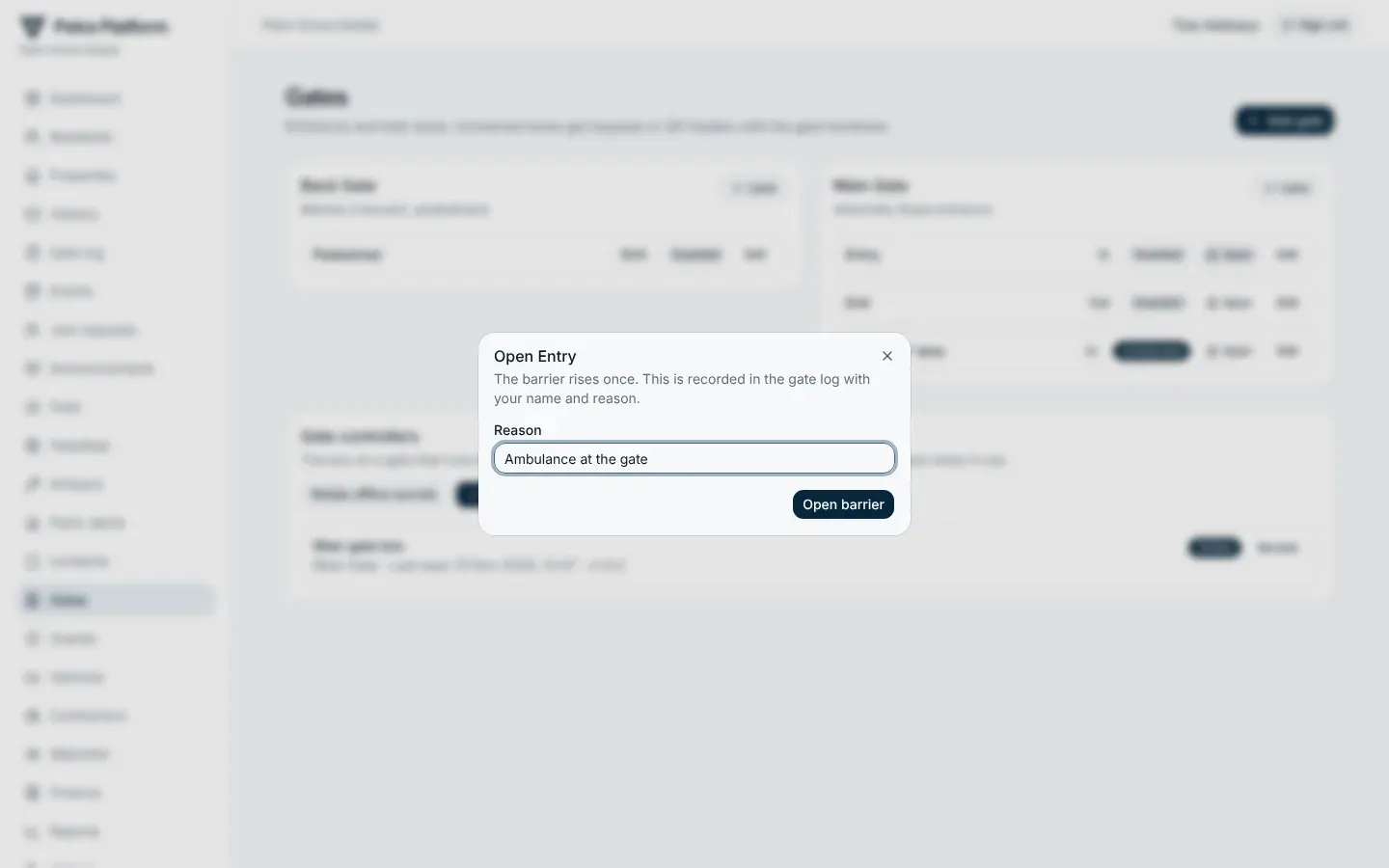
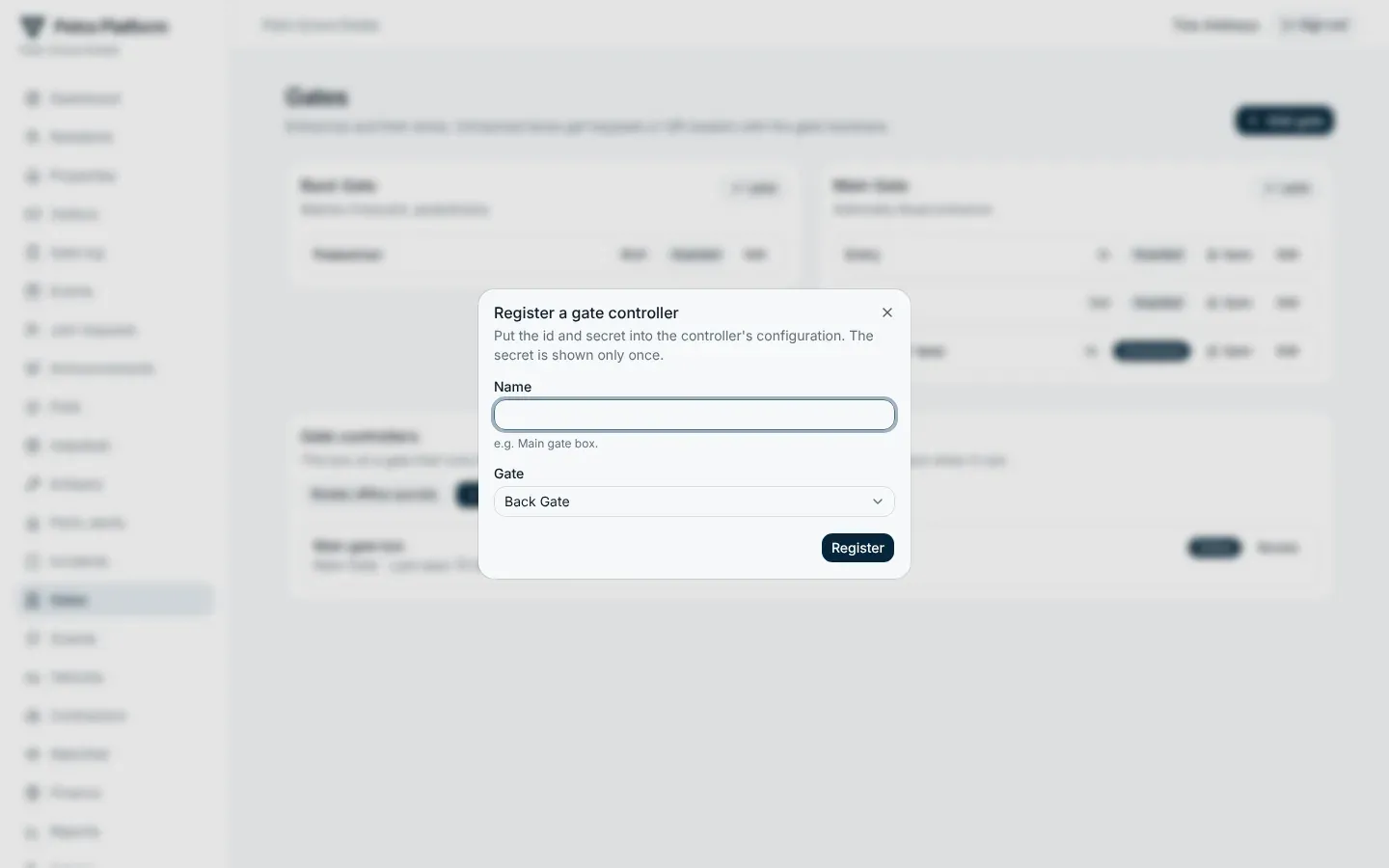
Section titled “Gates and controllers”Gates lists the estate’s gates and their lanes (in, out or both; guarded or unmanned), and the gate controllers that run unmanned lanes. From here you can open a barrier remotely (with a reason, logged), register a controller, revoke one, and rotate the offline secrets.