
Household, vehicles and safety
Account
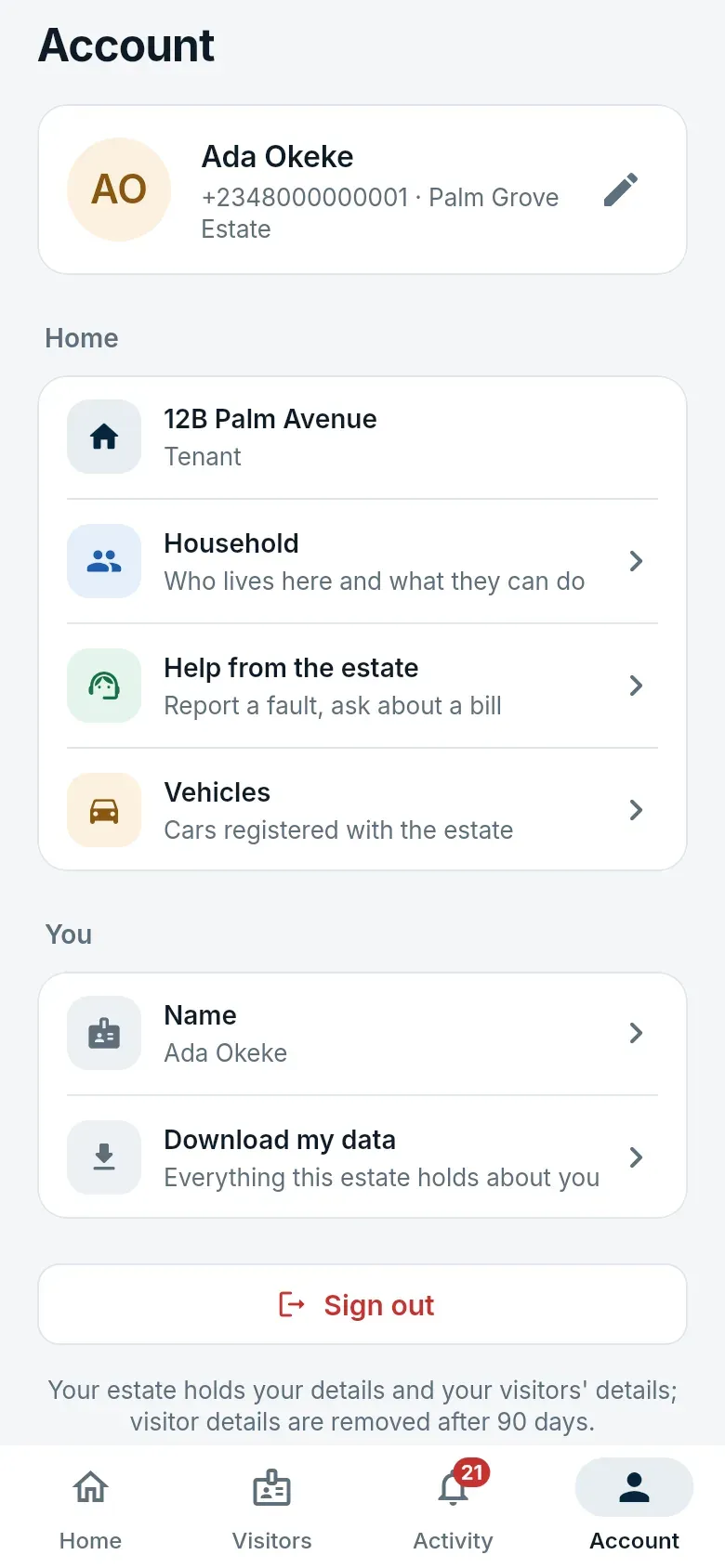
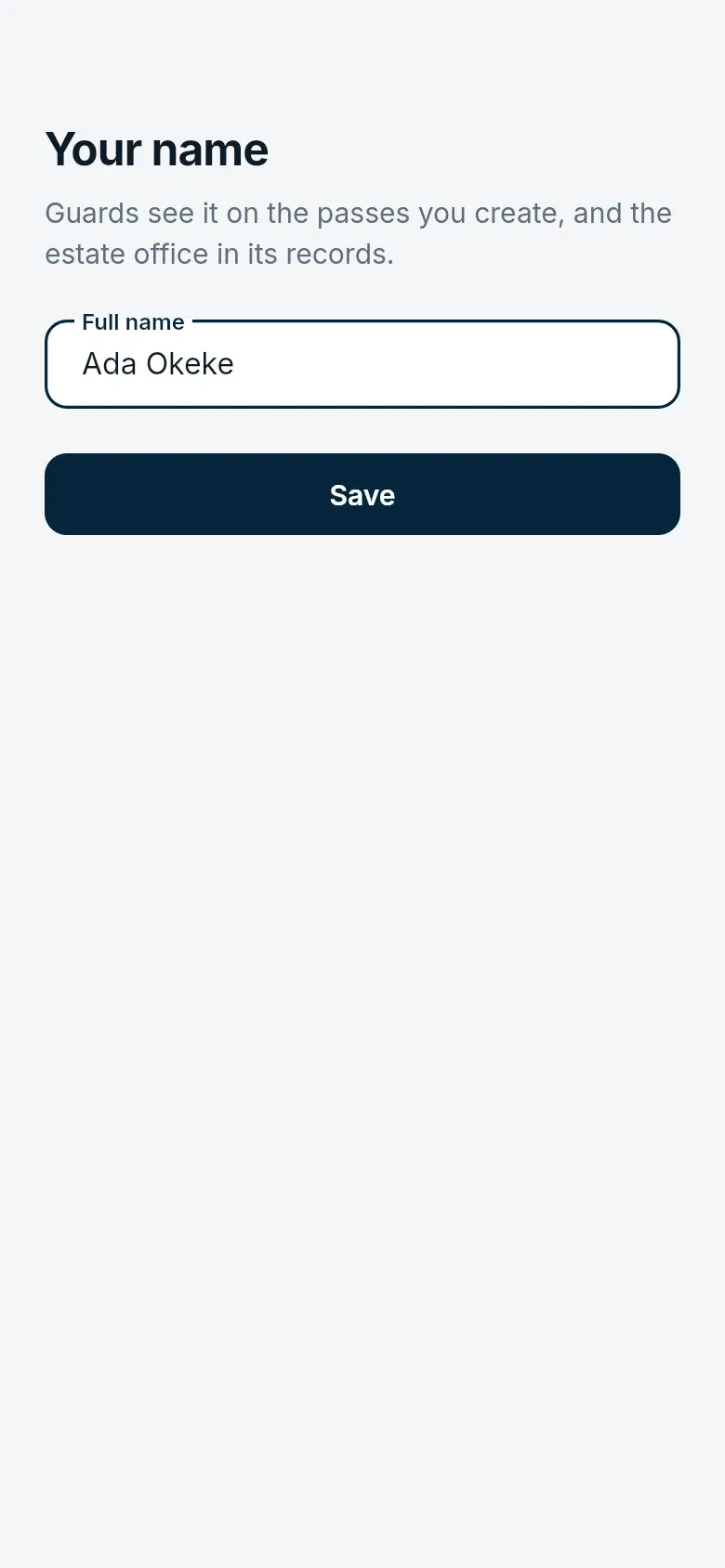
Section titled “Account”Account has your name, the home you are acting for, your household, your vehicles, and help from the estate.
Household
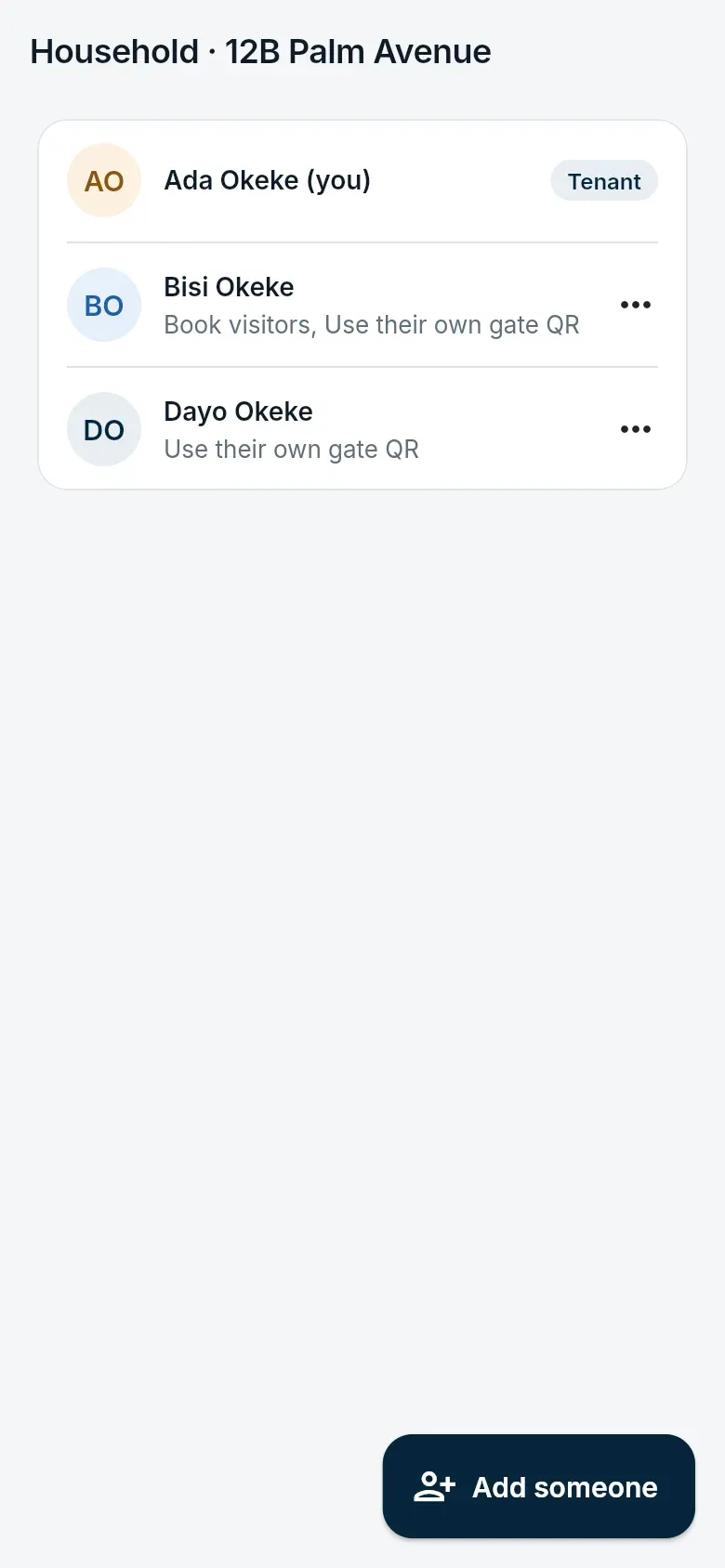
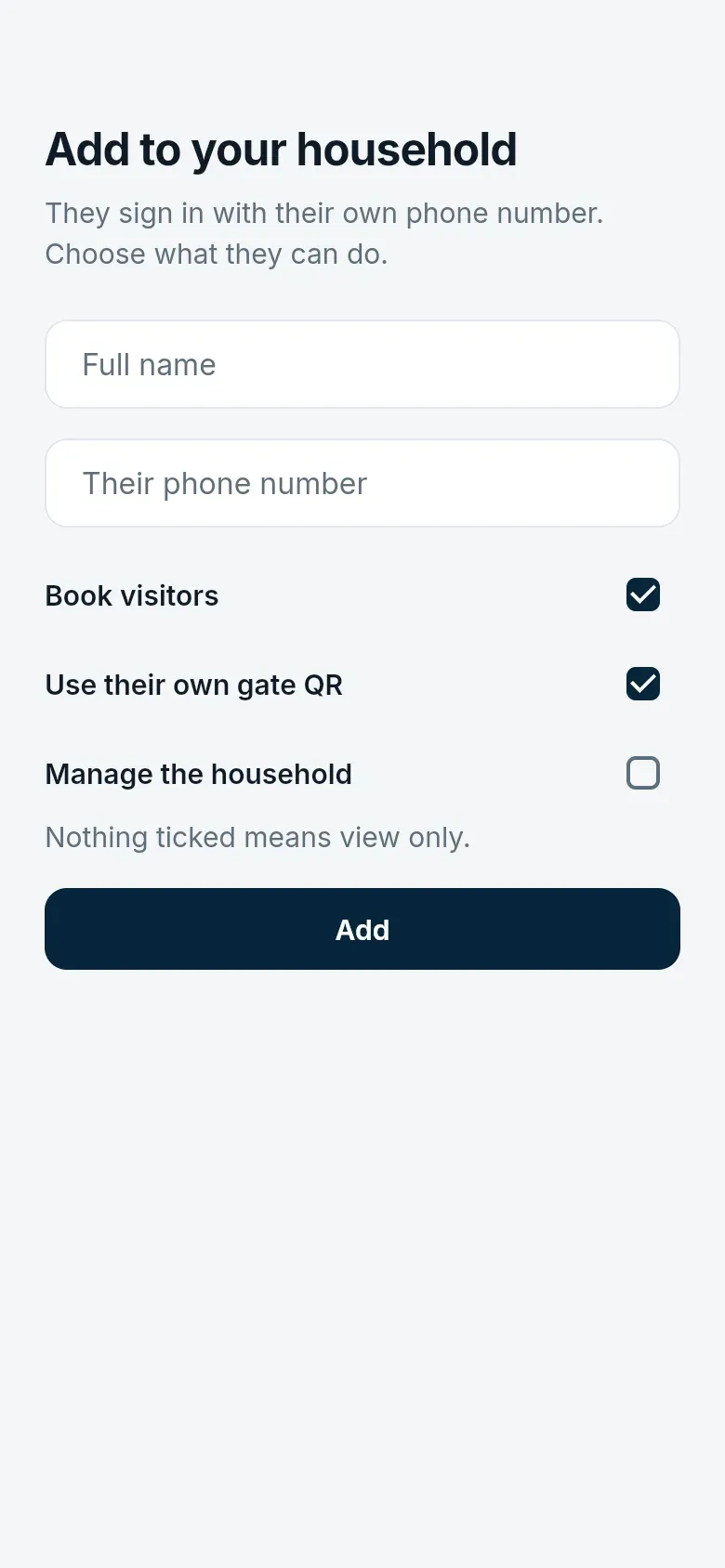
Section titled “Household”Landlords and tenants add the people who live with them. Each signs in with their own phone number, and you choose what they can do: book visitors, use their own gate QR, or manage the household.
Vehicles
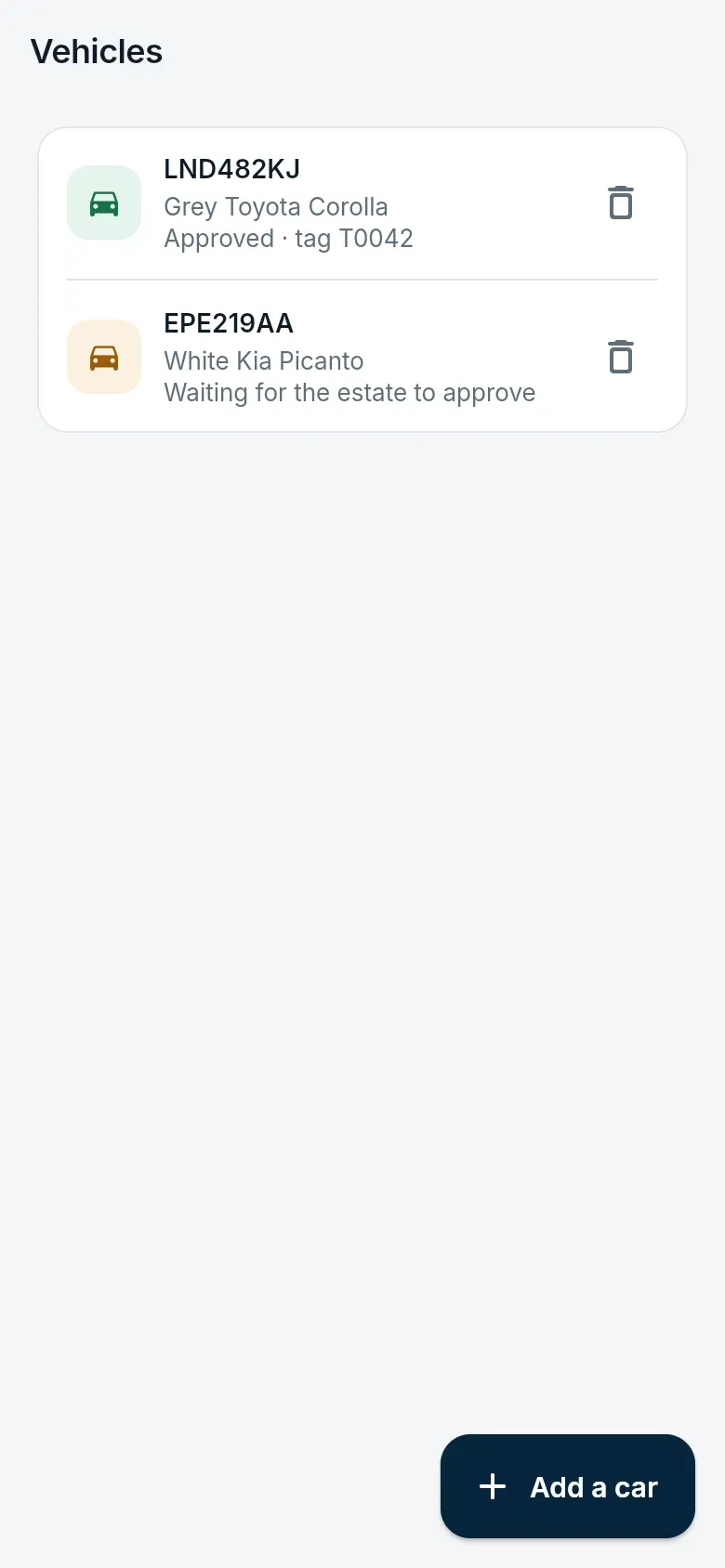
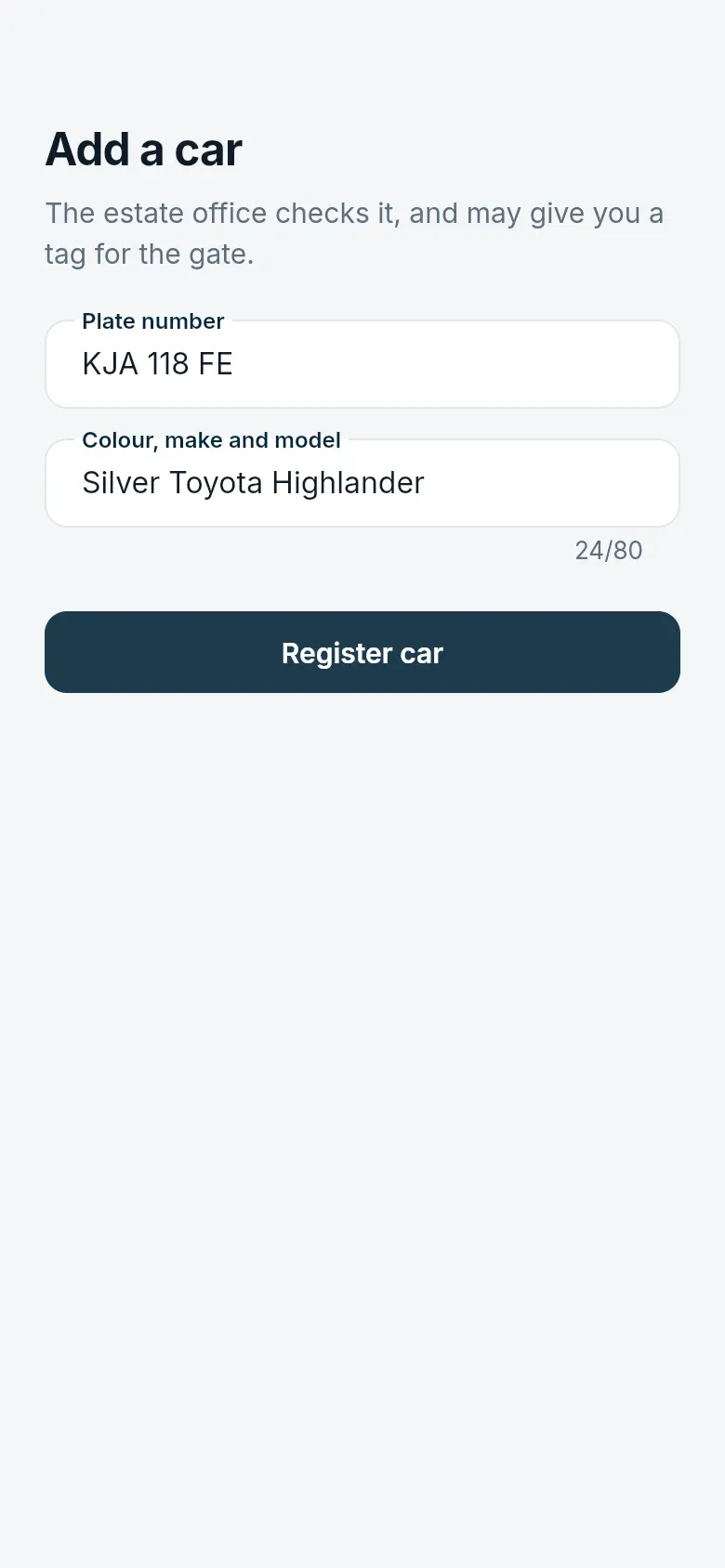
Section titled “Vehicles”Register your cars under Account → Vehicles. The estate office approves each one and may give it a tag (a windscreen sticker or RFID tag). An approved car can then be let in by its tag or its number plate at gates with readers or cameras — even when the internet is down — for as long as you live there.
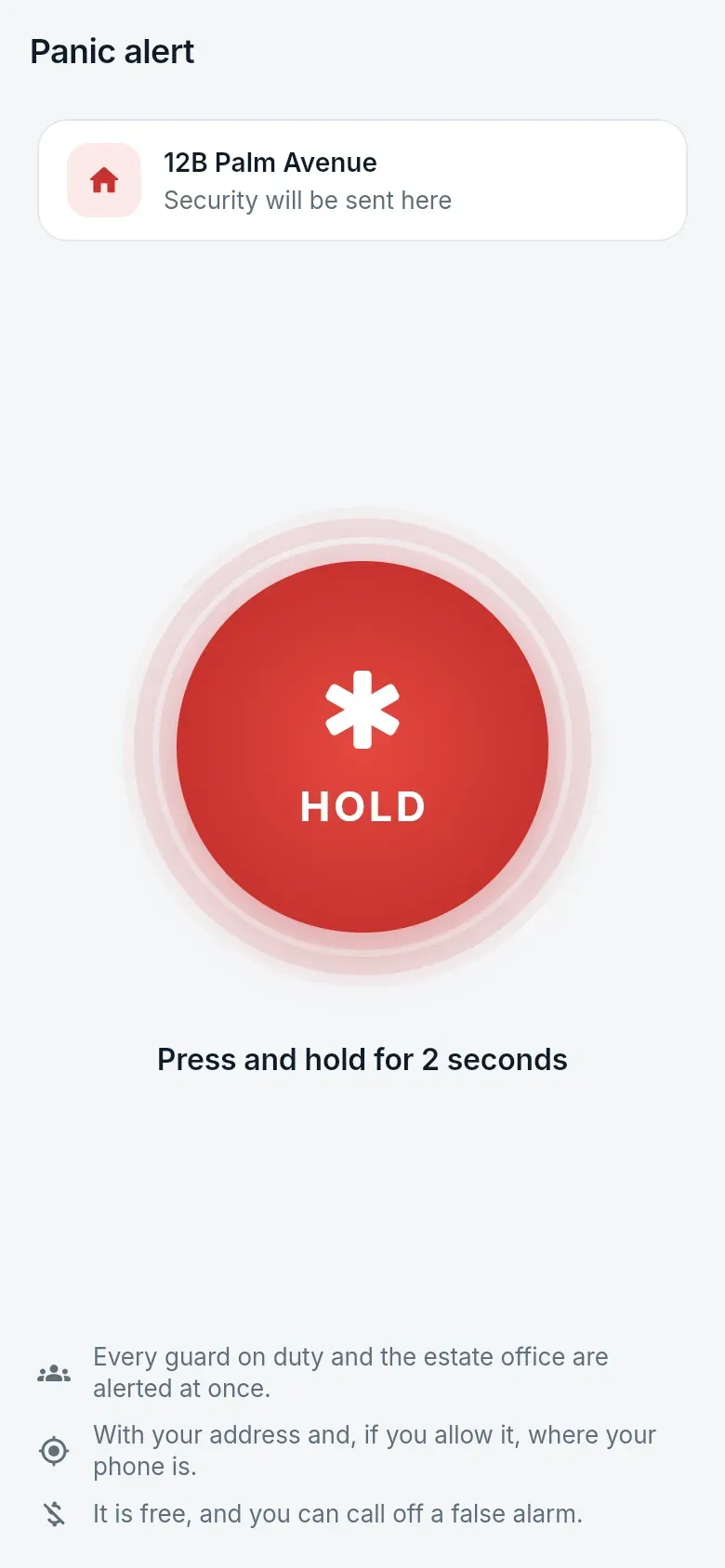
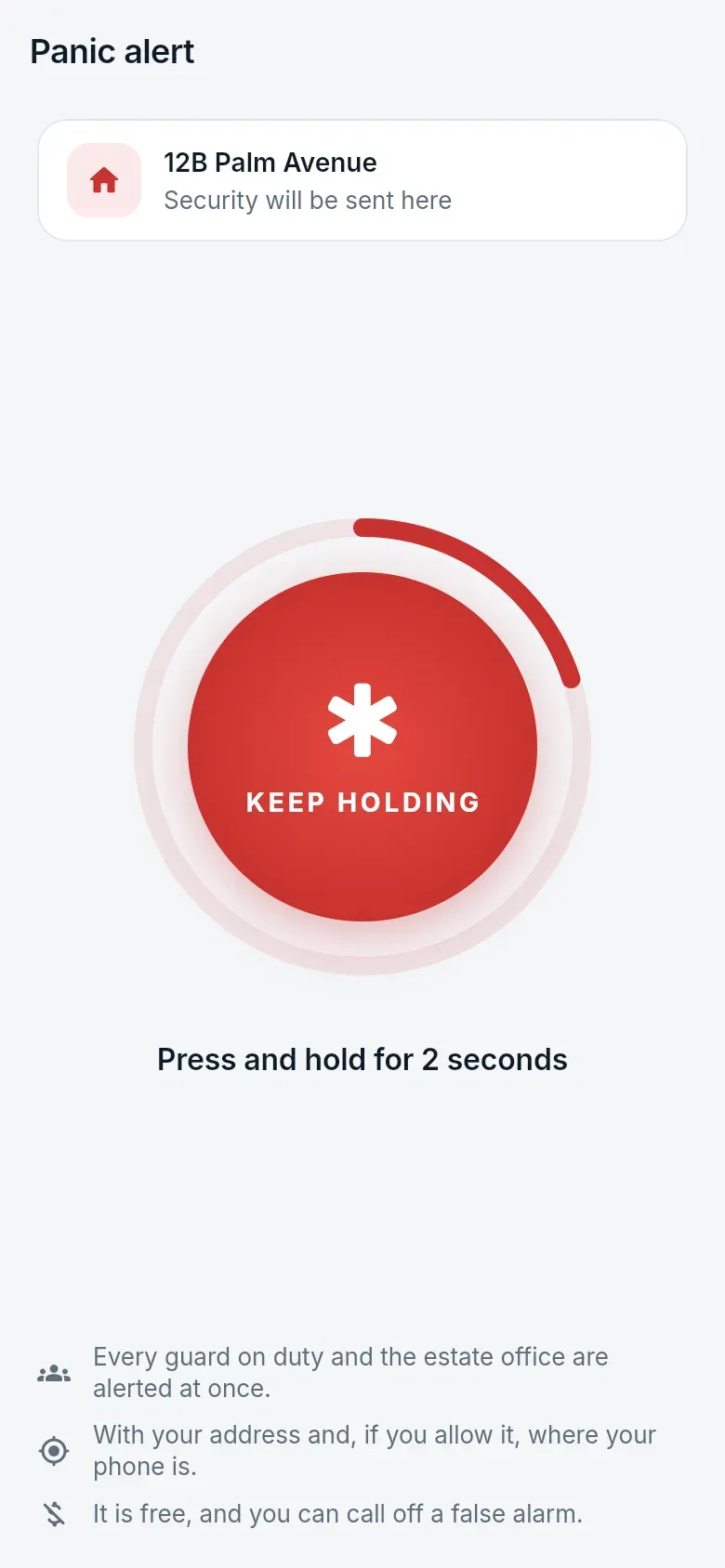
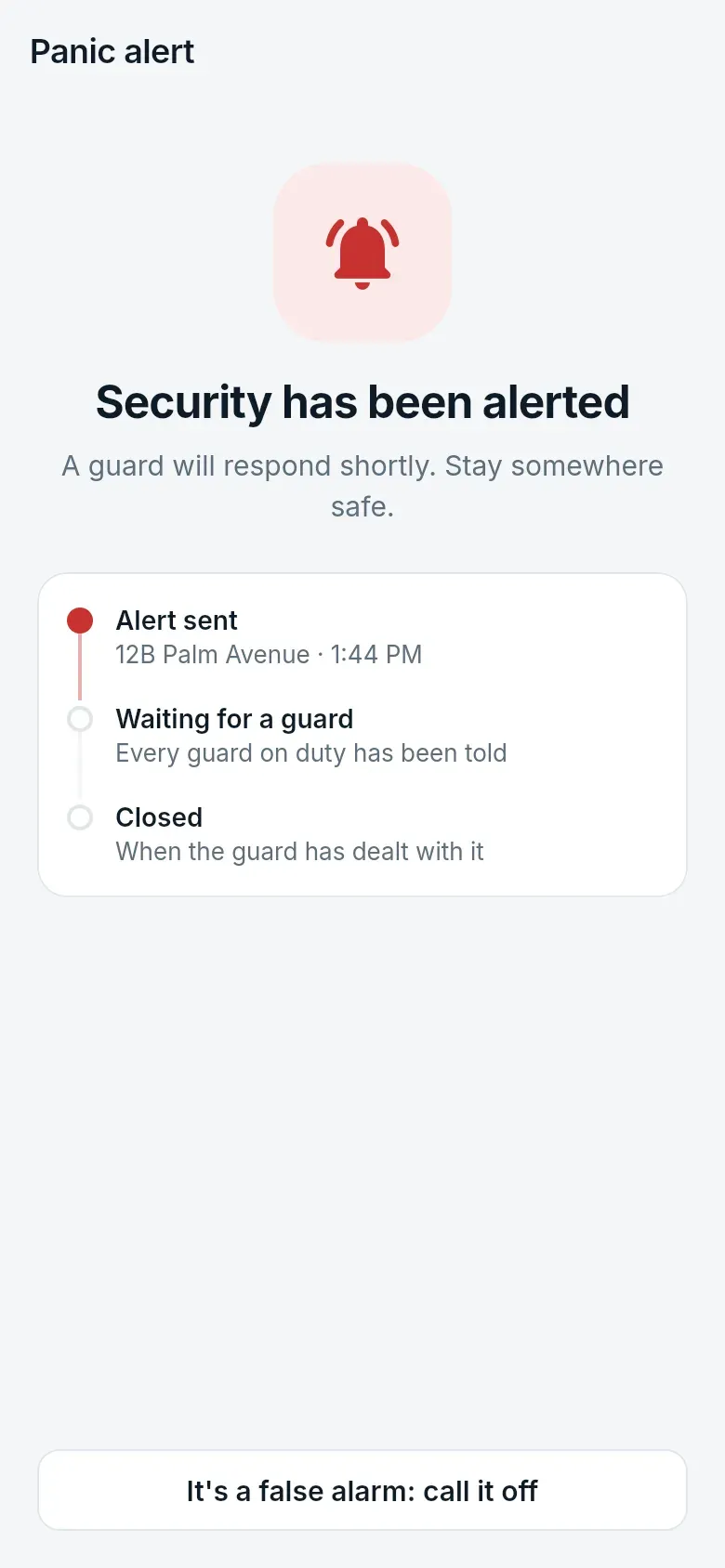
Panic alert
Section titled “Panic alert”Press and hold the Emergency button on Home (or open Panic) for three seconds. Every guard on duty is alerted at once with your home’s name and, if you allow it, your phone’s location. You see when a guard is on the way.