
Dues and finance
Getting paid
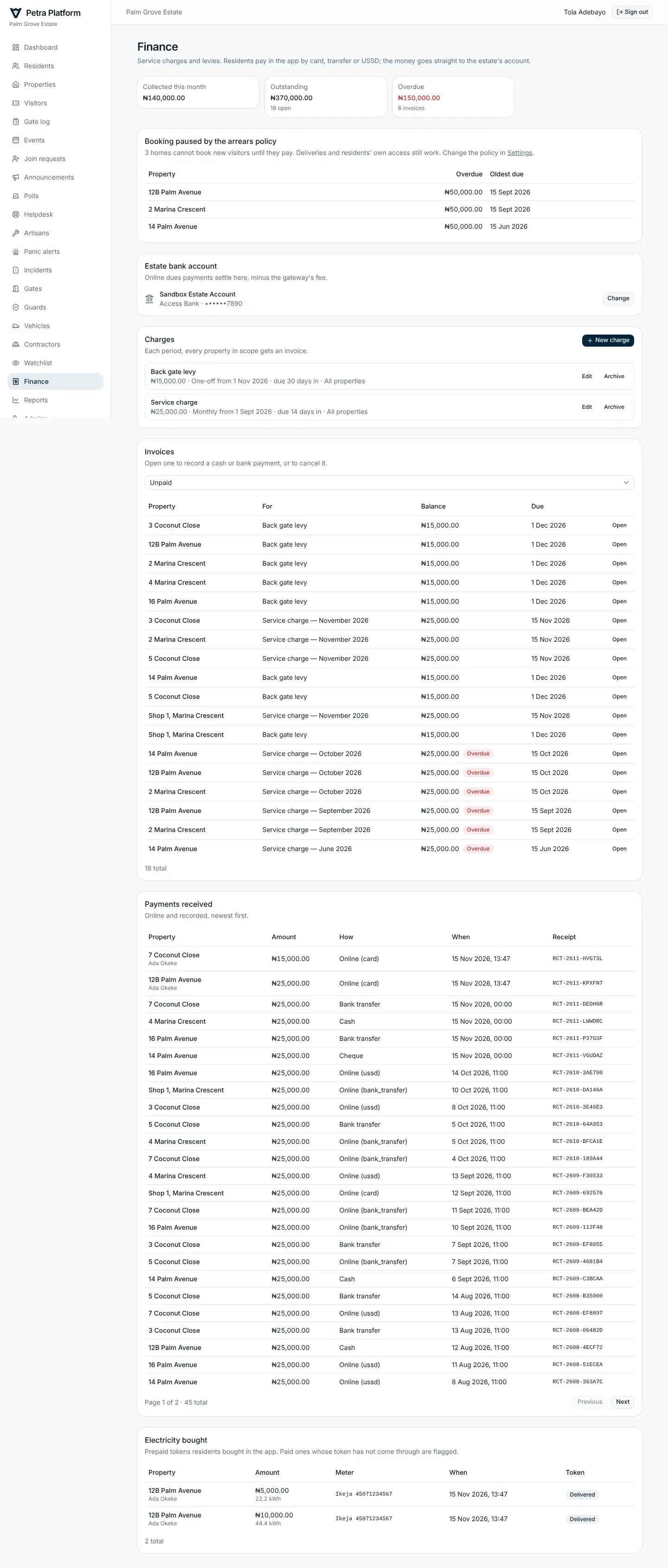
Section titled “Getting paid”- Under Finance, add the estate’s payout account. The account name is checked with the bank; residents’ online payments settle straight into it. Petra Platform never holds residents’ money.
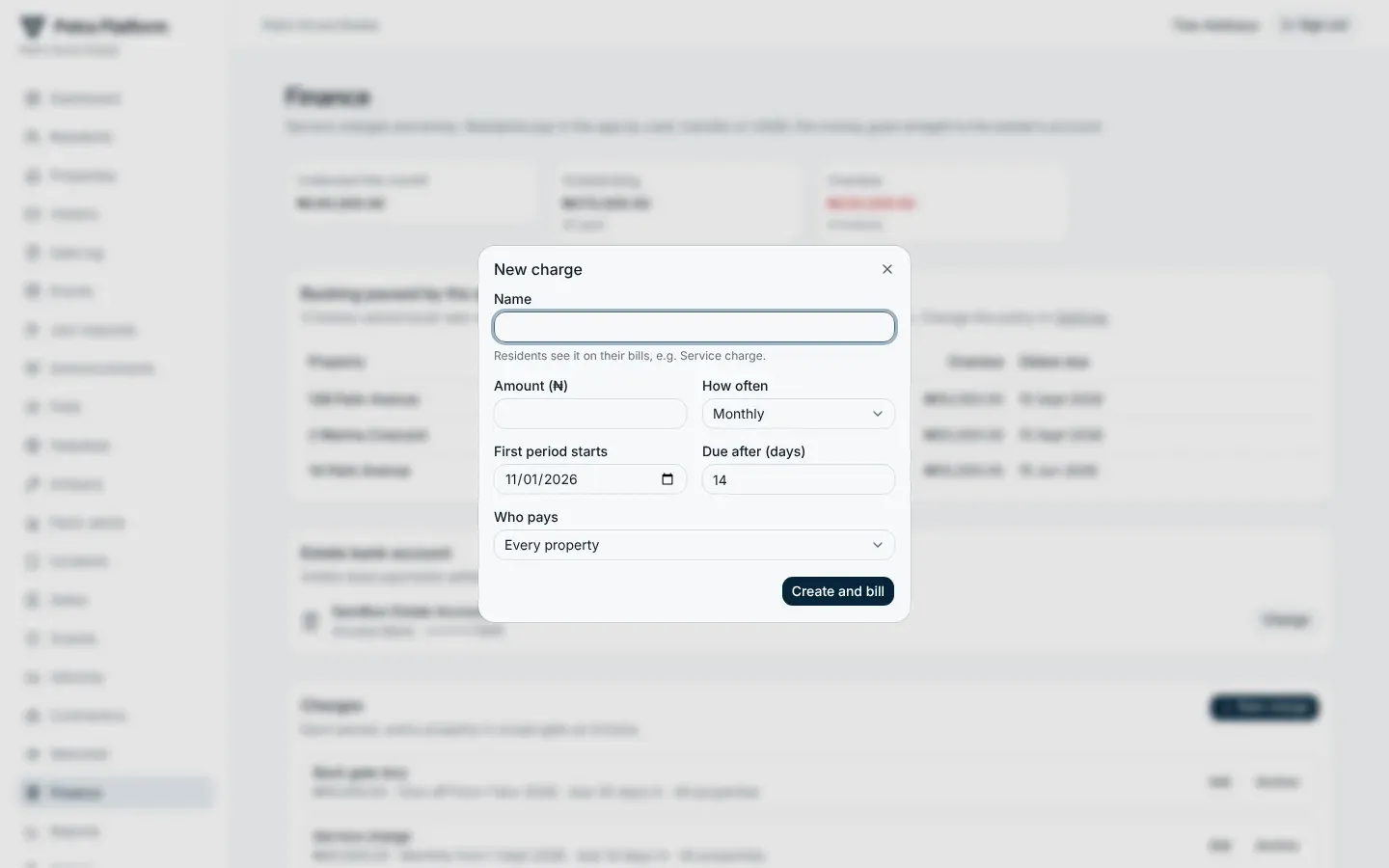
- Add charges: a name, an amount, how often (one-off, monthly, quarterly, yearly), which properties (all, or a zone), and how many days residents have to pay.
- Petra Platform raises an invoice for each property every period and reminds the landlord and tenant a week before the due date, on it, and a week after.
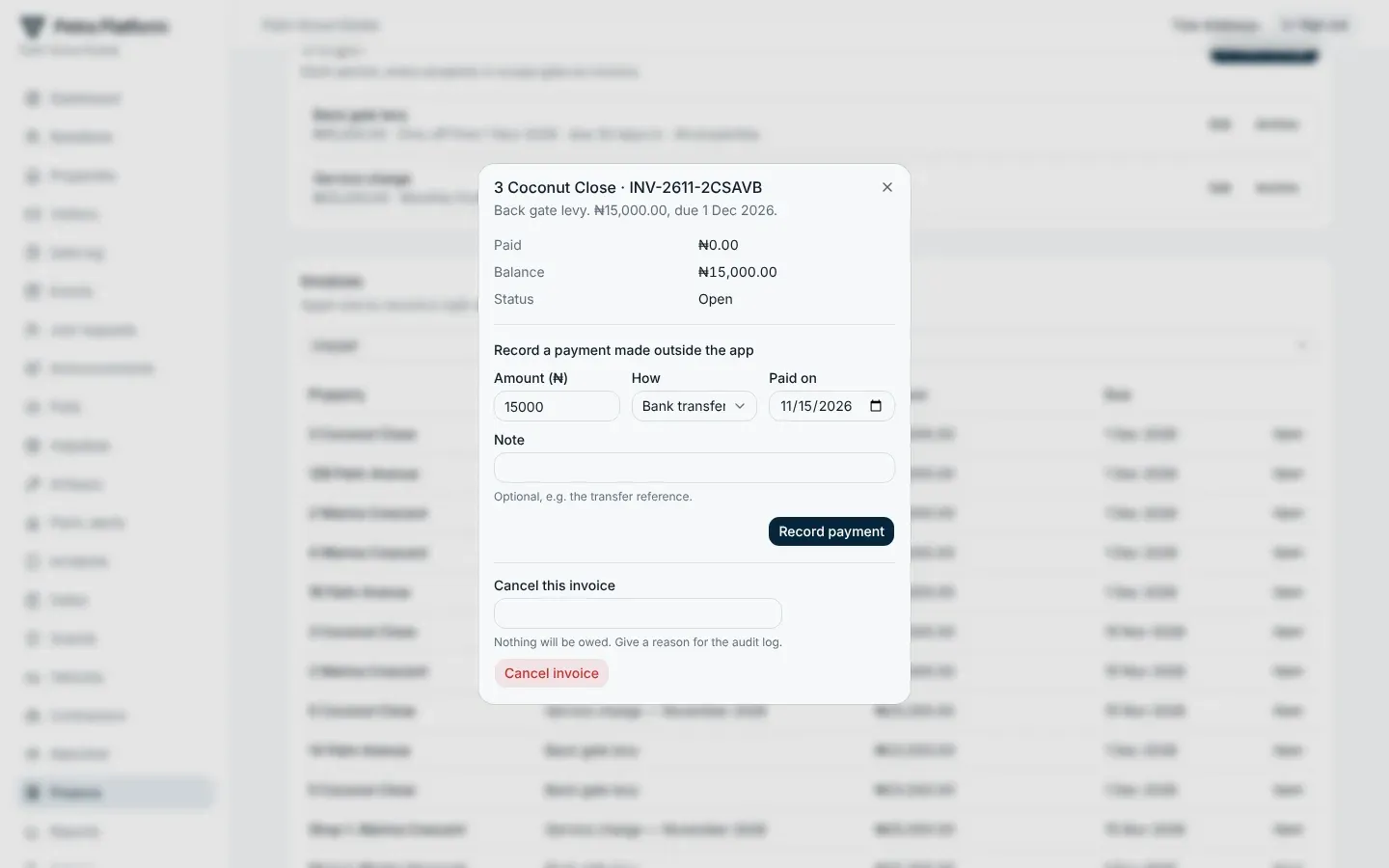
Residents pay in the app by card, transfer or USSD. Record cash, bank transfers and cheques paid at the office from the invoice; the resident gets a receipt either way.
The arrears policy
Section titled “The arrears policy”Optional, under Settings → Estate policies. When it is on, a home that owes at least the set amount on bills overdue for the set number of days cannot book new visitors or plan events until it pays. Deliveries, codes already given and residents’ own access keep working. Finance lists the homes the policy is limiting.
Electricity
Section titled “Electricity”Where electricity sales are offered, Finance → Electricity bought lists every token residents bought: home, meter, amount, units and status.
The estate’s subscription
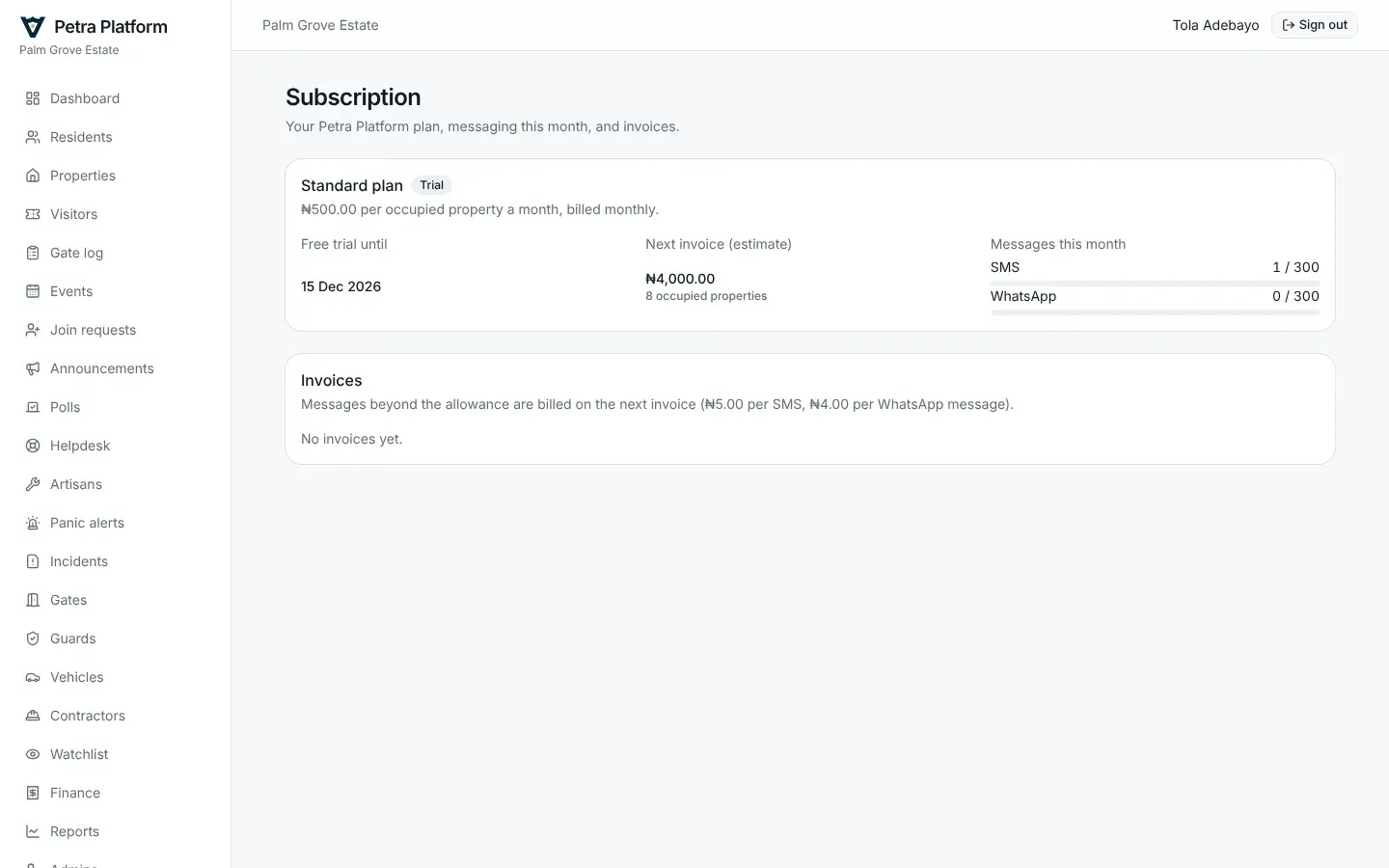
Section titled “The estate’s subscription”Subscription shows the estate’s plan, the price per occupied property, the SMS and WhatsApp allowance and what has been used, and the invoices from Petra Platform. Unpaid invoices lapse 14 days after their due date: admin changes are then paused until it is paid. Gates, guards and residents are never affected.