
Signing in and the dashboard
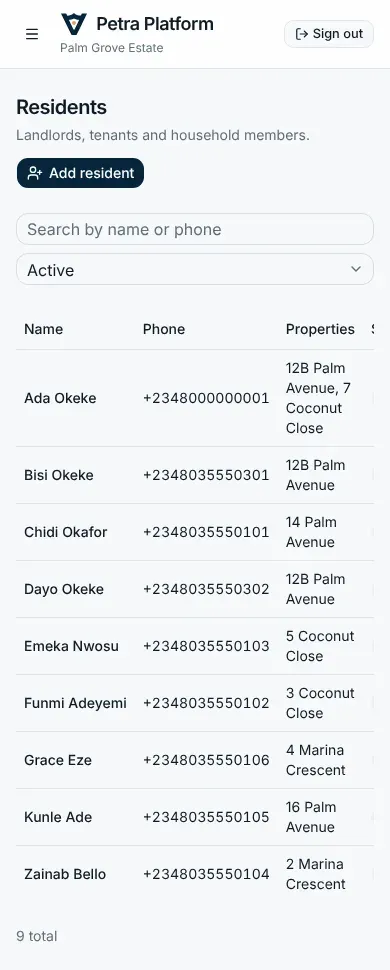
The estate office runs the estate from the Petra Platform web app in any browser, on a computer or a phone.
Signing in
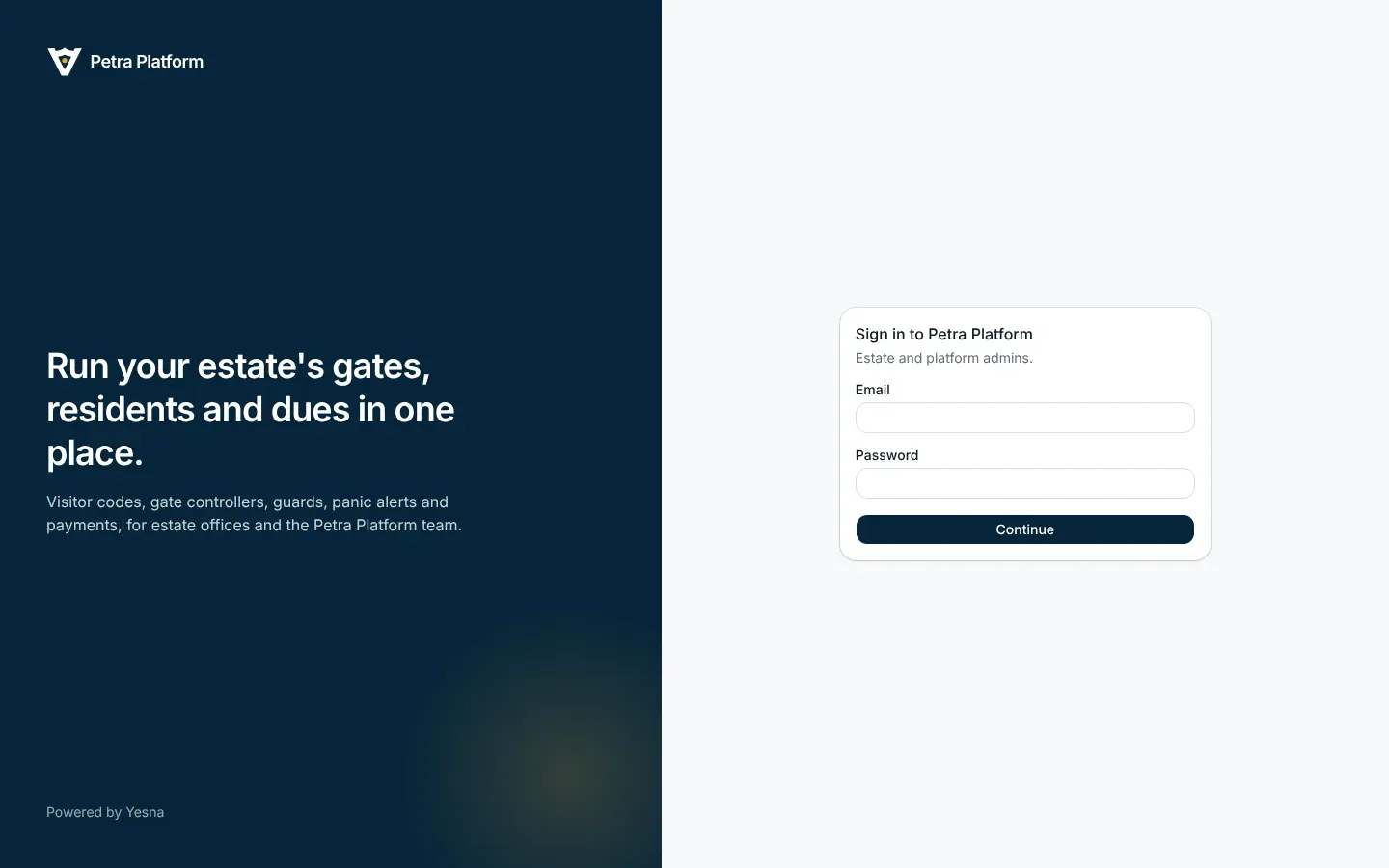
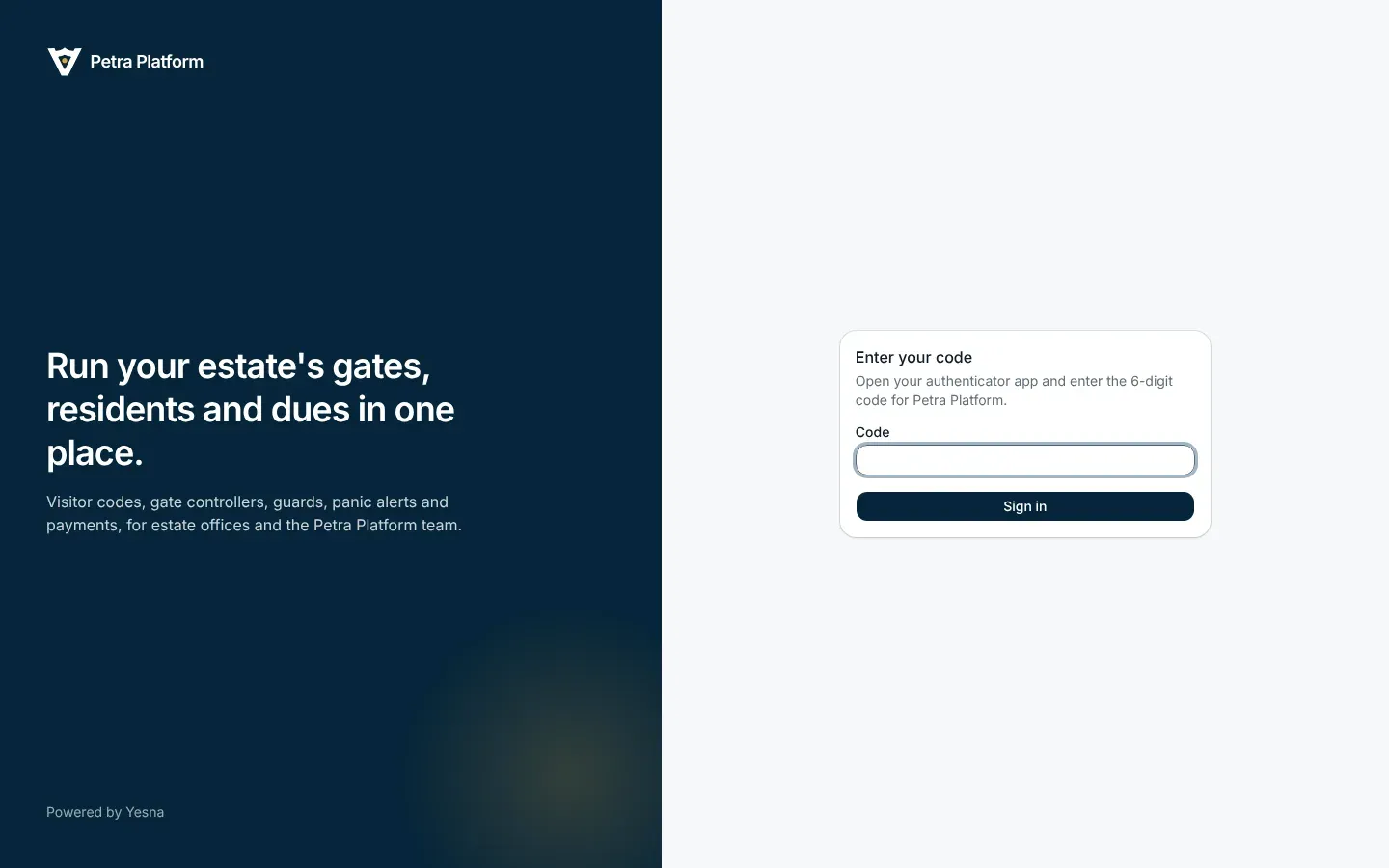
Section titled “Signing in”Admins sign in with their email, a password and an authenticator app (Google Authenticator, Microsoft Authenticator, 1Password and the like).
- Enter your email and password.
- The first time, scan the QR code with your authenticator app. After that, type the six-digit code it shows.
The dashboard
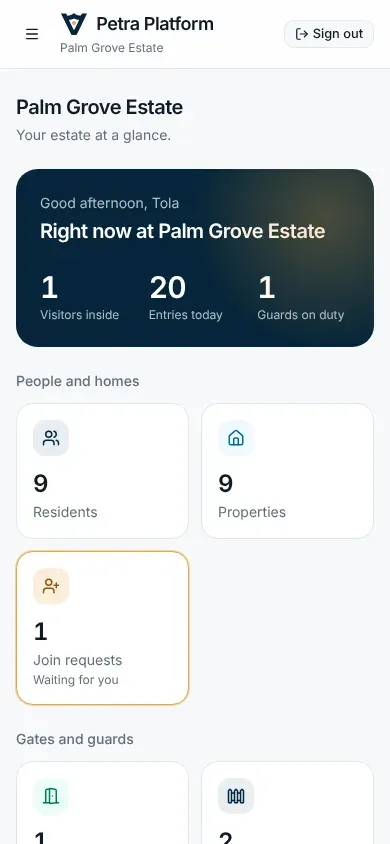
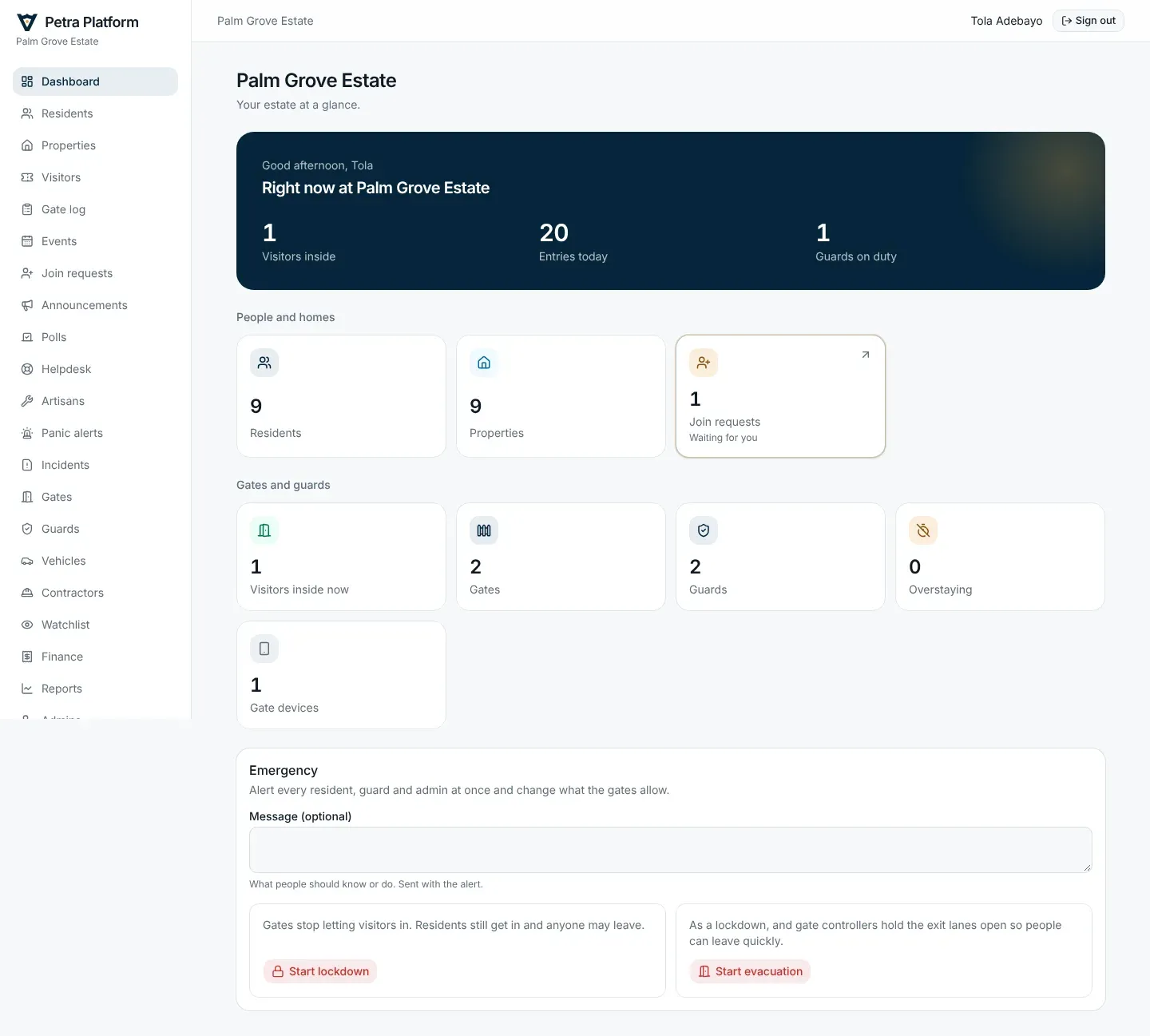
Section titled “The dashboard”The dashboard shows the estate at a glance: visitors inside and overstaying, entries today, guards on duty, what is waiting for you (join requests, events, vehicles, contractor permits), and gate devices. Admins with the Security permission also start emergencies from here (see Security).
Who can do what
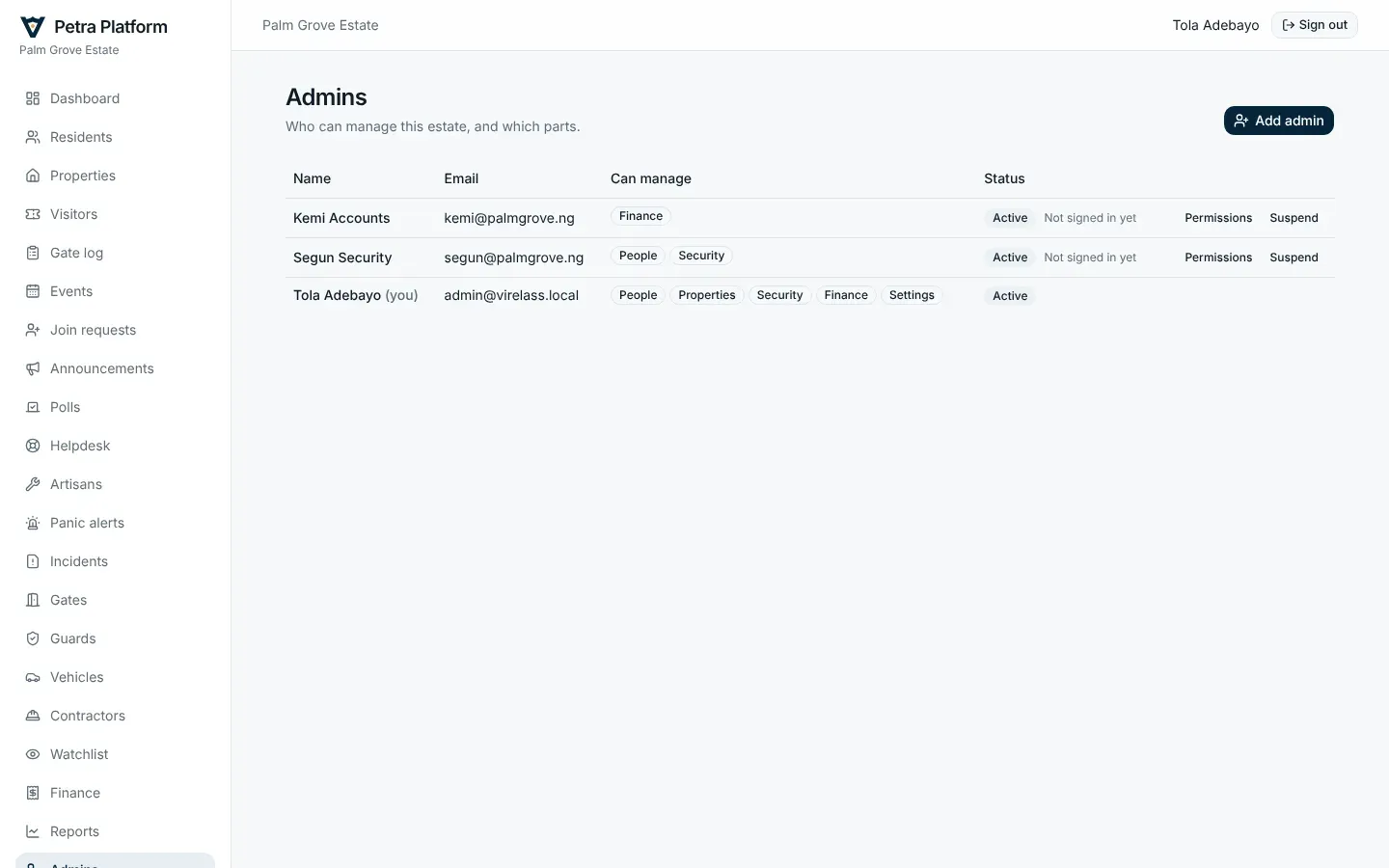
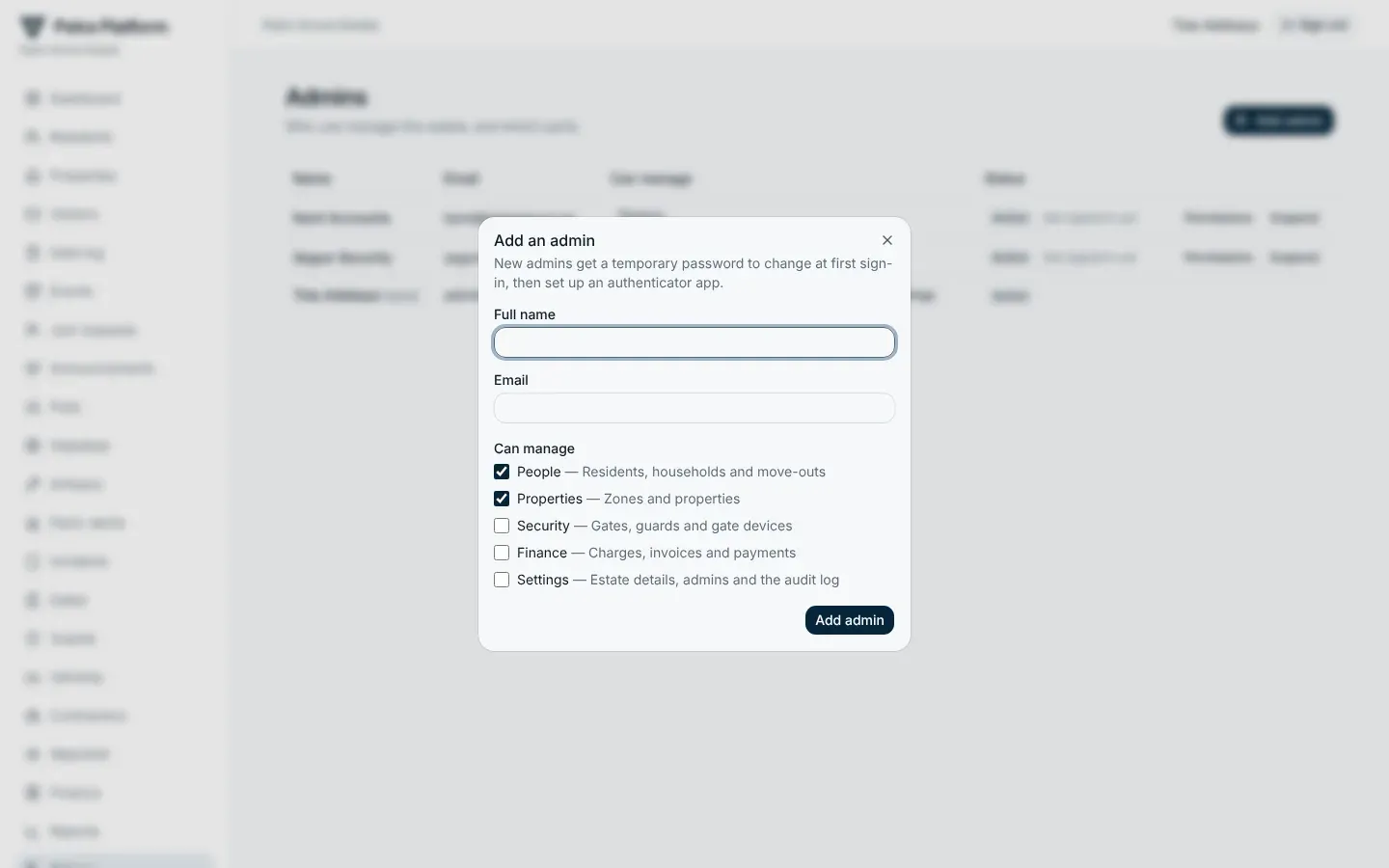
Section titled “Who can do what”Each admin has one or more permissions, set under Admins:
| Permission | Can |
|---|---|
| People | Residents, properties, join requests, announcements, polls, helpdesk, artisans |
| Security | Visitors, gates and controllers, guards, watchlist, vehicles, contractor permits, panic alerts, incidents, emergencies, traffic reports |
| Finance | Charges, invoices, payments, payout account, electricity purchases, dues reports, the subscription |
| Settings | Estate details, branding, pass rules and policies |
On a phone
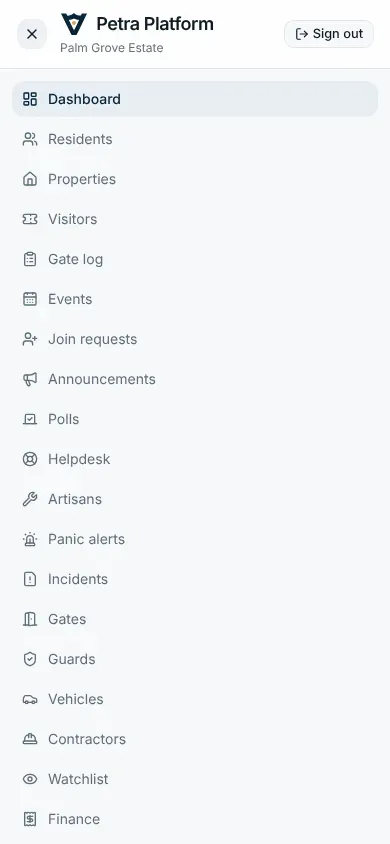
Section titled “On a phone”Every page works on a phone; the menu folds behind the Menu button.