
Residents, homes and staff
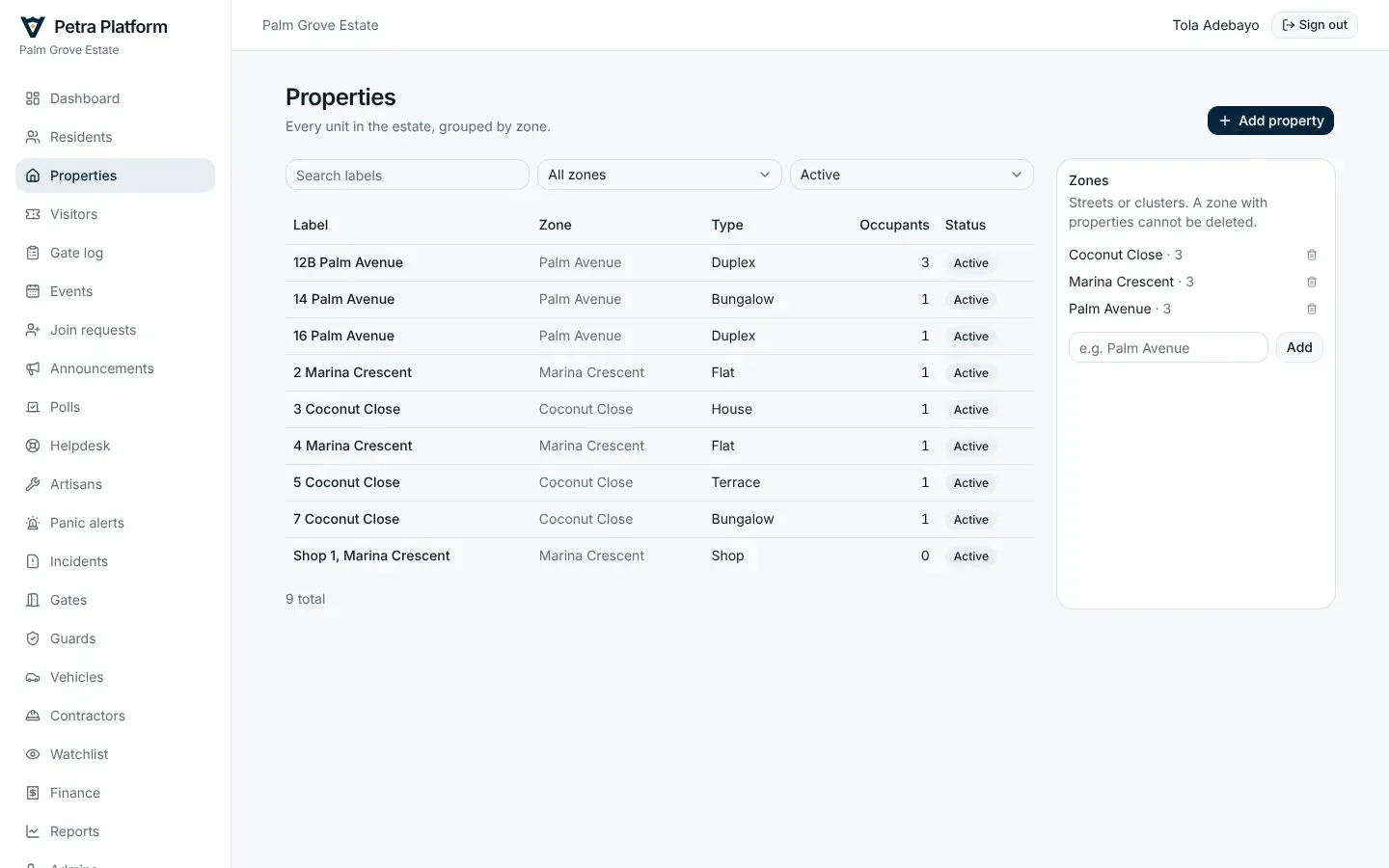
Properties
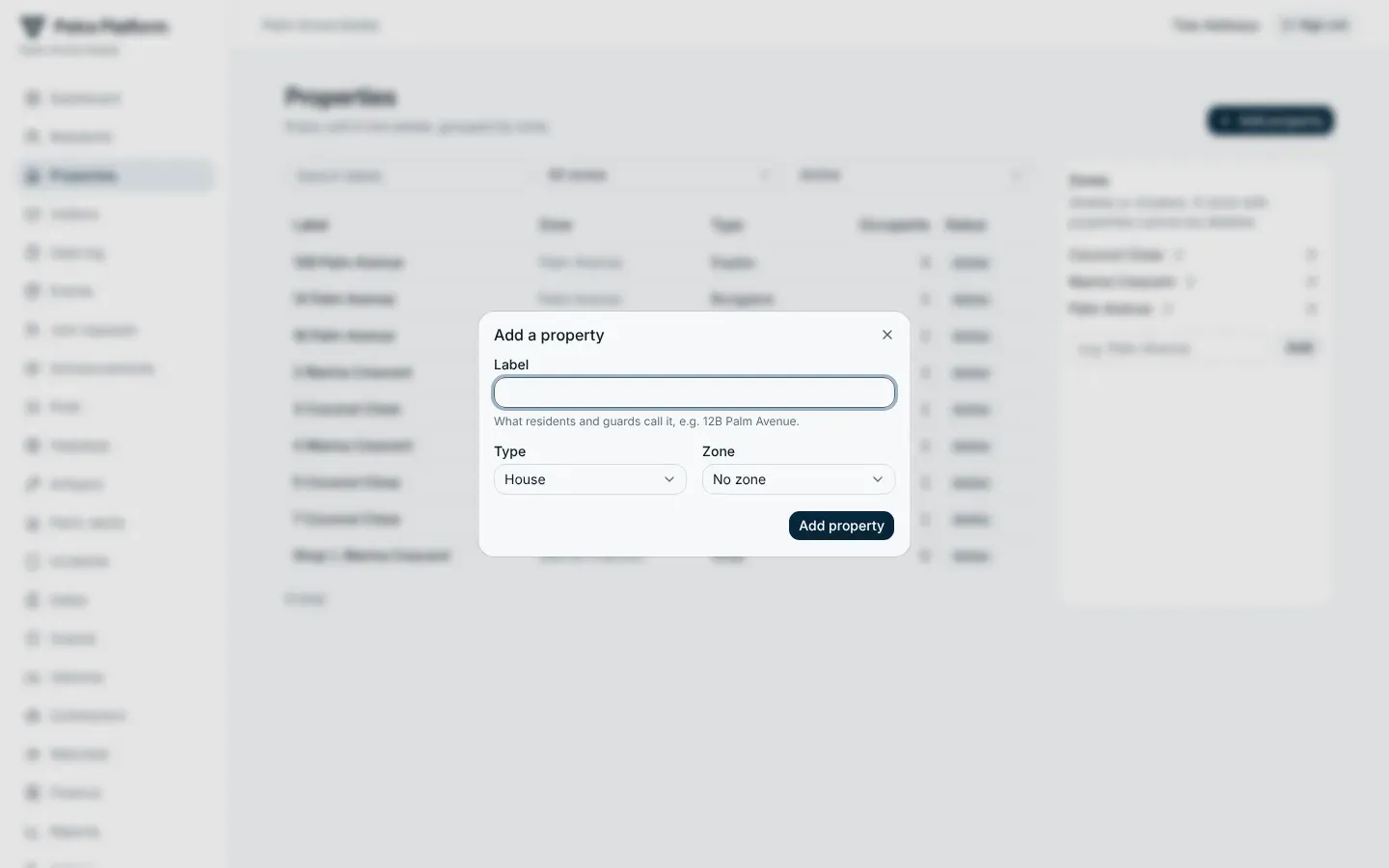
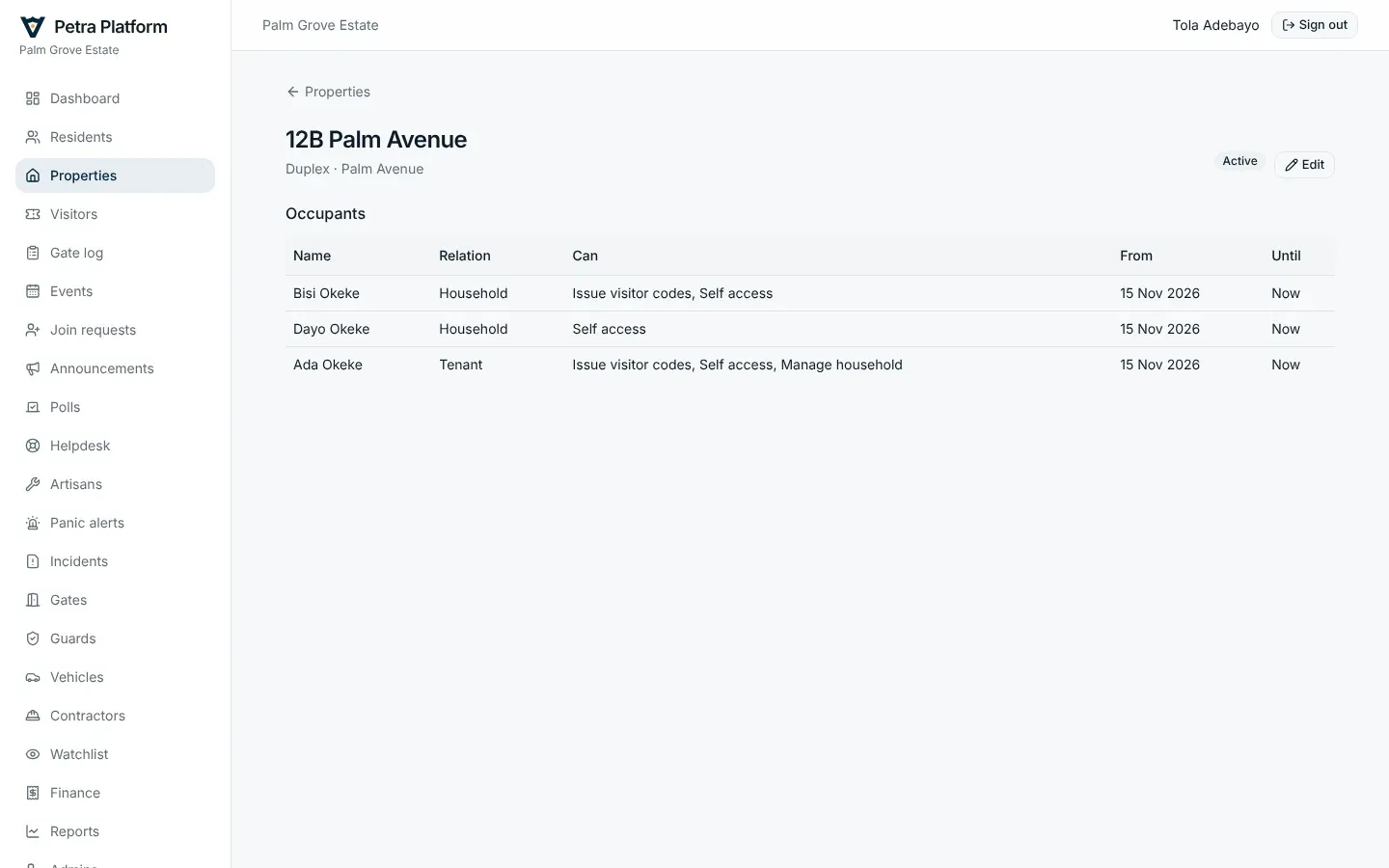
Section titled “Properties”Every home, flat and shop is a property, grouped in zones (streets, blocks). Residents, dues and visitors all hang off properties.
Residents
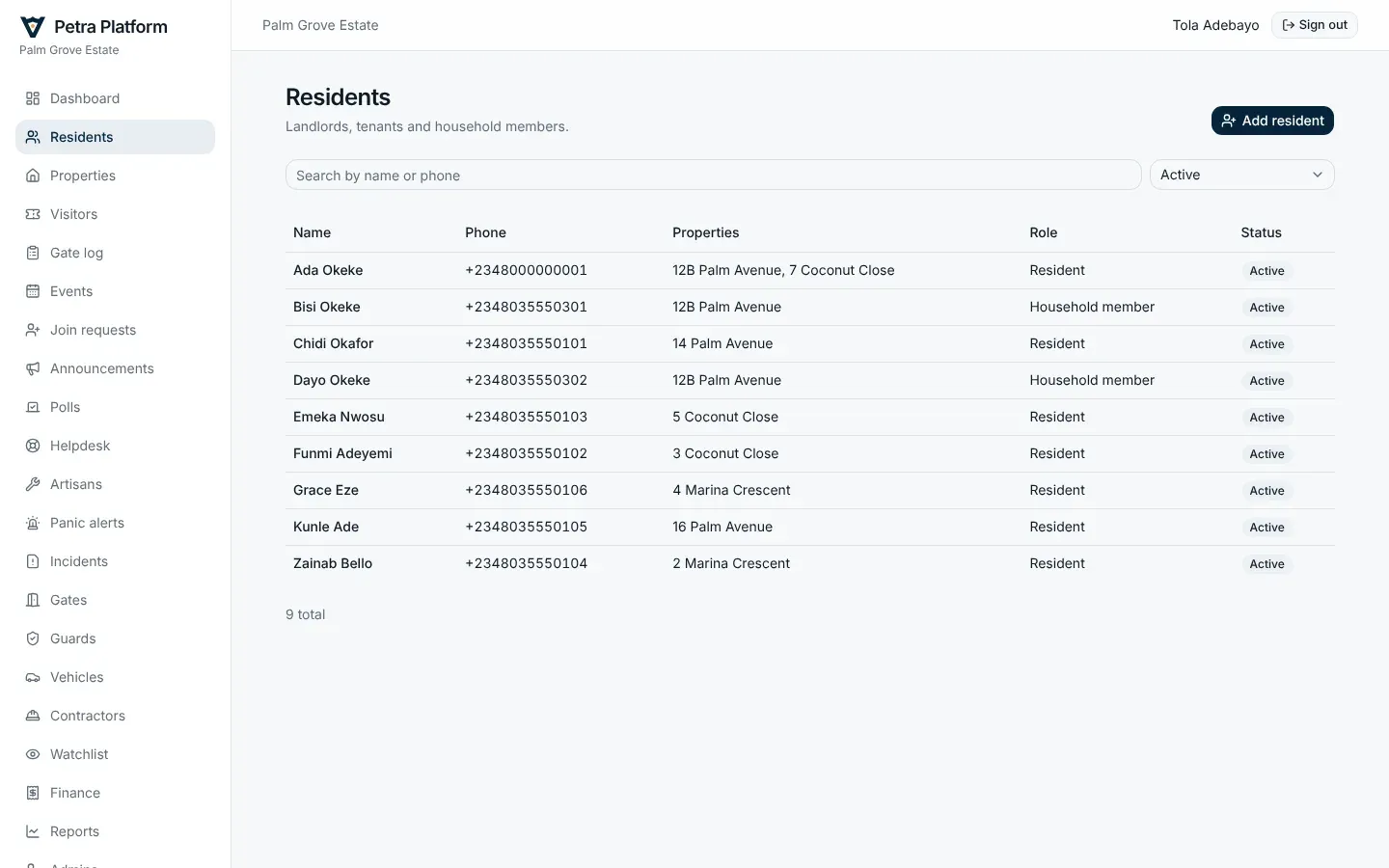
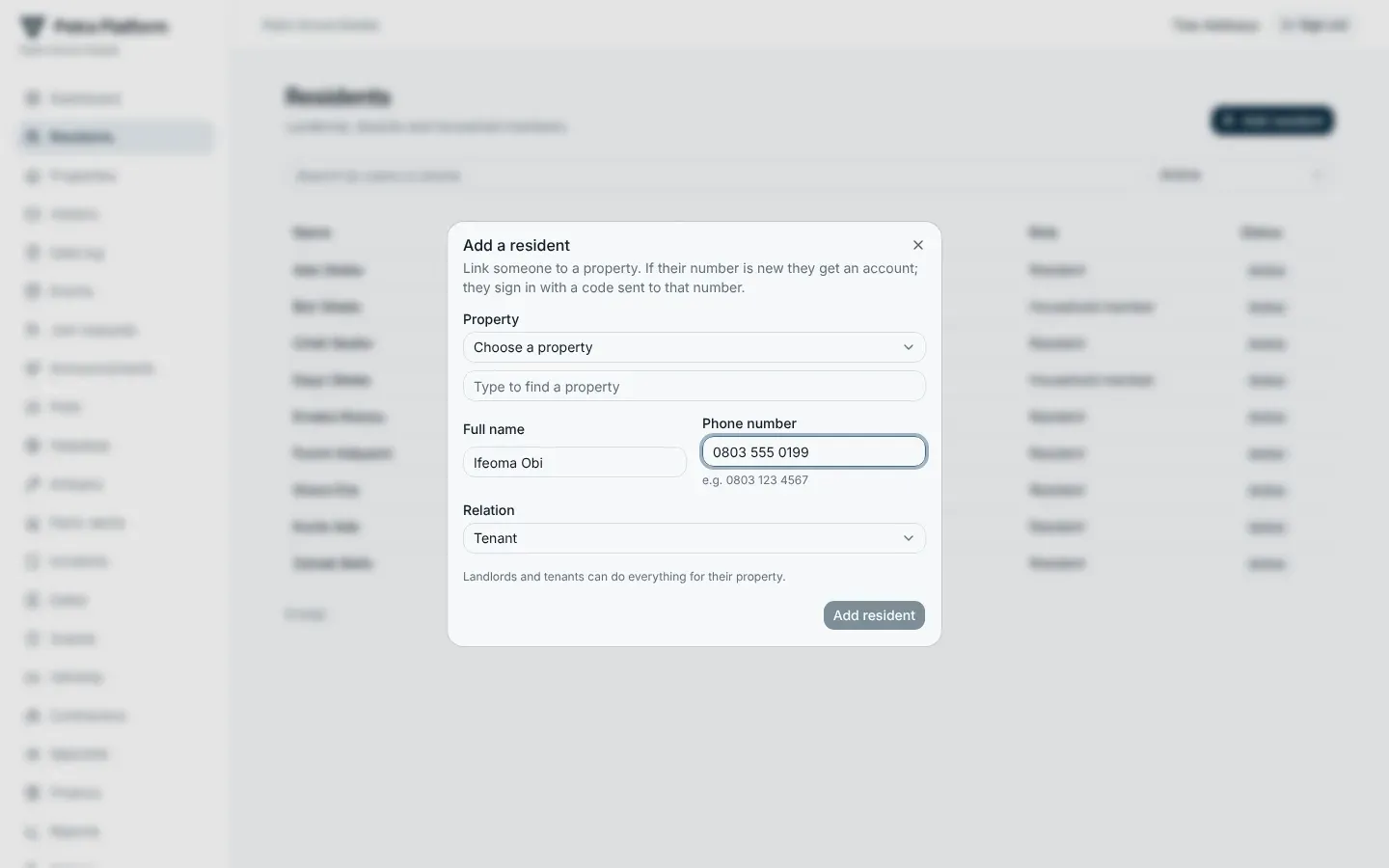
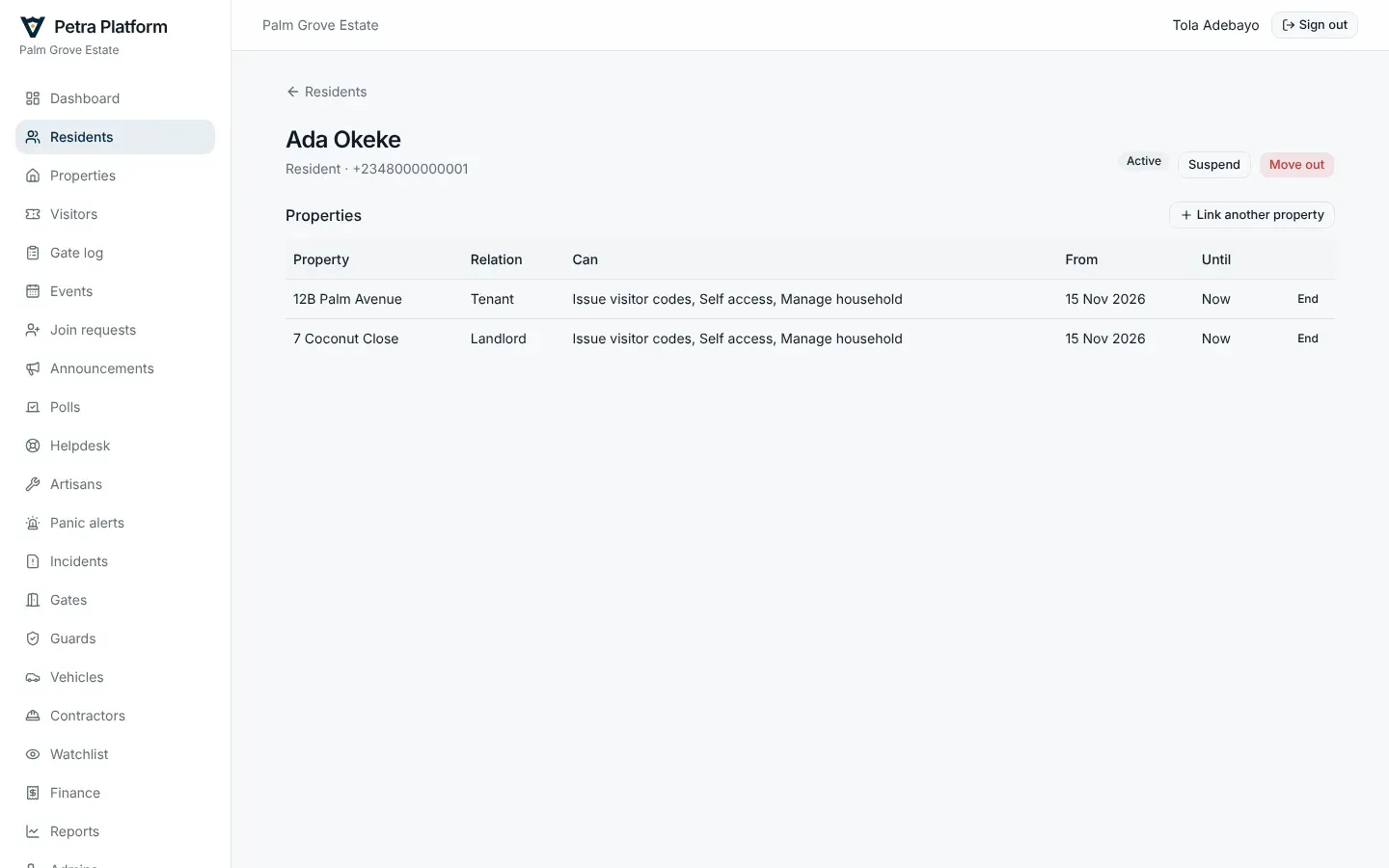
Section titled “Residents”Add a resident with their name, phone number, the property, and whether they are the landlord or the tenant. They can then sign in to the app with that number. Landlords and tenants add their own household members from the app.
Join requests
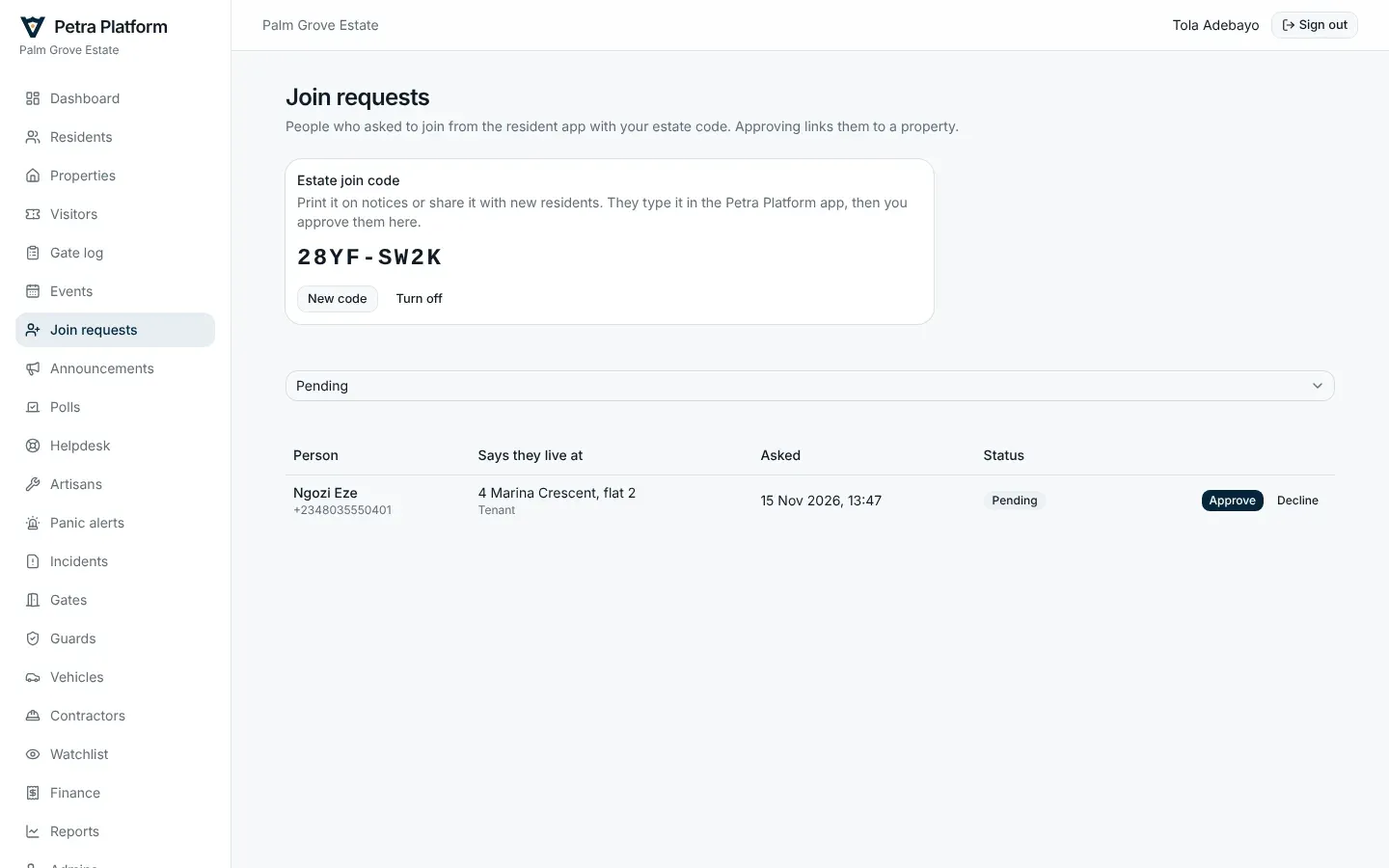
Section titled “Join requests”Residents who are not on the list yet can ask to join with the estate’s join code (shown on this page, where you can also change it). Approve each request against the right property, or decline it.
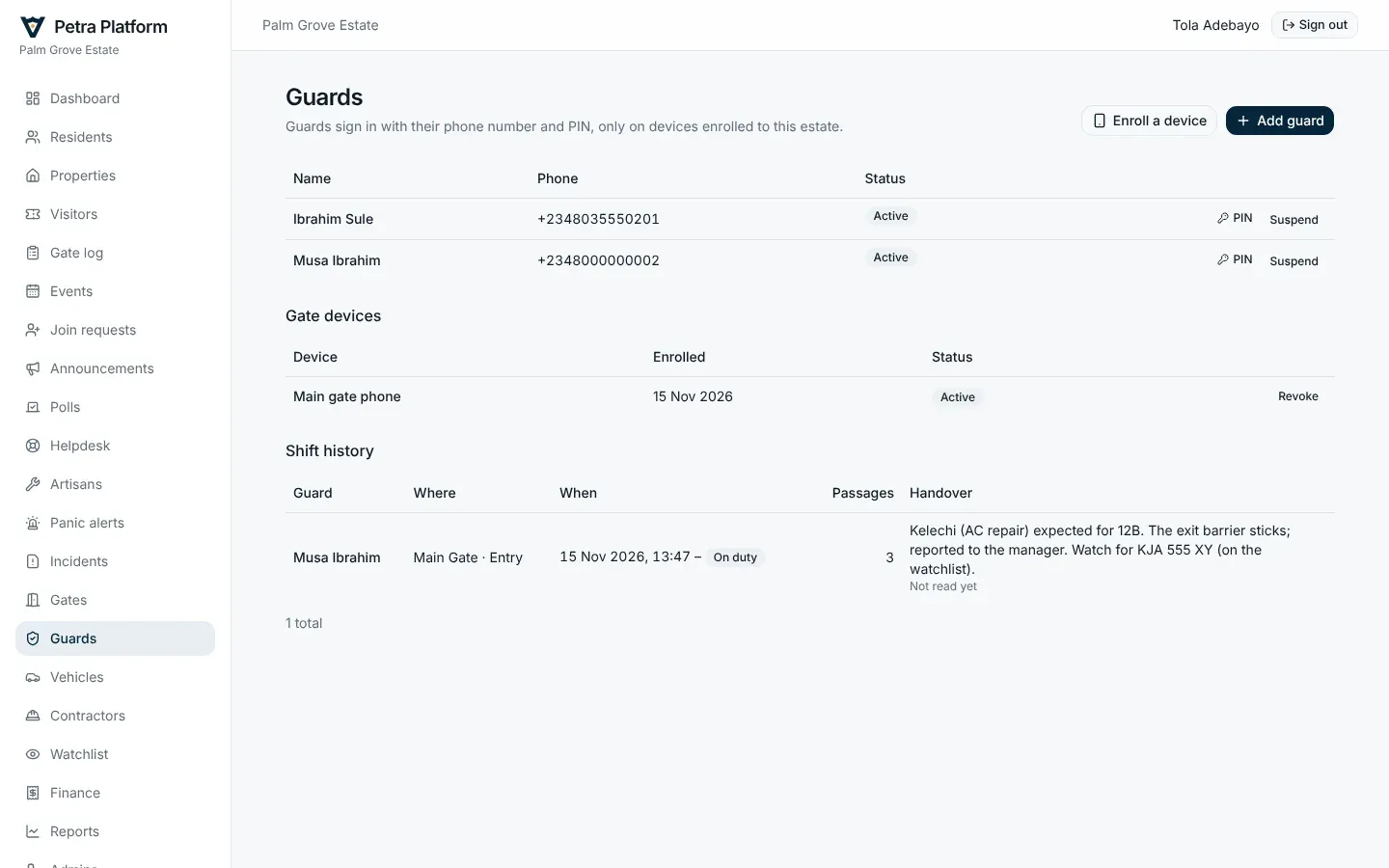
Guards and gate phones
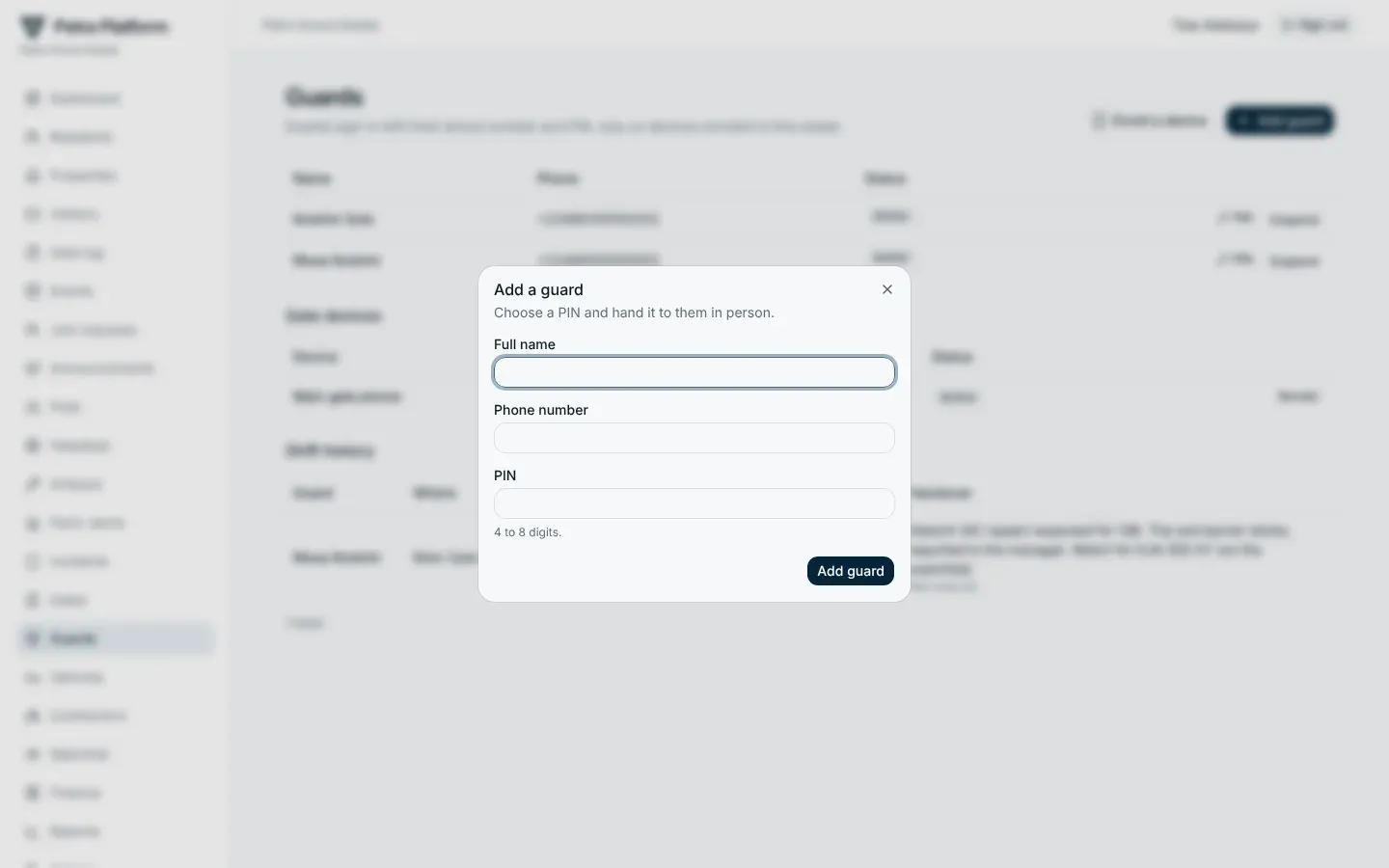
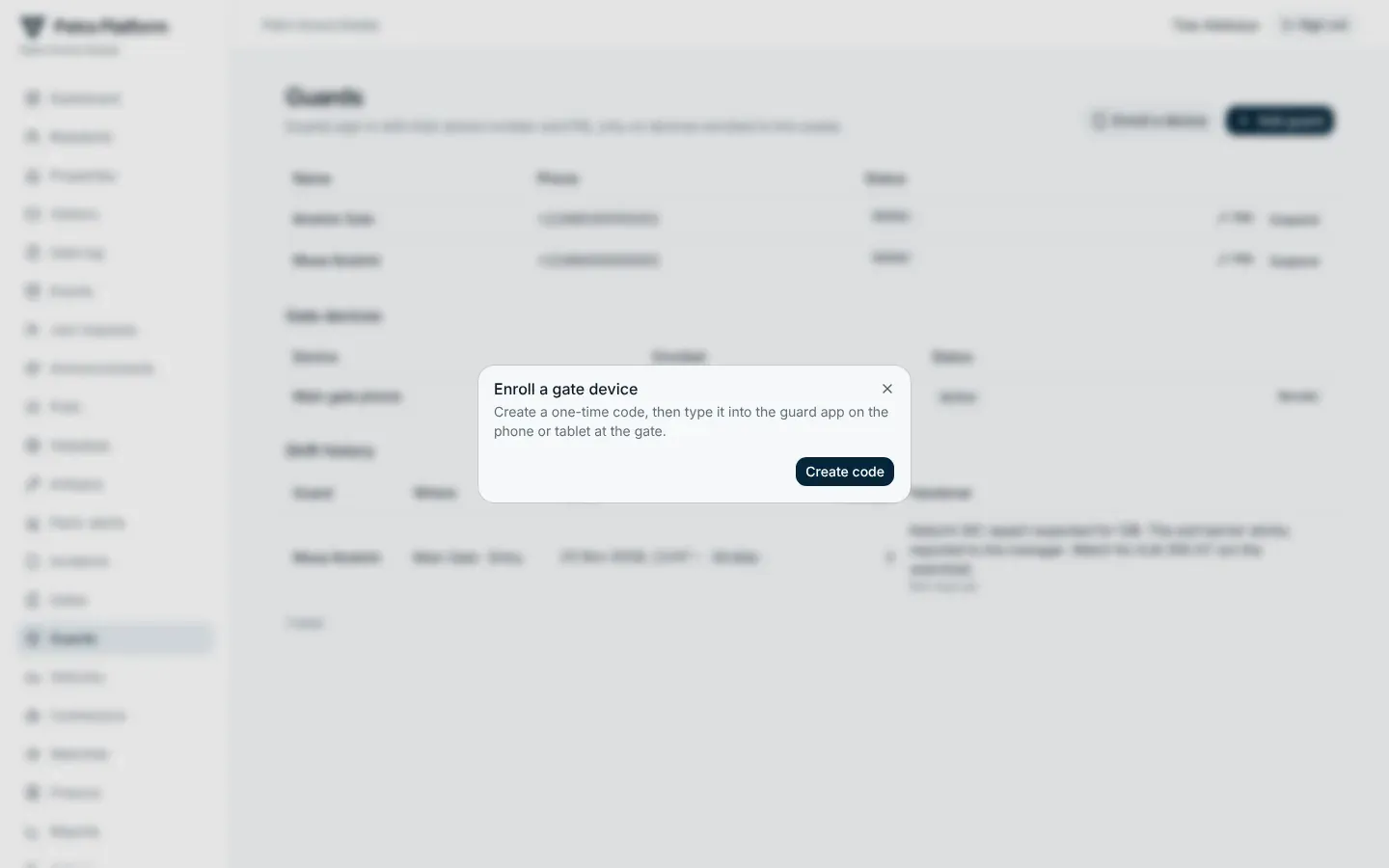
Section titled “Guards and gate phones”Add guards with their phone number and a PIN. Gate phones are set up with a one-time device code from Enroll a device; a lost phone can be revoked. The page also lists every shift: who, where, when, how many passages they handled, and their handover note.