

Signing in and joining
Residents — landlords, tenants and the people who live with them — use the Petra Platform app to let visitors in, see who arrives, pay estate dues, buy electricity, call for help and keep in touch with the estate office. There are no passwords: you sign in with your phone number and a code sent by SMS.
If the estate office has added you
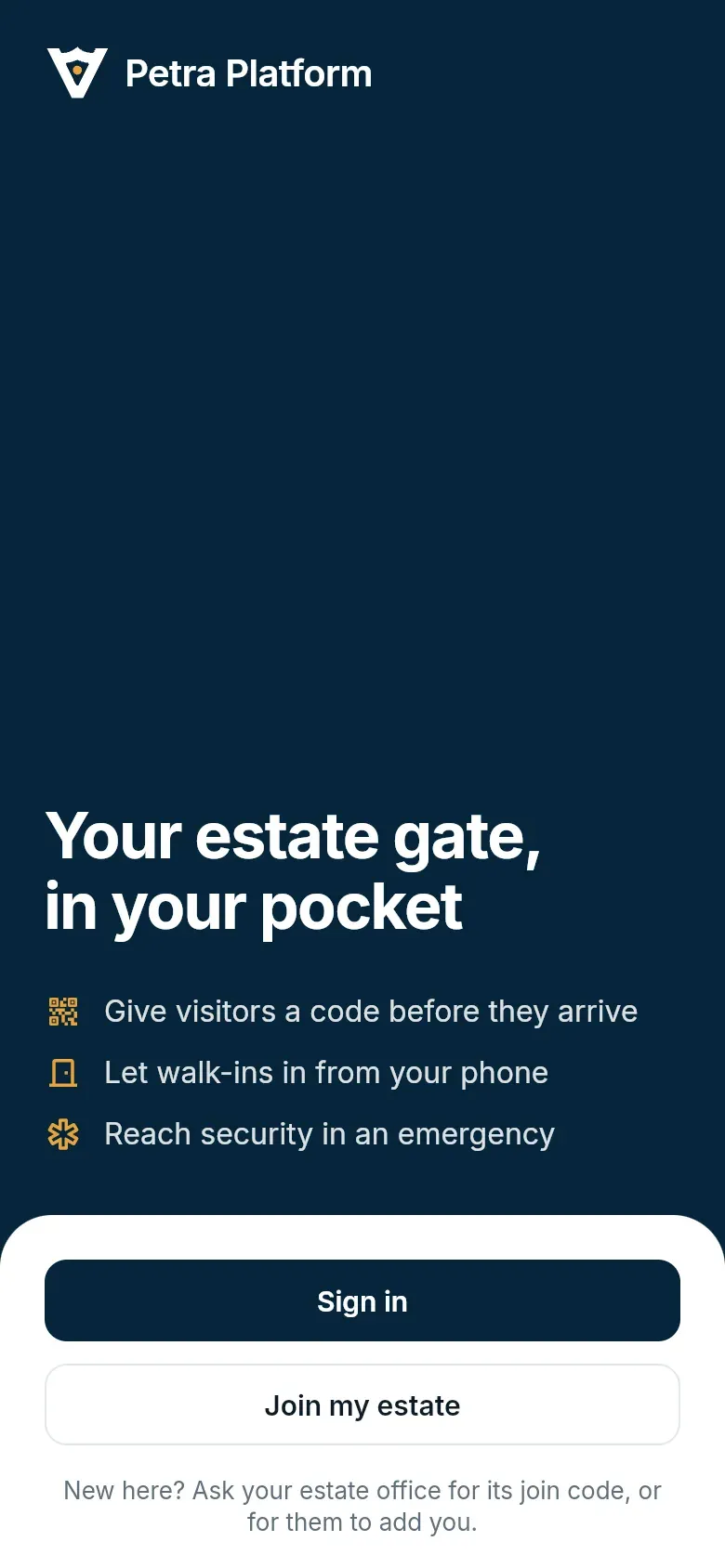
Section titled “If the estate office has added you”- Open the app and tap Sign in.
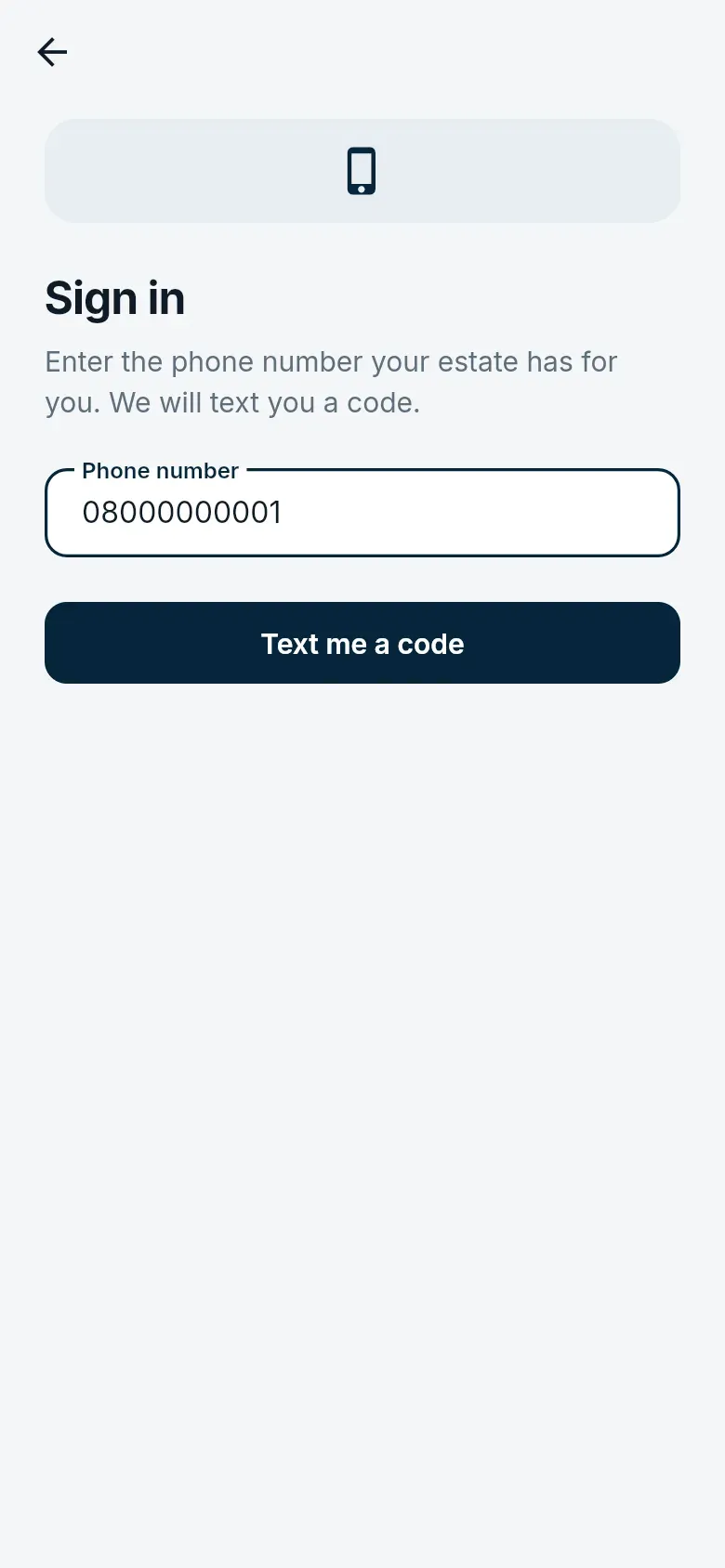
- Enter the phone number the estate office has for you, and tap Text me a code.
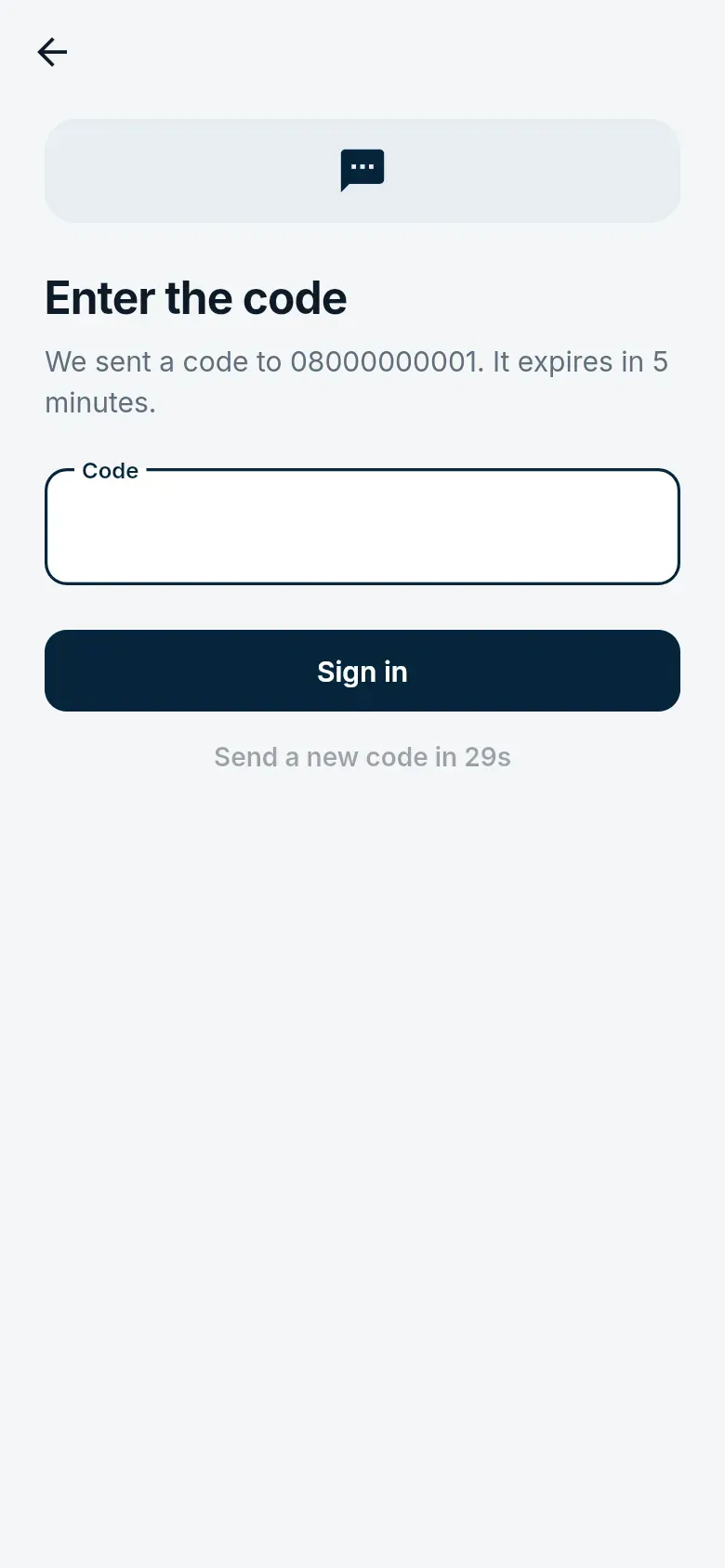
- Type the six-digit code from the text. It works for five minutes; you can ask for a new one after 30 seconds.
If you are new to the estate
Section titled “If you are new to the estate”Ask the estate office for its join code (it is often on the notice board or in the welcome letter). The office checks every request before you get access.
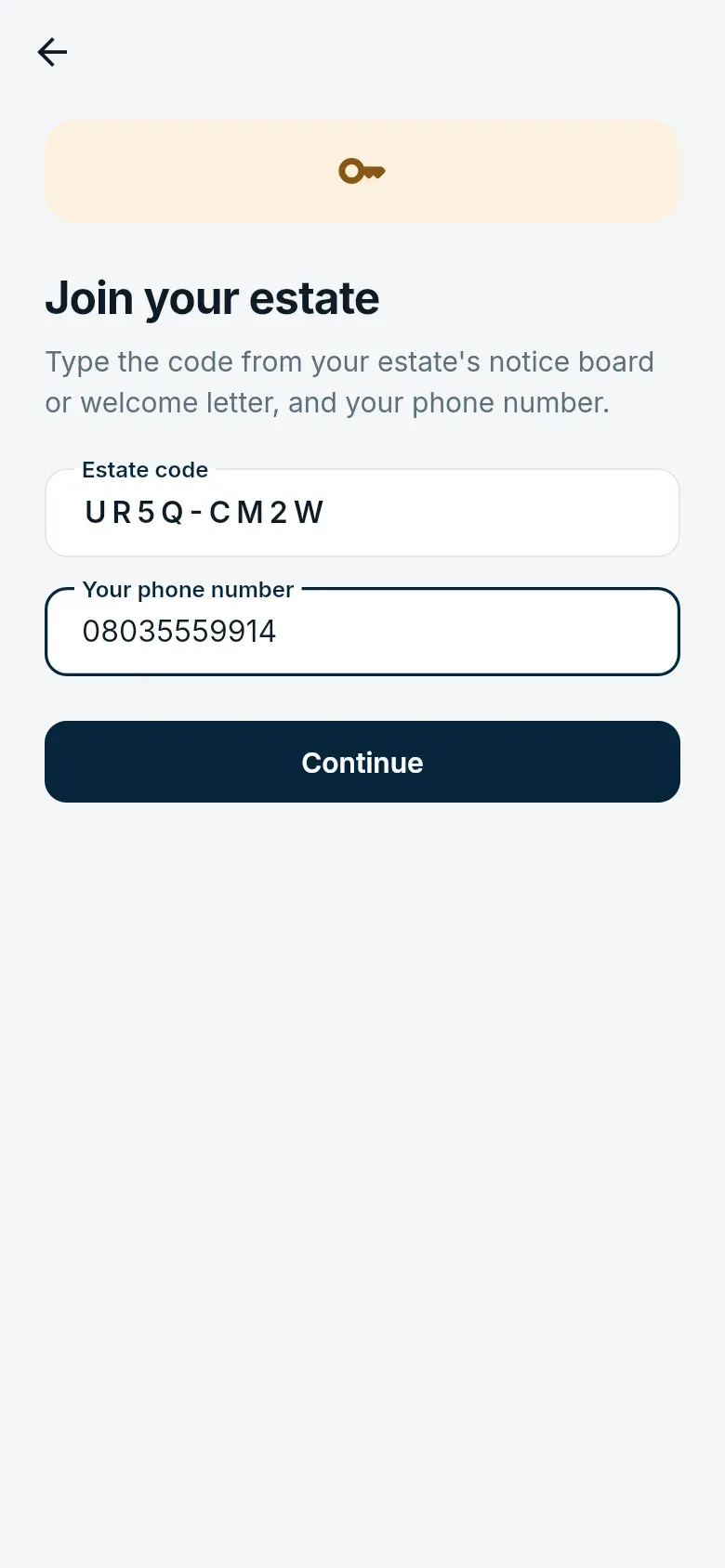
- Tap Join my estate, then enter the estate code and your phone number.
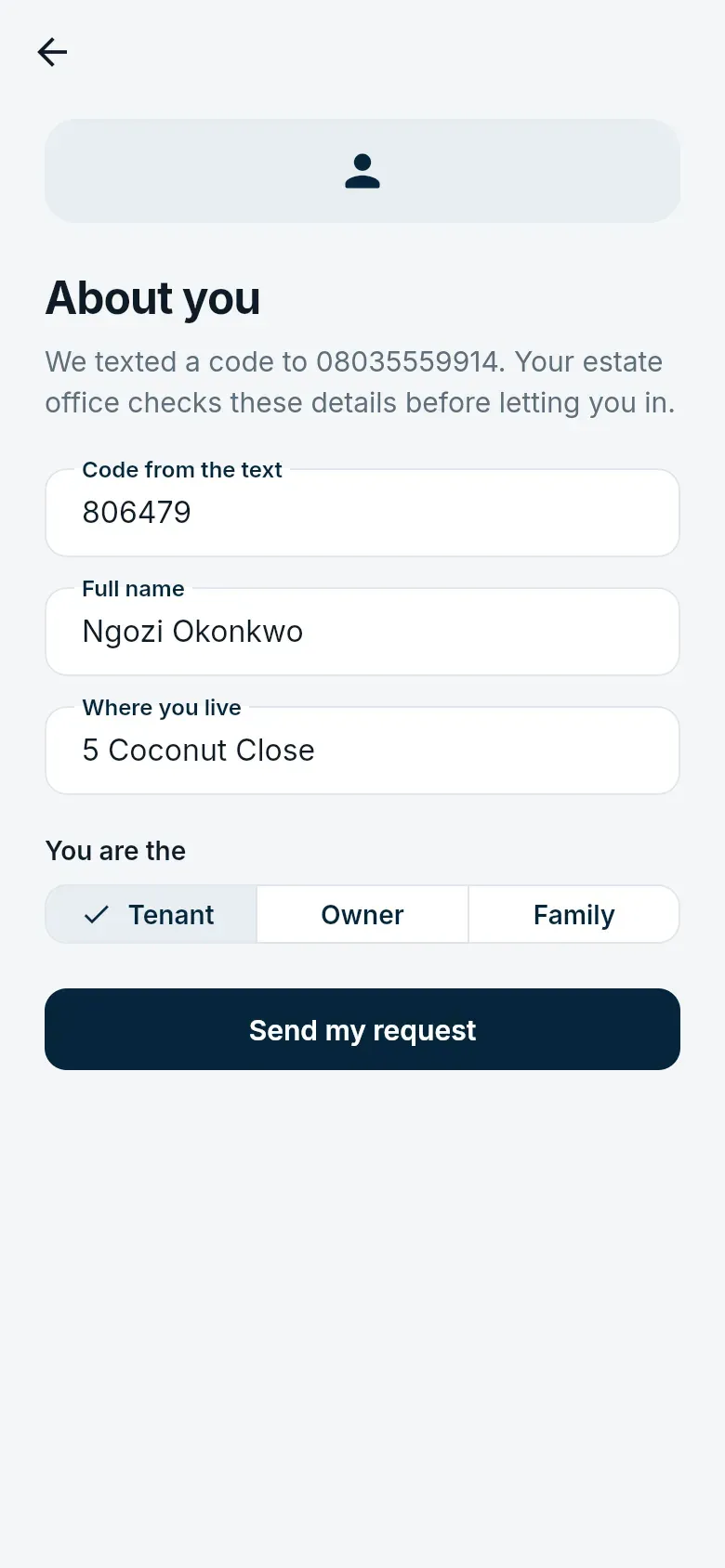
- Enter the code texted to you, your name, where you live in the estate, and whether you are the tenant, the owner or family.
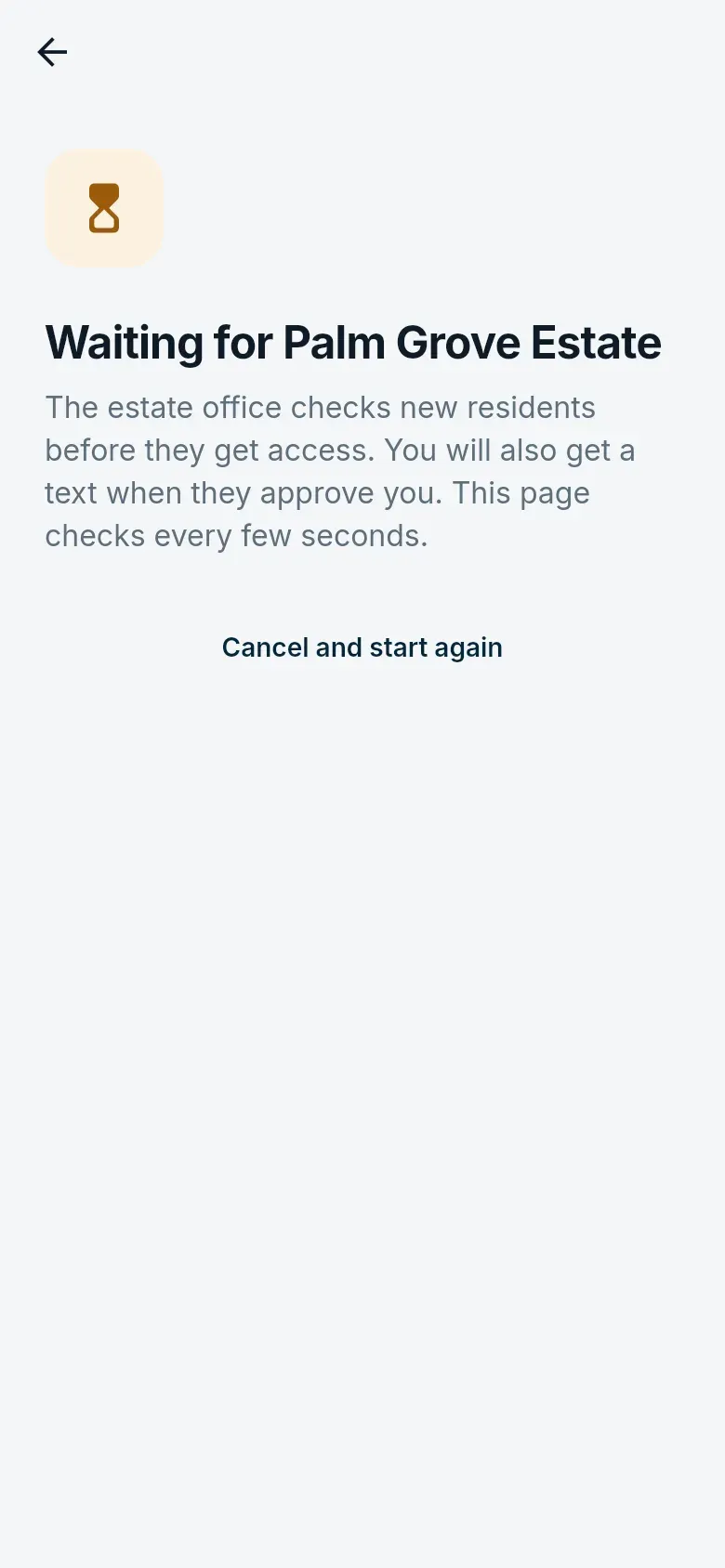
- Wait while the estate office checks. The screen updates by itself once they approve you; then sign in with the same number.
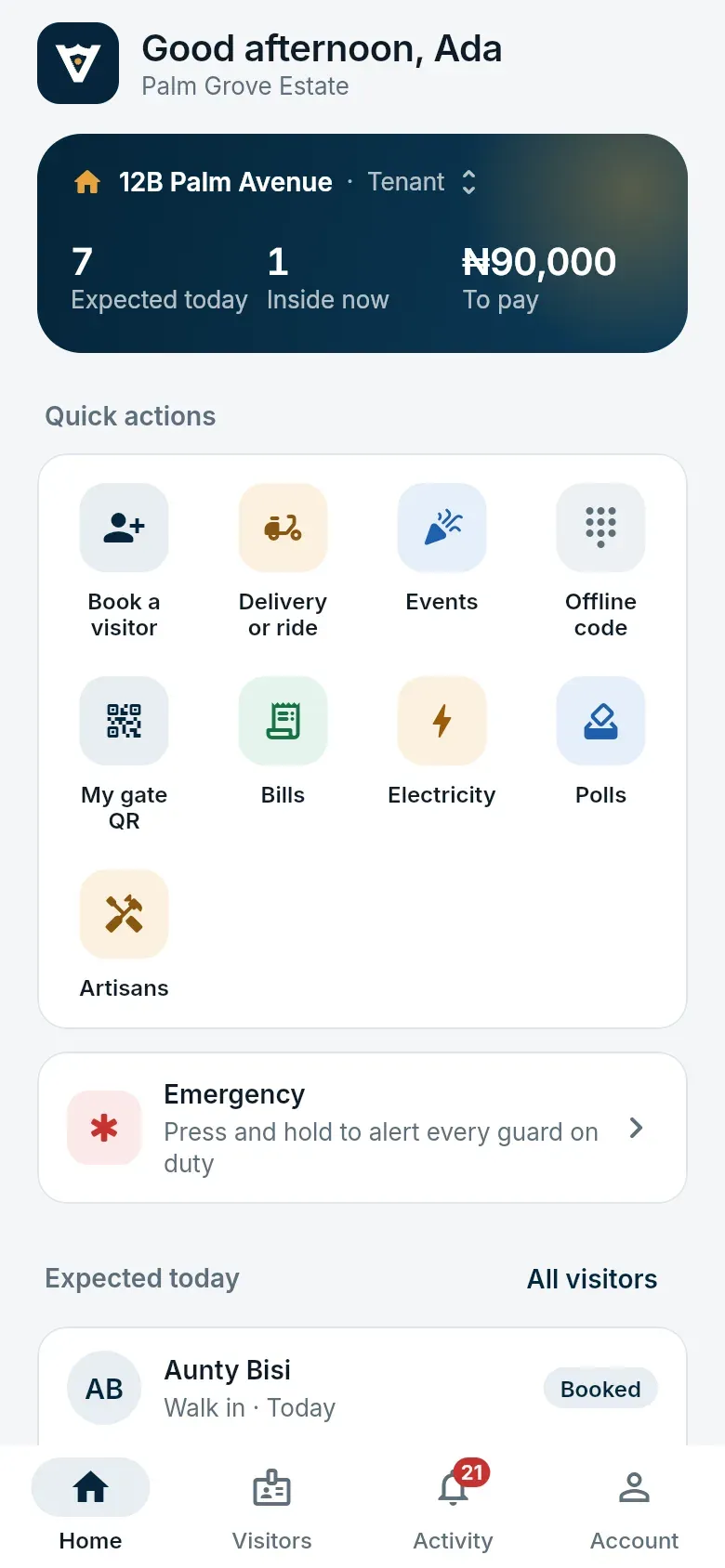
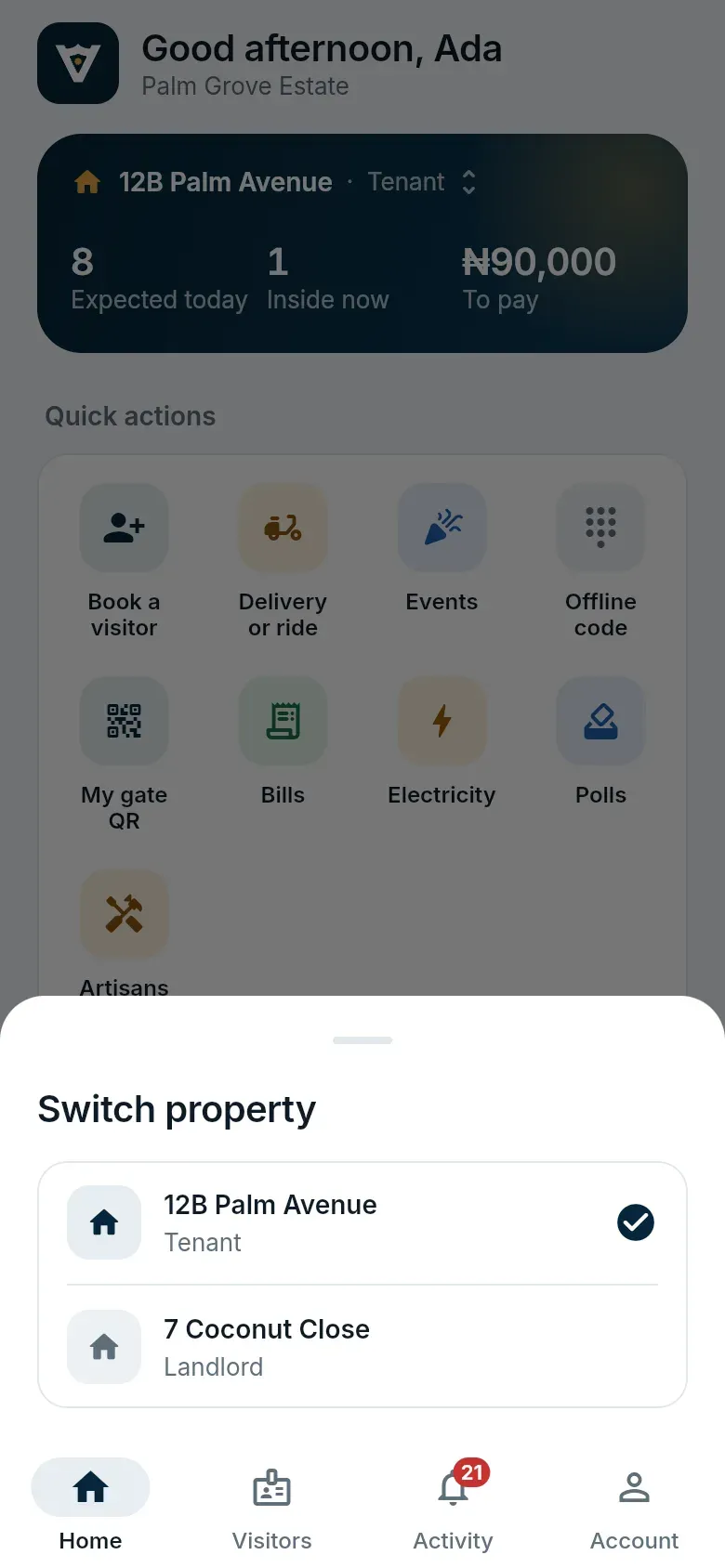
Home shows the home you are acting for, what is happening today, quick actions, and the panic button. If you live in or own more than one home in the estate, tap the home’s name at the top to switch.
No smartphone?
Section titled “No smartphone?”If the estate has USSD turned on, residents can dial its short code from their registered number to book a visitor for today, get a two-hour delivery code, or hear today’s codes. These are ordinary passes, with the same rules as the app.