
Bills and electricity
Estate dues
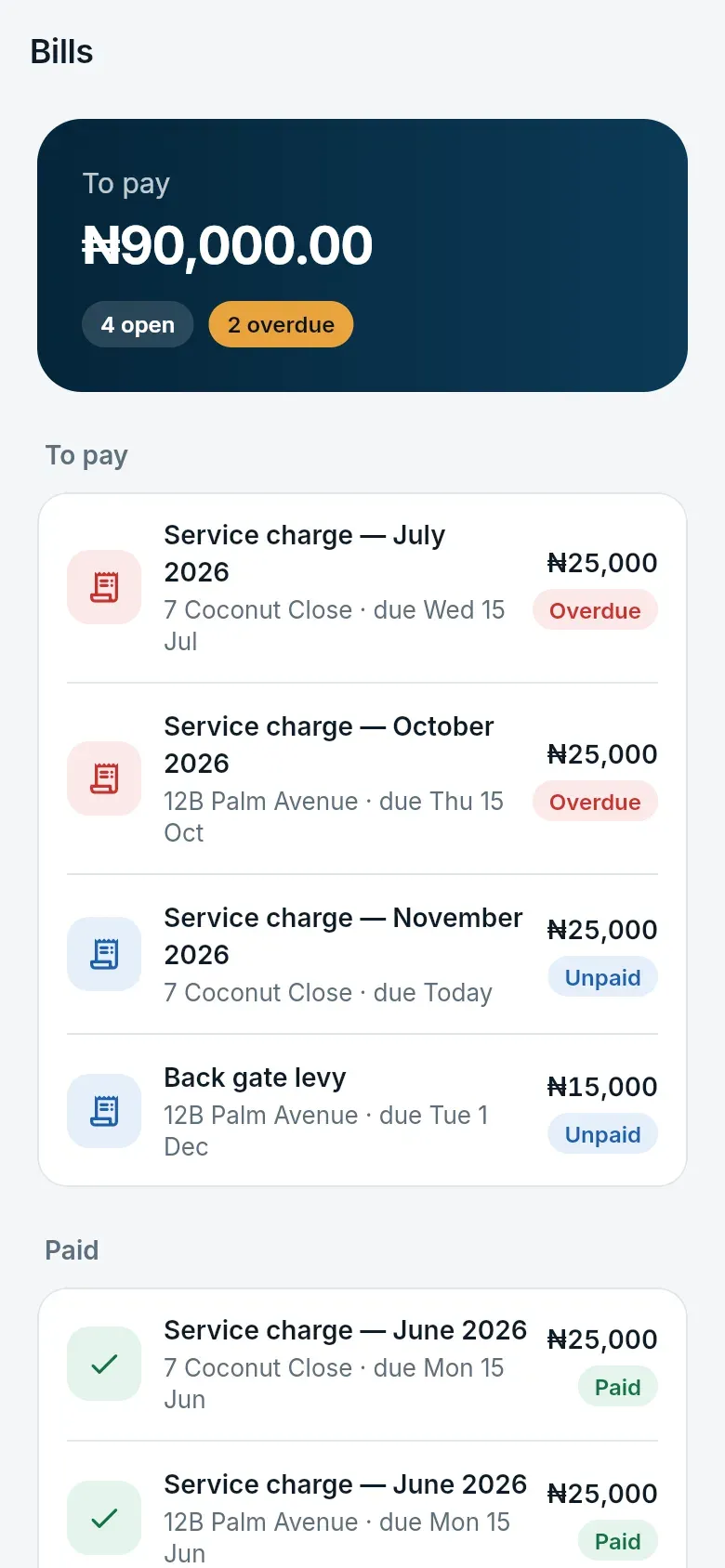
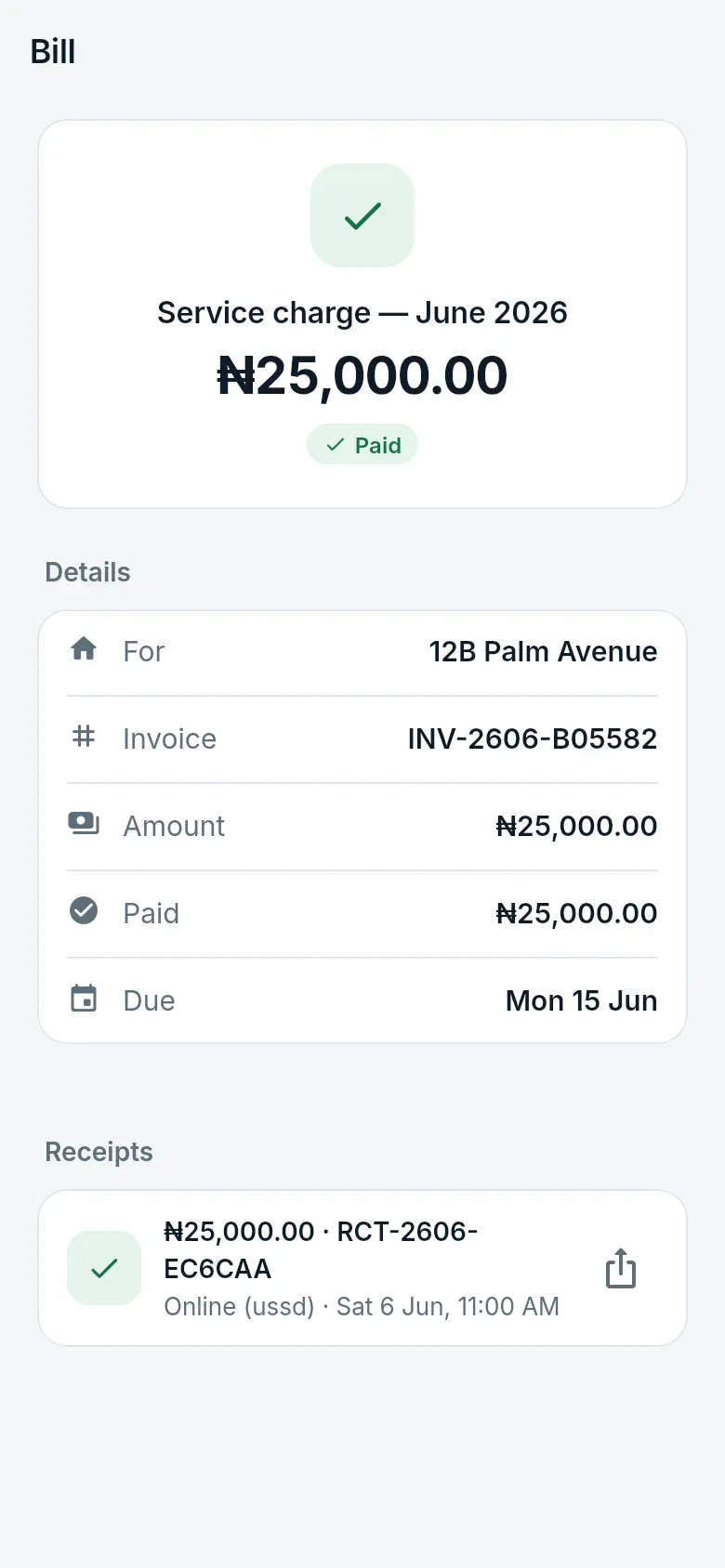
Section titled “Estate dues”Bills lists what your home owes the estate — service charges, levies — and what it has paid. You are reminded a week before a bill is due, on the day, and a week after.
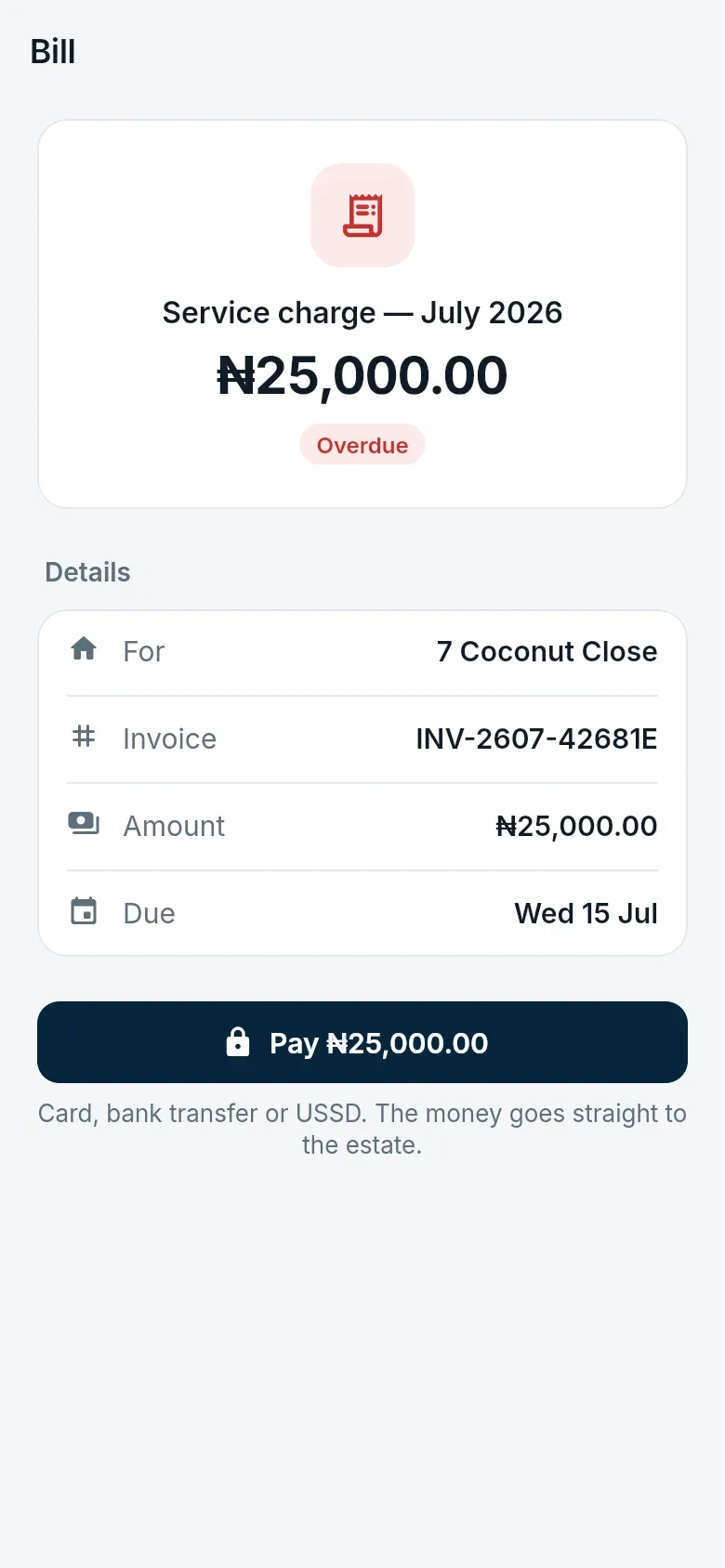
- Open a bill and tap Pay.
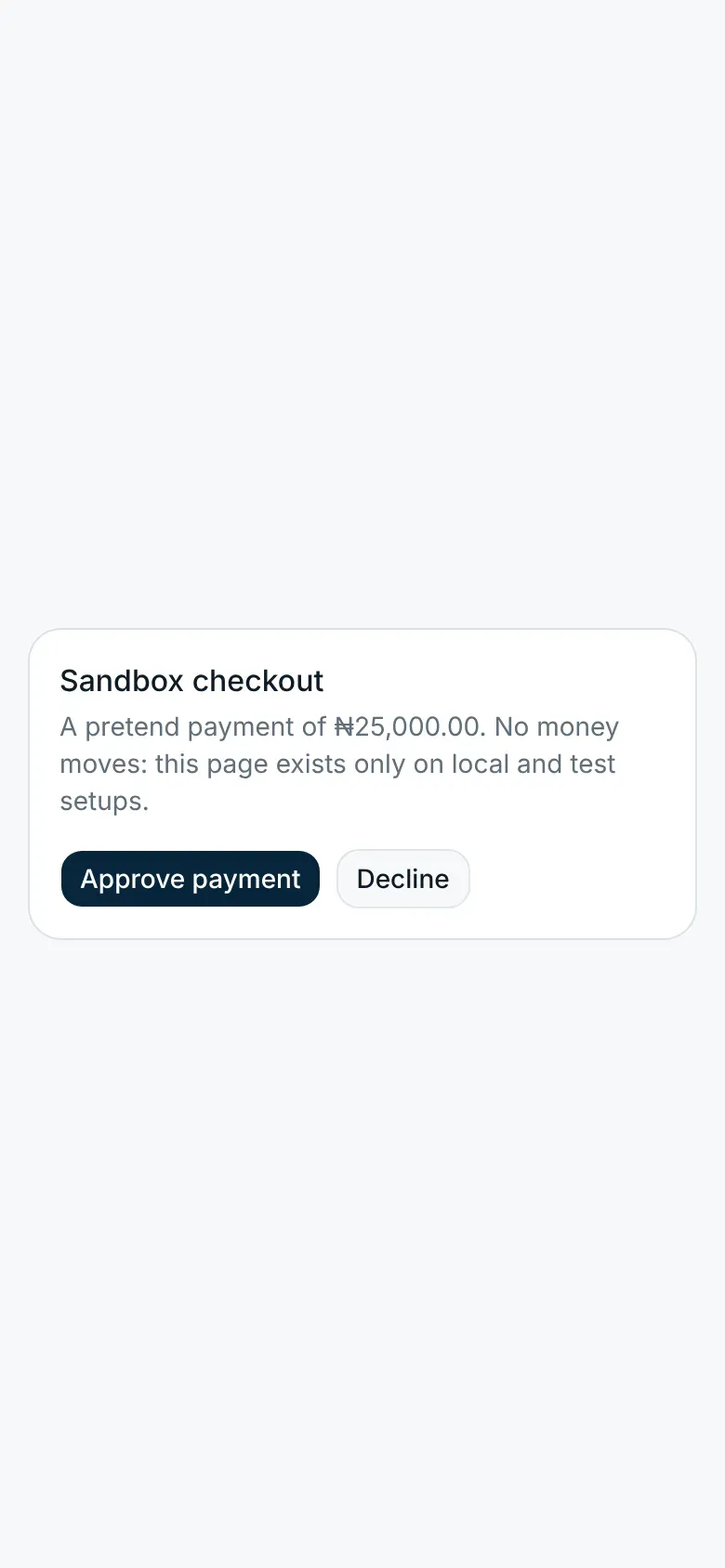
- Pay on the payment page by card, bank transfer or USSD. The money goes straight to the estate’s bank account.
- Back in the app, the bill shows as paid with a receipt.
Payments made at the estate office (cash, transfer, cheque) are recorded by the office and show here too.
Electricity
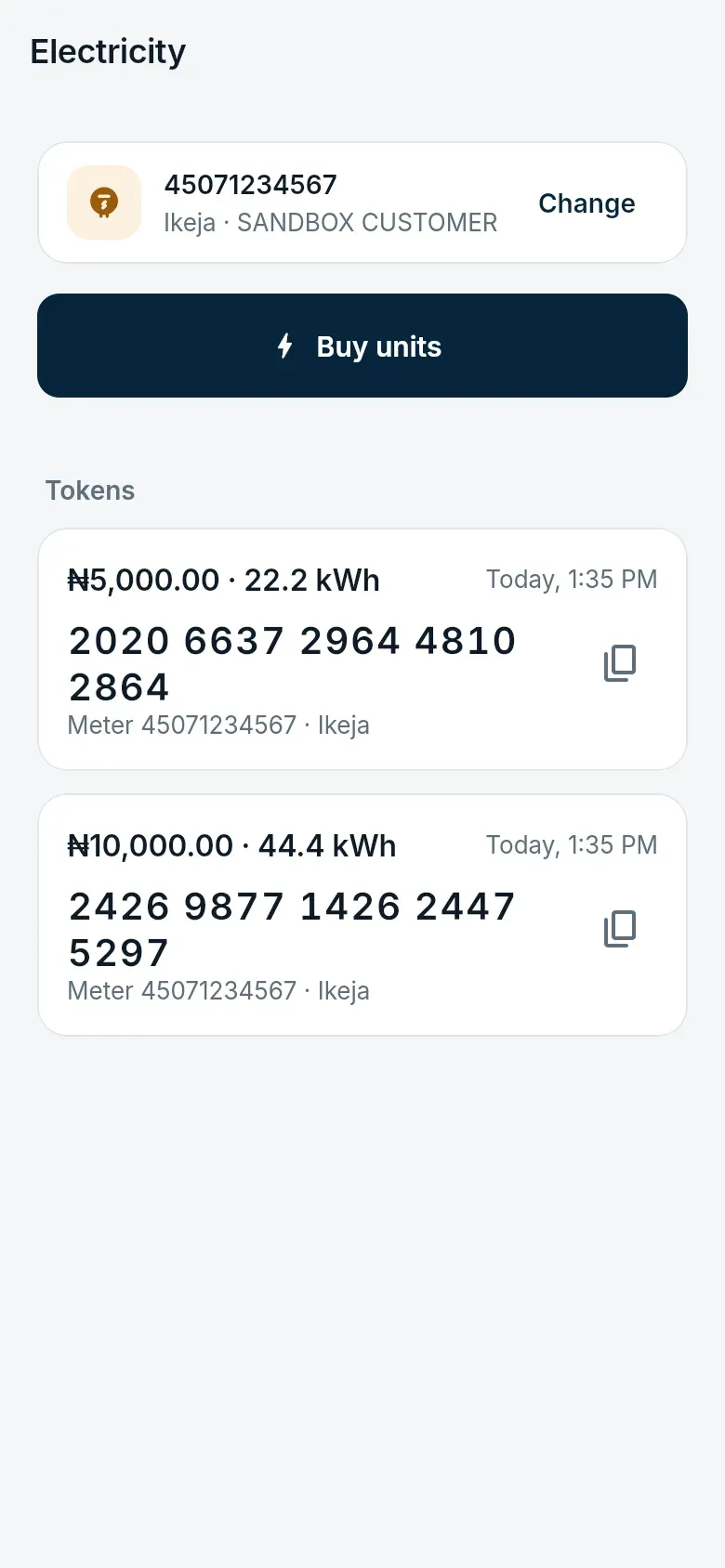
Section titled “Electricity”Where the estate offers it, buy prepaid electricity from Home → Electricity.
- A landlord or tenant adds the home’s meter once: the distribution company and the meter number. The app shows the name the distribution company has for the meter, so you can check it is the right one.
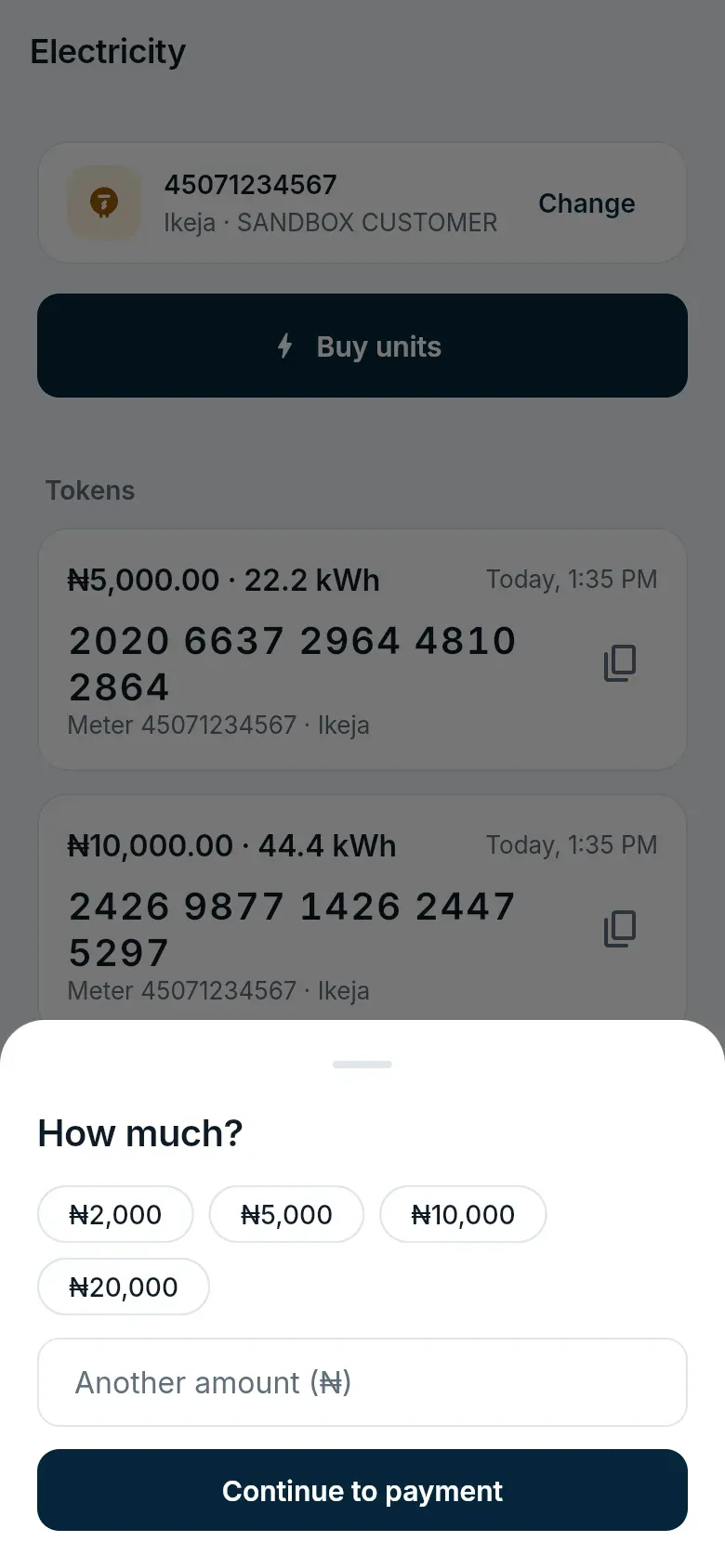
- Anyone in the home can then tap Buy units, choose an amount from ₦1,000 to ₦500,000, and pay.
- The 20-digit token appears in the app and as a notification. Tap Copy token and enter it on the meter.