
Alerts, incidents and emergencies
Panic alerts
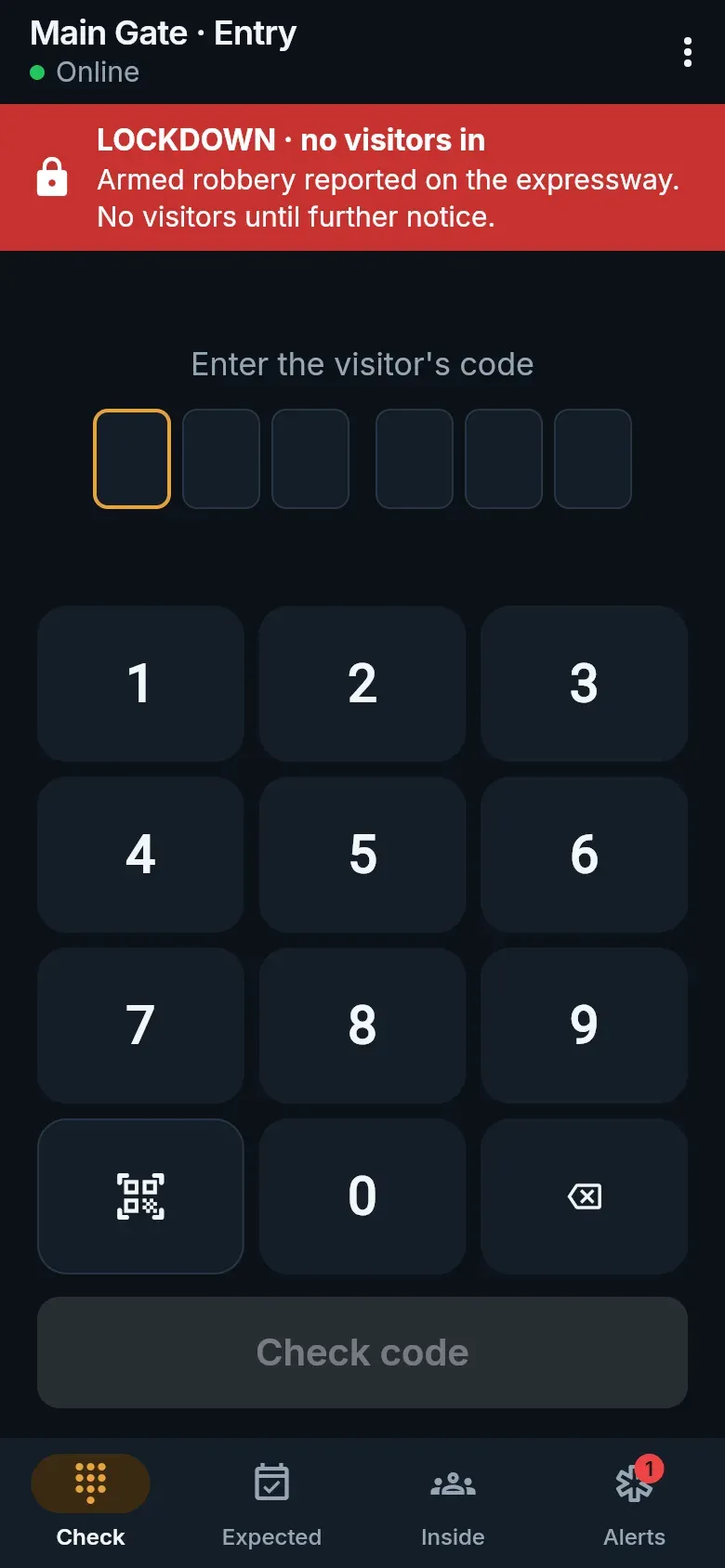
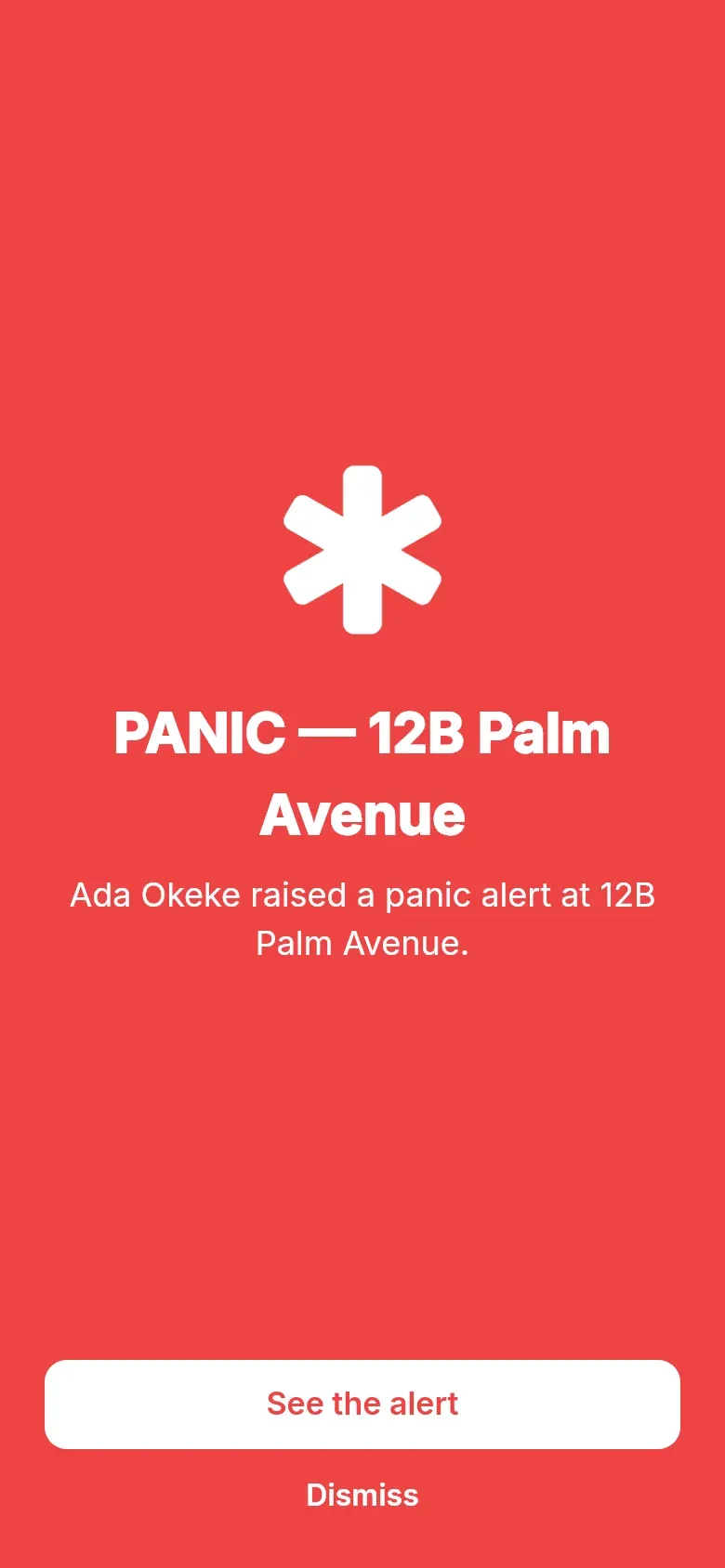
Section titled “Panic alerts”When a resident raises a panic alert, every gate phone on duty rings with the home’s name. Tap See the alert for the details and the resident’s location, then I’m responding so the resident and other guards know someone is on the way. When it is over, close the alert: Dealt with it or False alarm, with a note on what happened.

Incidents
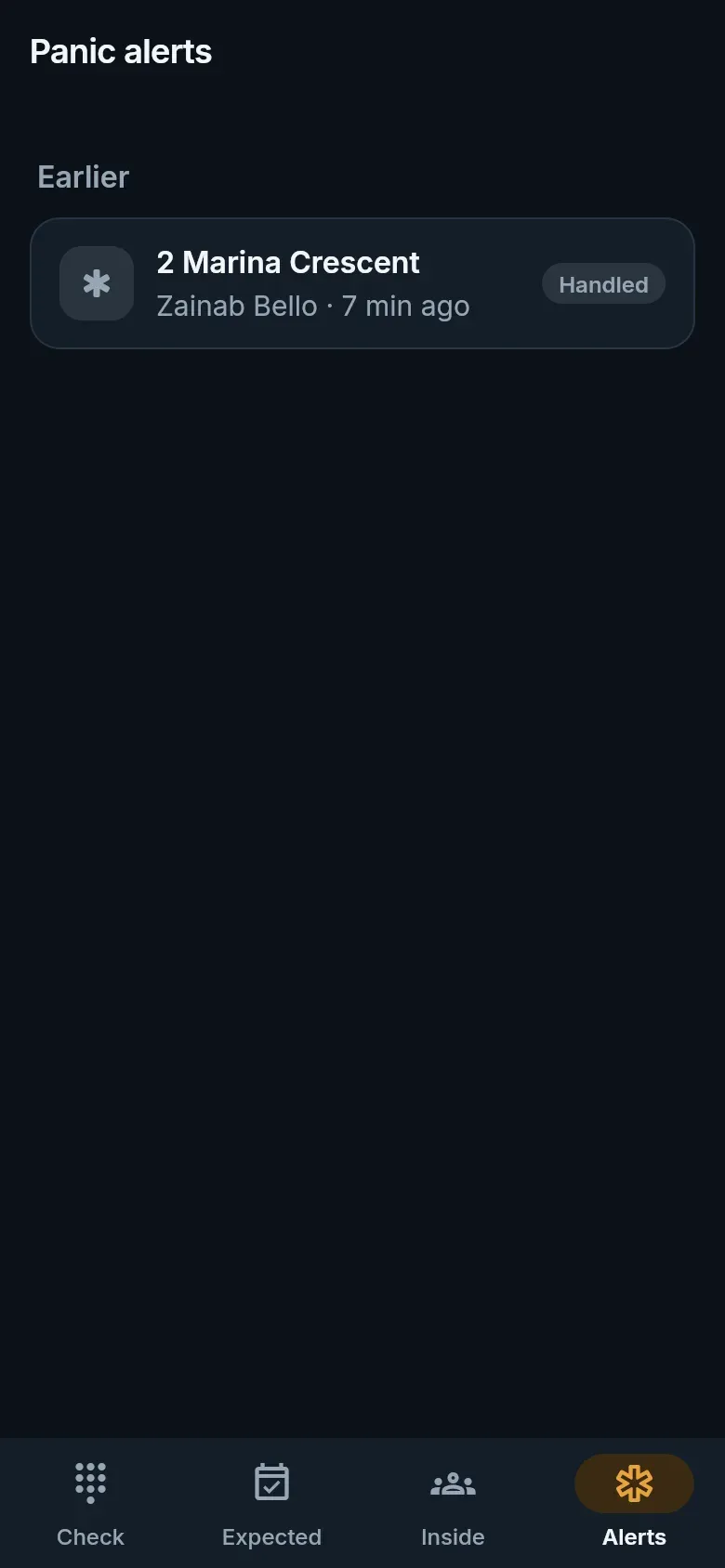
Section titled “Incidents”Anything the estate should know about — a theft, damage, a disturbance, a fire, someone acting suspiciously — goes in the incident register.
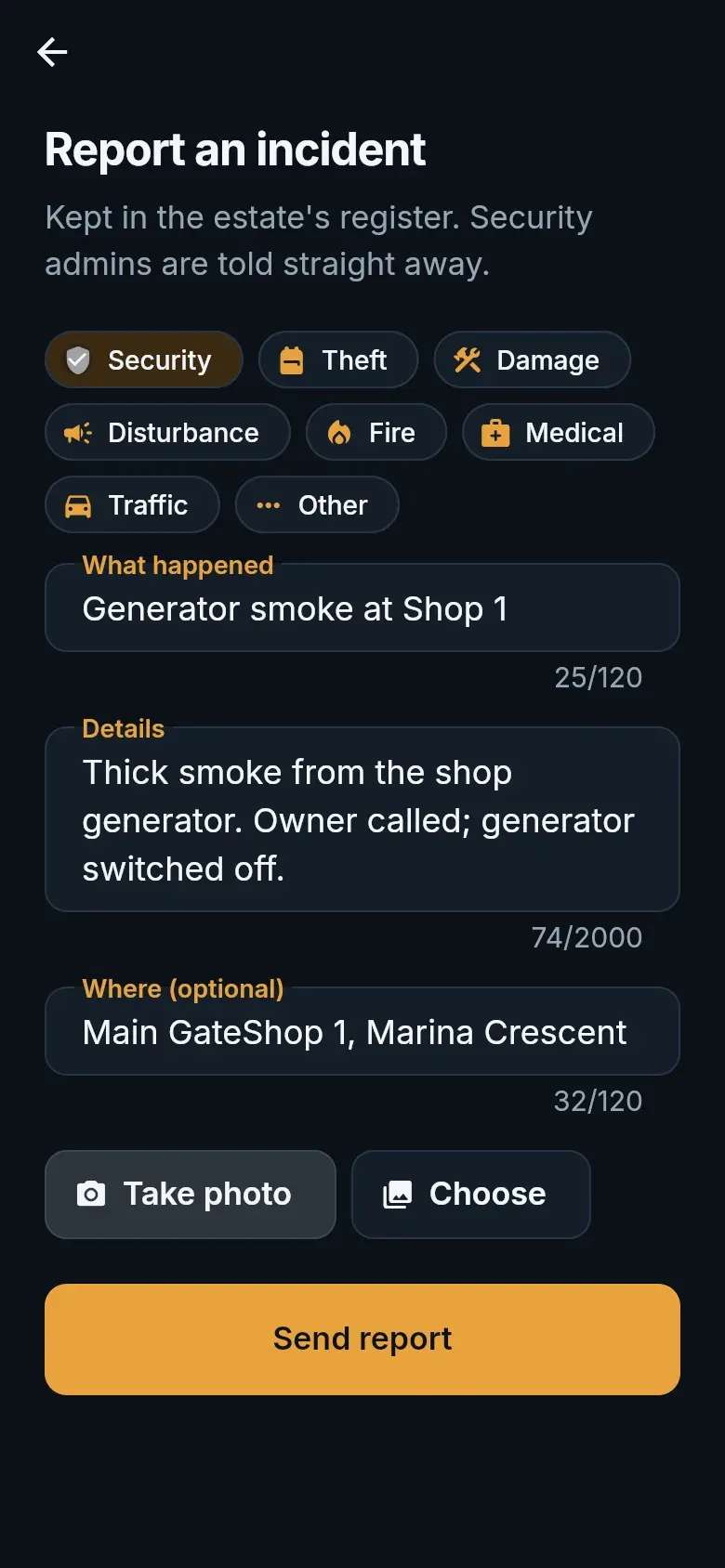
- From the menu, choose Incidents, then Report.
- Pick a category, say what happened and where, and add up to four photos.
- Tap Send report. The estate’s security admins are told straight away.
The latest incidents stay on the list, so the next shift knows what happened.
Lockdowns and evacuations
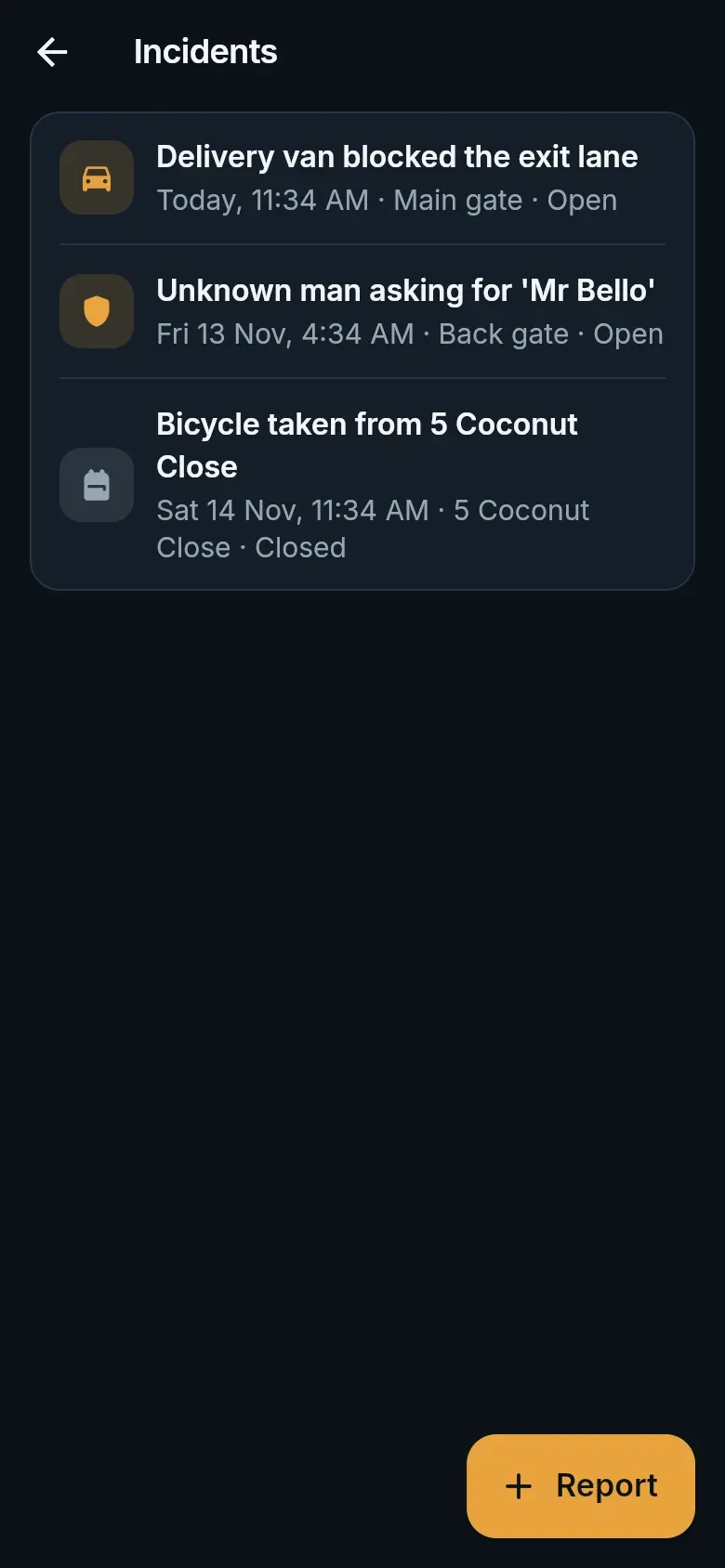
Section titled “Lockdowns and evacuations”When the estate office starts a lockdown or an evacuation, every guard is alerted and a red strip above the keypad says which, with the office’s message. While it lasts, visitor codes and offline codes are refused at entry; residents still come in, anyone may leave, and you can still open with a reason. During an evacuation, gate controllers hold the exit lanes open.