
Starting a shift
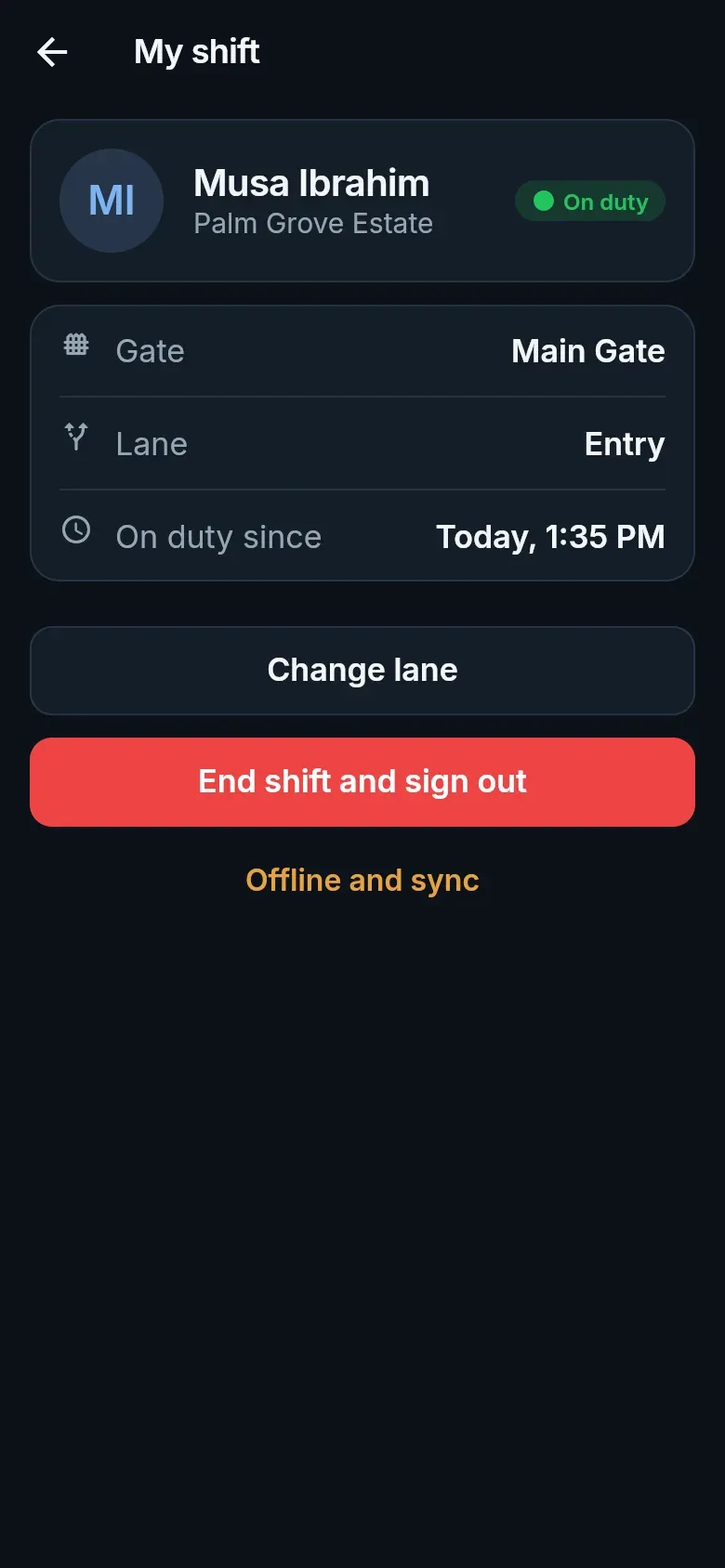
Guards use Petra Platform Guard on a phone kept at the gate. The phone belongs to the estate, not the guard: it is set up once by the estate office, and each guard signs in on it with their phone number and PIN at the start of a shift.
Setting up a gate phone
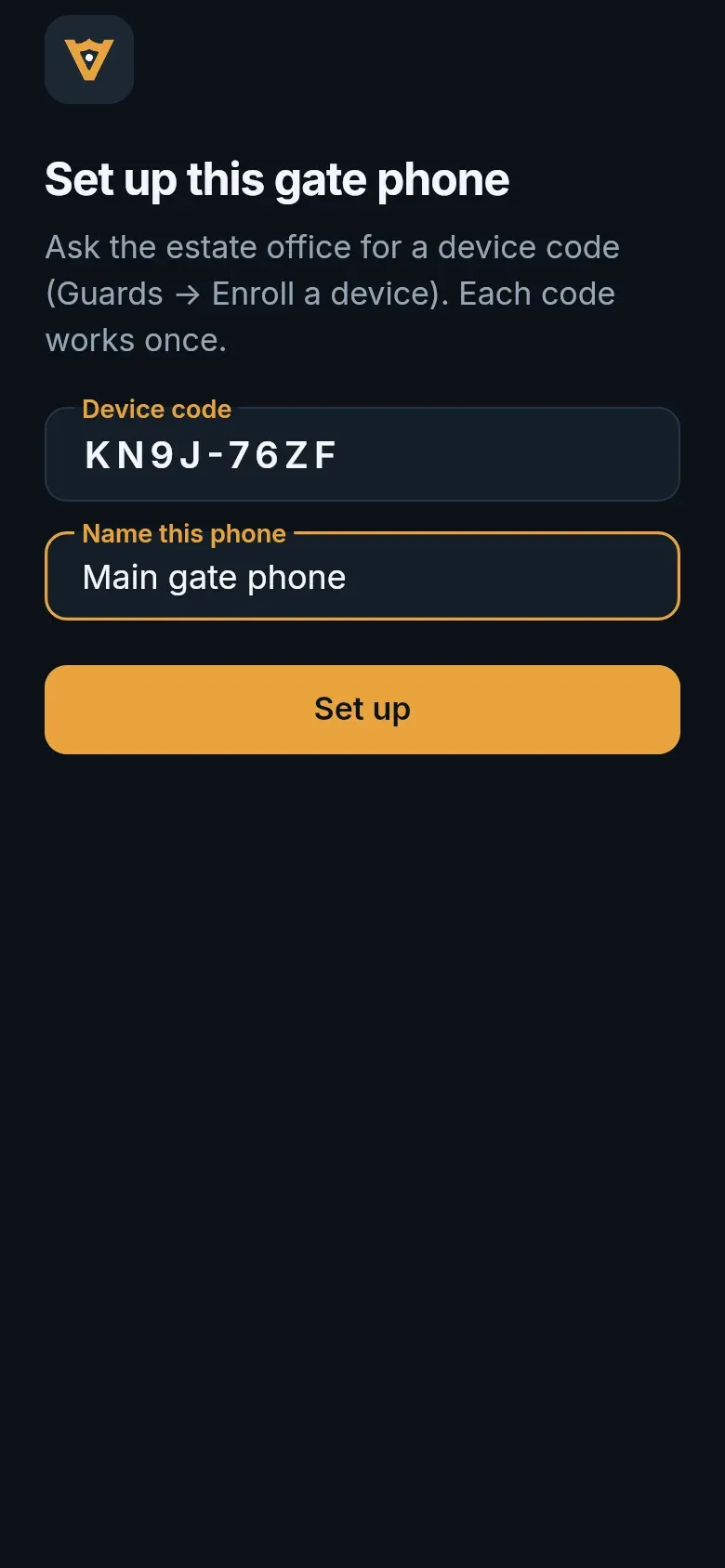
Section titled “Setting up a gate phone”- In the admin web app, an admin opens Guards → Enroll a device and gets a one-time device code.
- On the phone, open Petra Platform Guard, type the device code, give the phone a name (“Main gate phone”), and tap Set up.
Signing in
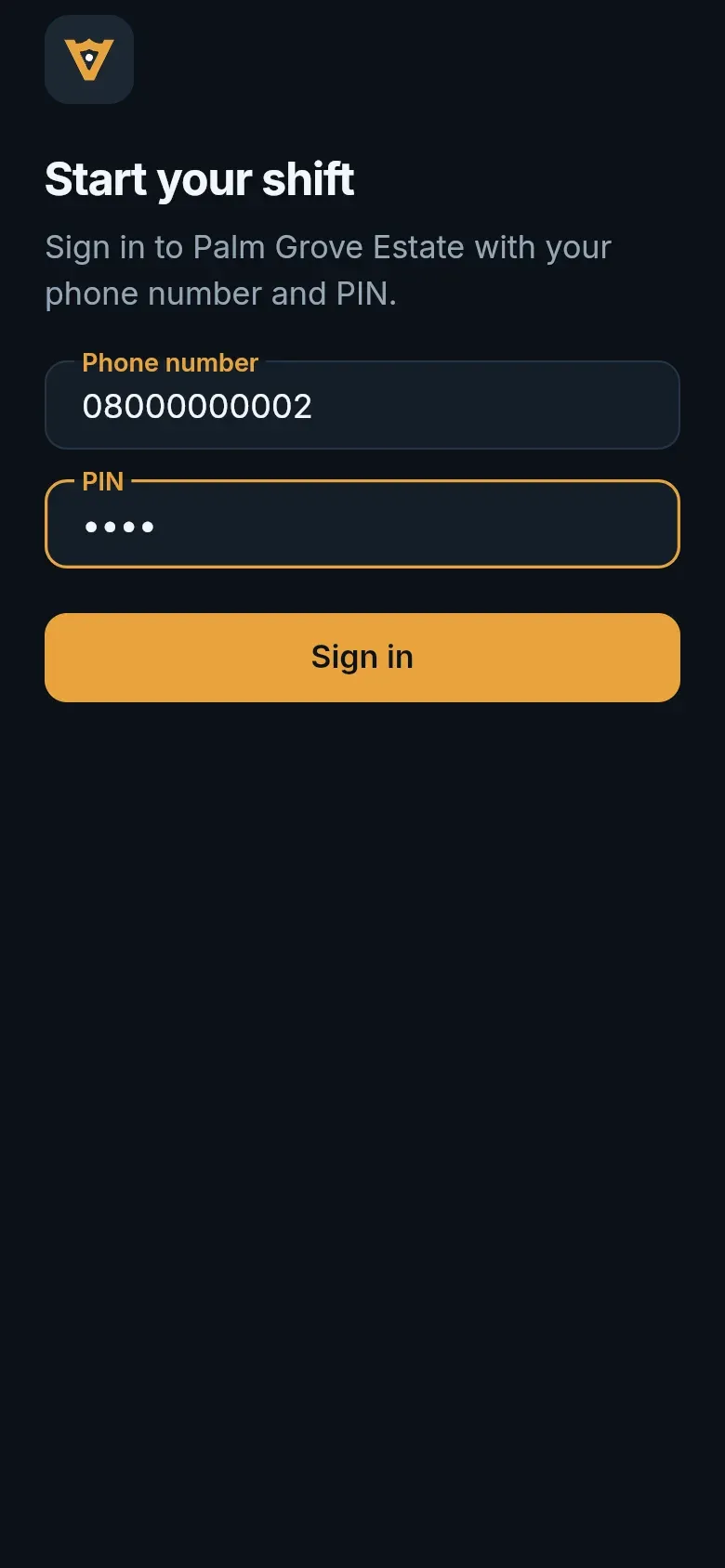
Section titled “Signing in”- Enter your phone number and PIN, and tap Sign in.
- Choose the gate and lane you are working. You can change lane later from My shift.
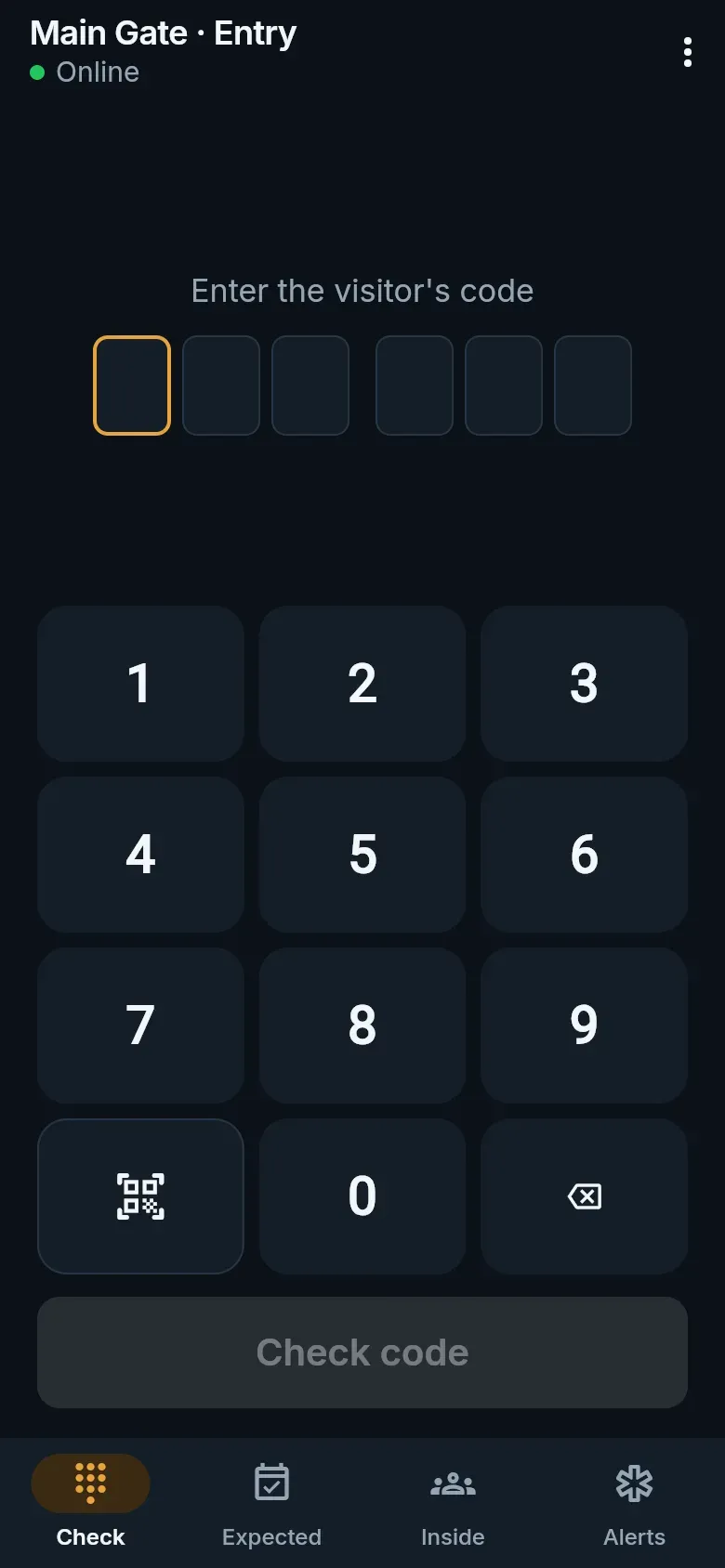
- If the guard before you left a handover note, it shows above the keypad. Read it and tap Got it.
Ending a shift
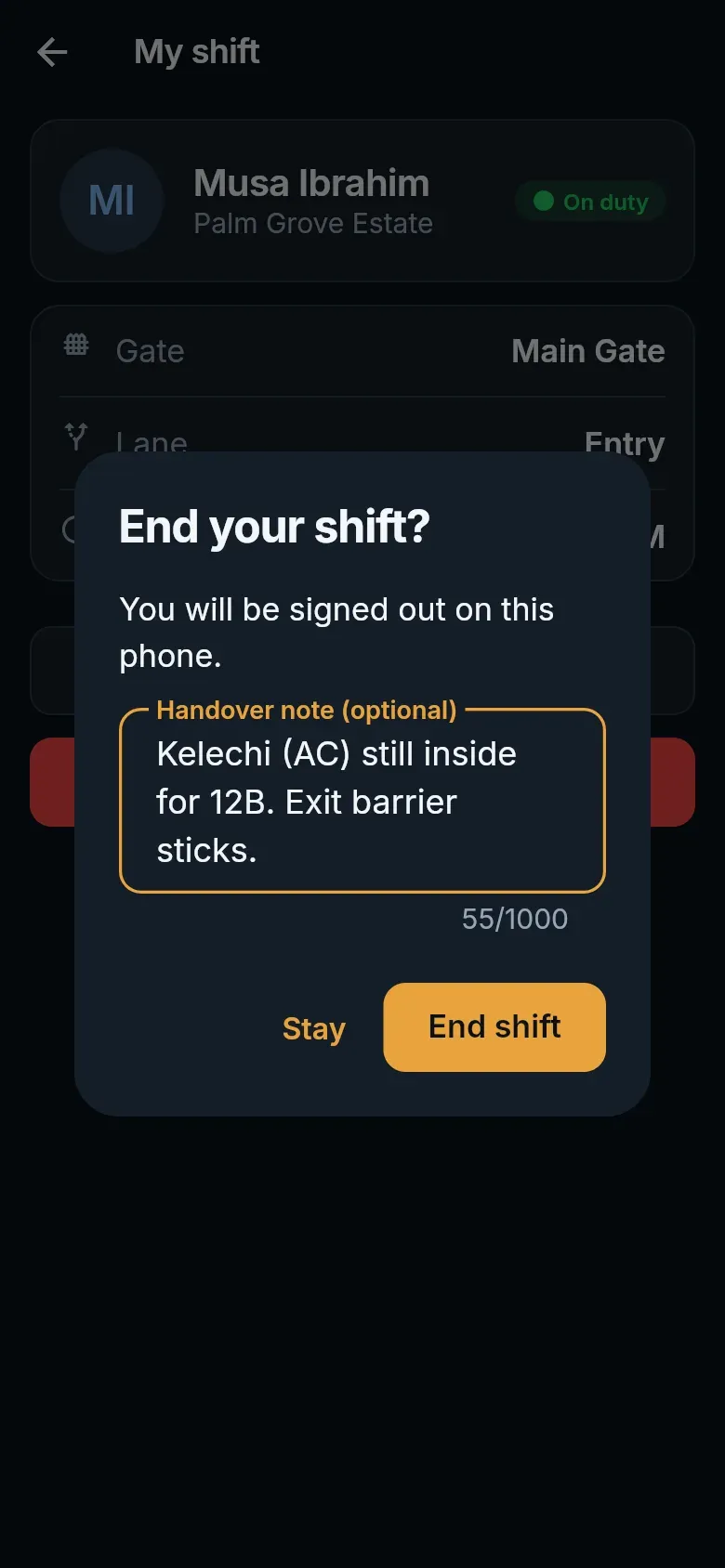
Section titled “Ending a shift”Open the menu, then My shift → End shift. Leave a handover note for whoever comes on next at this gate — who is still expected, what to watch for — and confirm. The next guard sees it when they start; the estate office sees every shift and its note.