
Security
Panic alerts
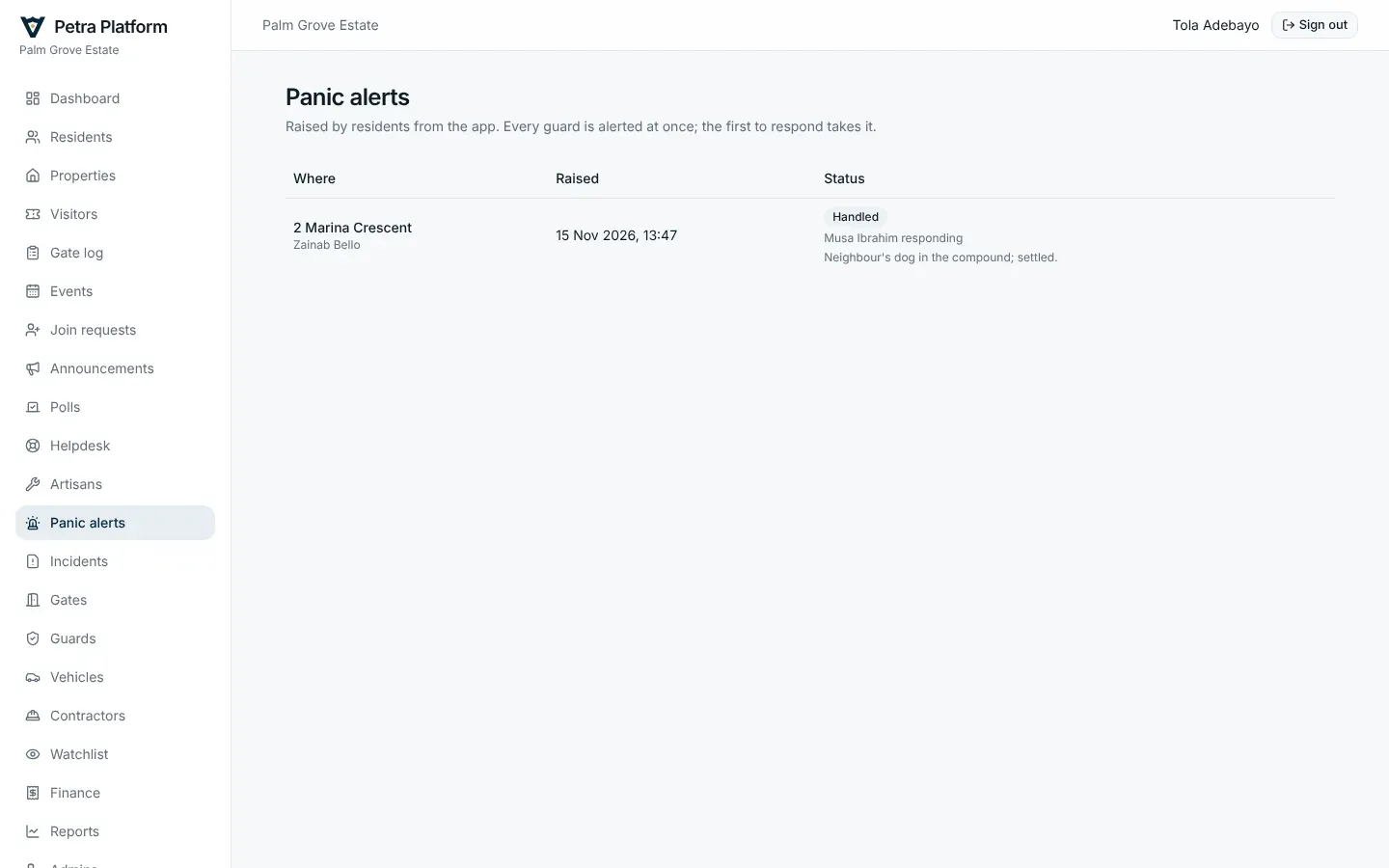
Section titled “Panic alerts”Every panic alert raised by a resident, who responded, and how it was closed.
Incidents
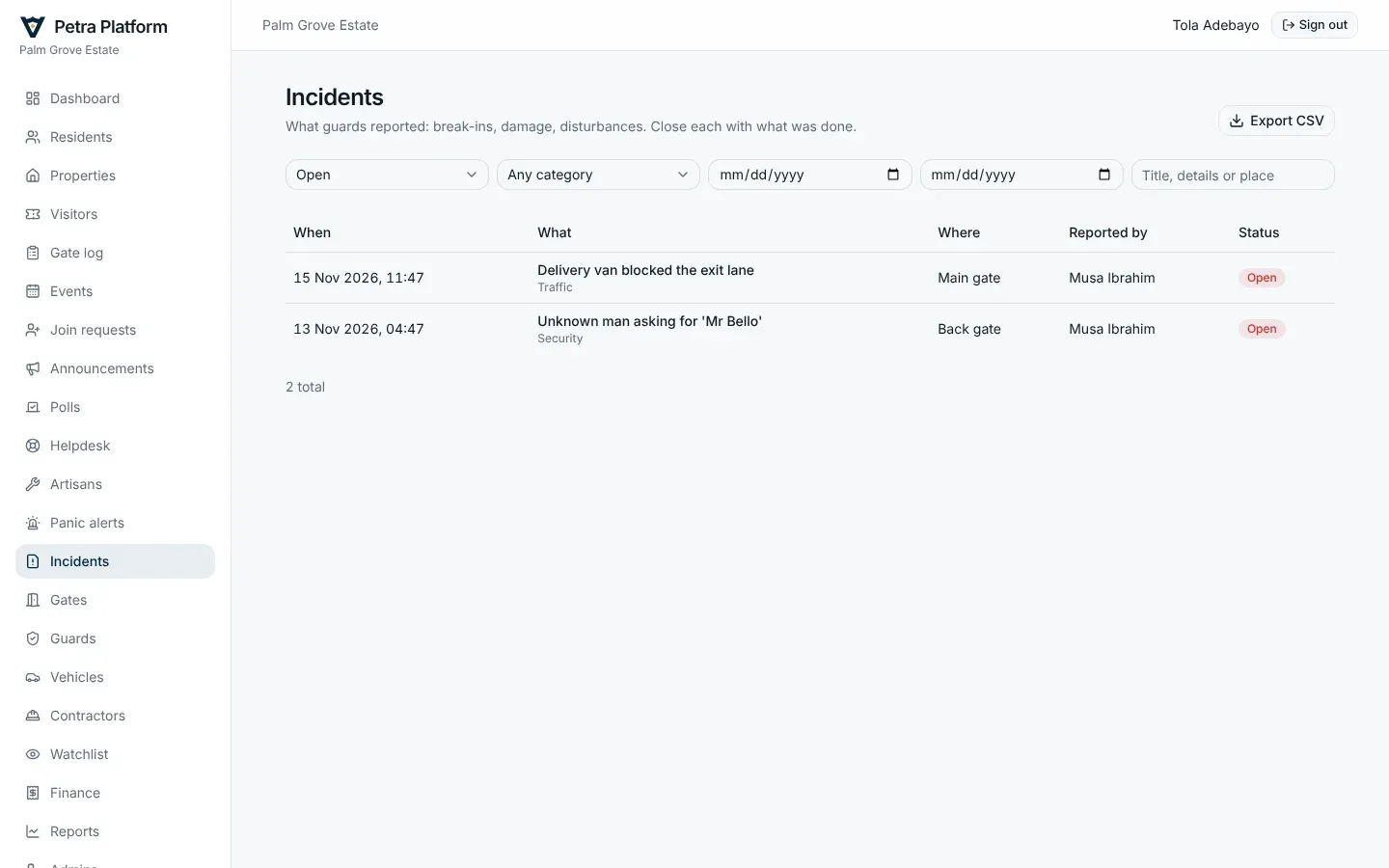
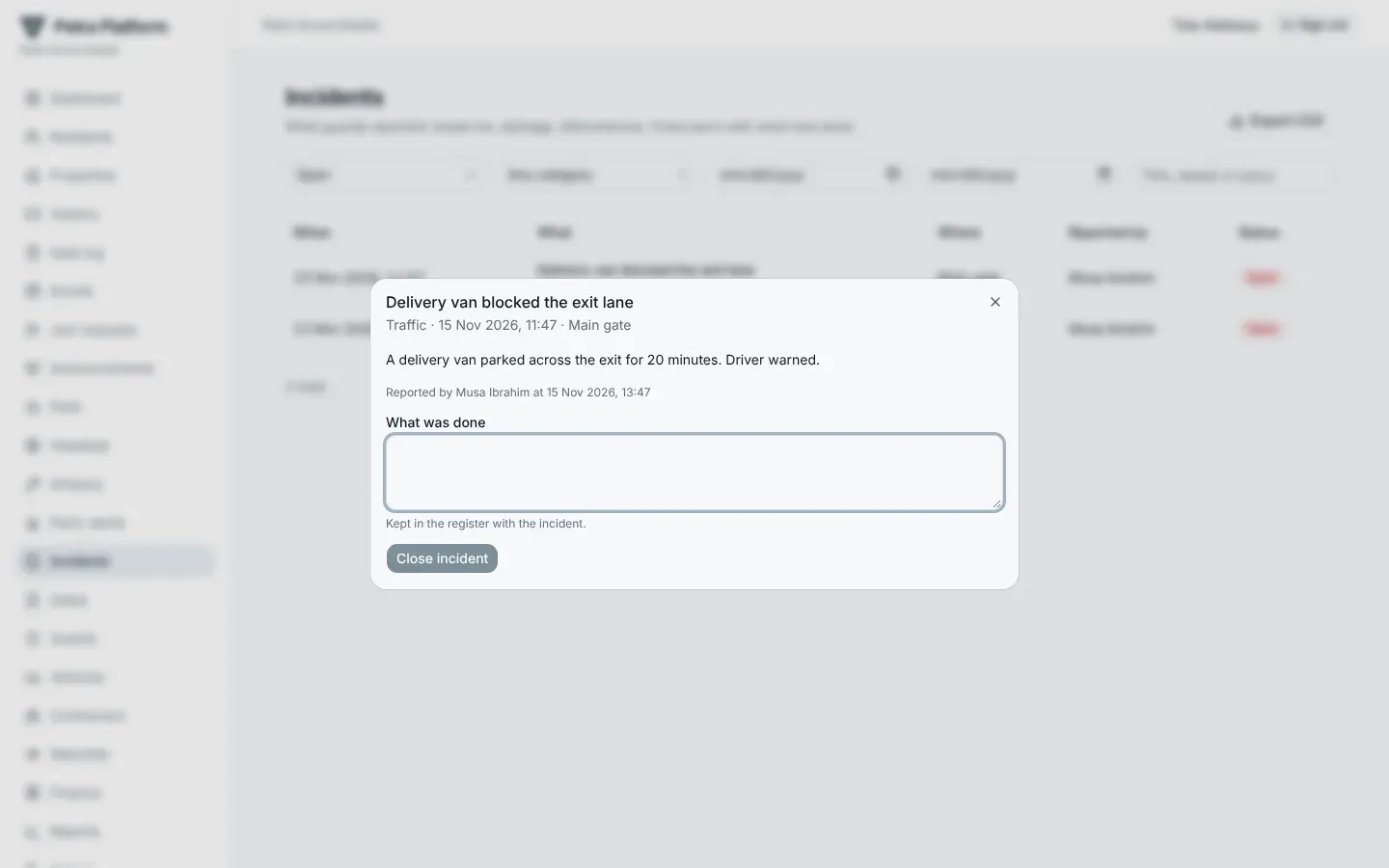
Section titled “Incidents”Guards report incidents from the gate phone, with photos; security admins are notified. Work through the register: filter by status, category and dates, open an incident to see its photos, and close it with what was done. Export CSV gives the whole register for the board or the police.
Lockdowns and evacuations
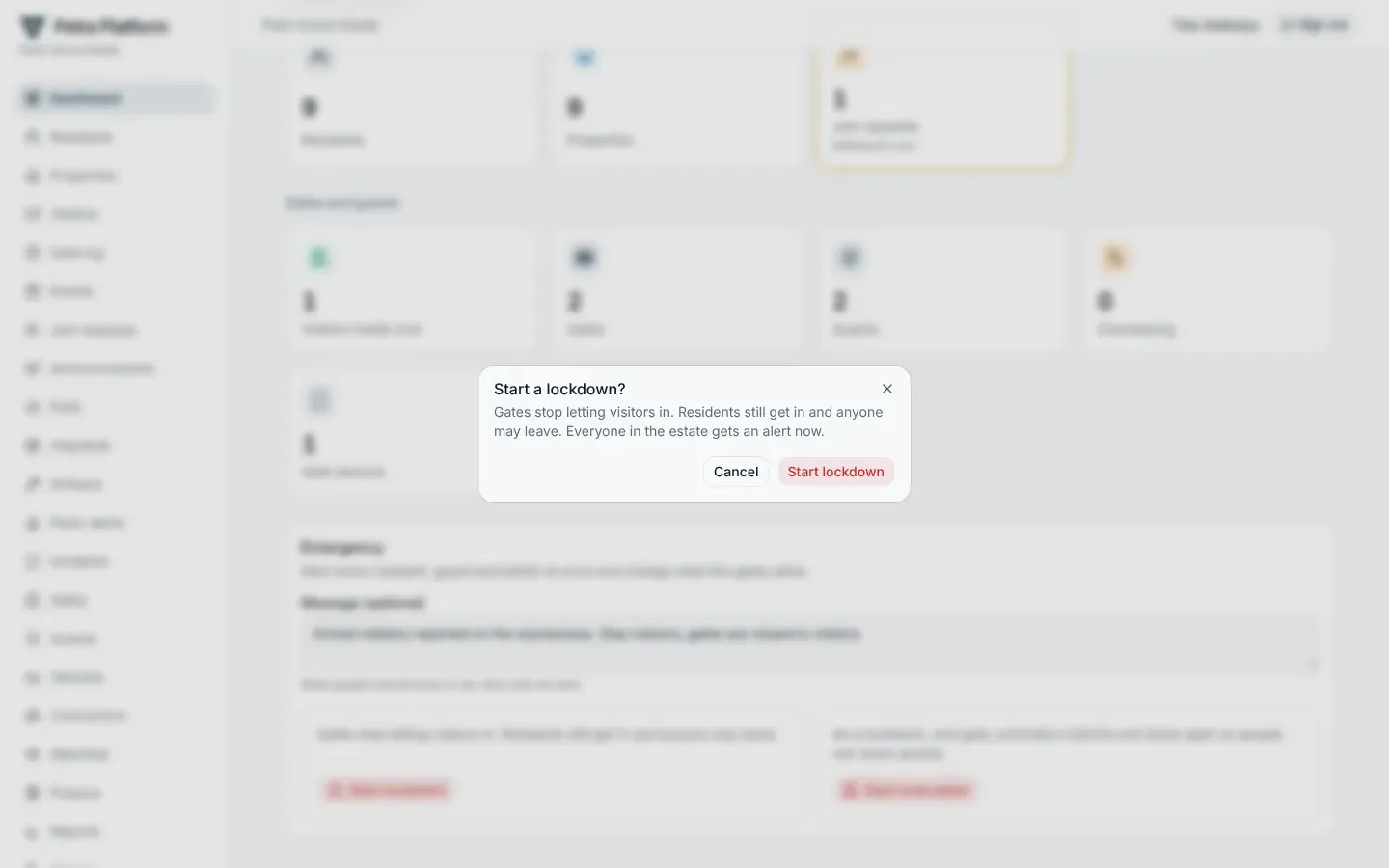
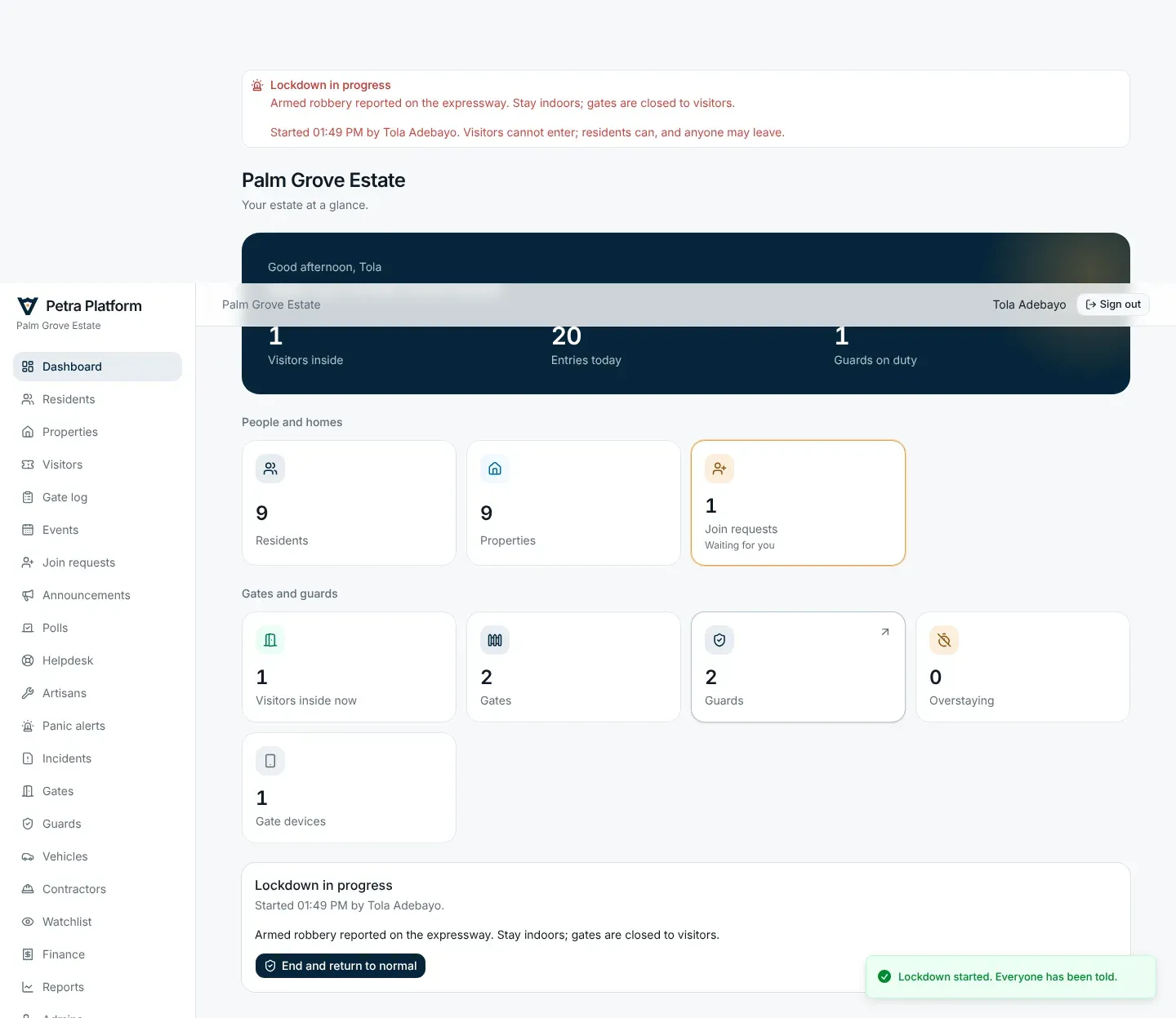
Section titled “Lockdowns and evacuations”Security admins start an emergency from the dashboard, with an optional message:
- Lockdown — the gates stop letting visitors in. Residents still get in and anyone may leave.
- Evacuation — the same, and gate controllers hold the exit lanes open.
Every resident, guard and admin is alerted at once. A banner shows on every page of the web app, on residents’ Home, and above the keypad on gate phones. End and return to normal ends it and alerts everyone again.