Features
Everything an estate's gates need
From the visitor's code to the barrier lifting, from the service charge invoice to the receipt — and what to do when something goes wrong.
Visitors
The right pass for every visitor
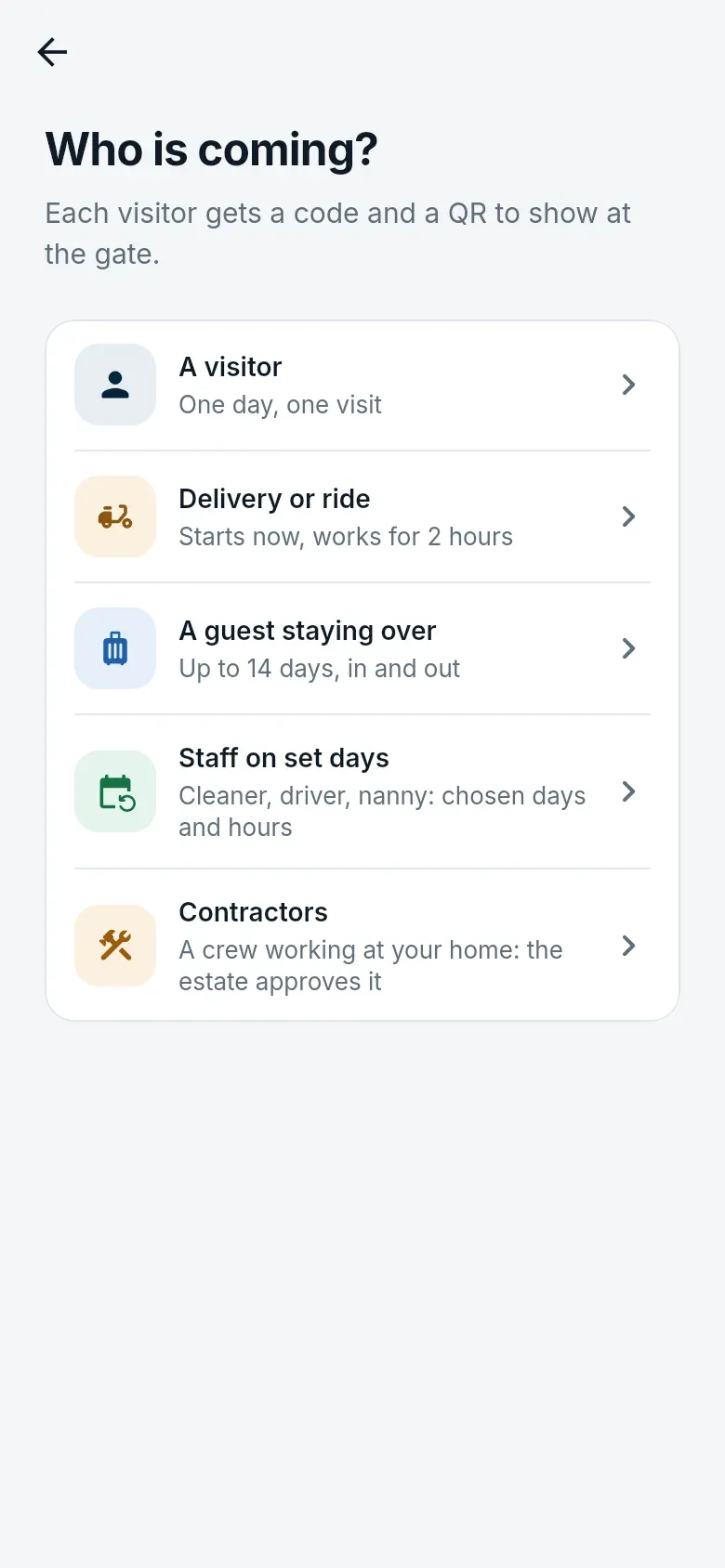
Residents book from the app; every pass has a six-digit code and a QR, and the household is told when the visitor arrives and leaves.
- One-off visits, two-hour deliveries, guests staying up to 14 days, staff on set days and hours
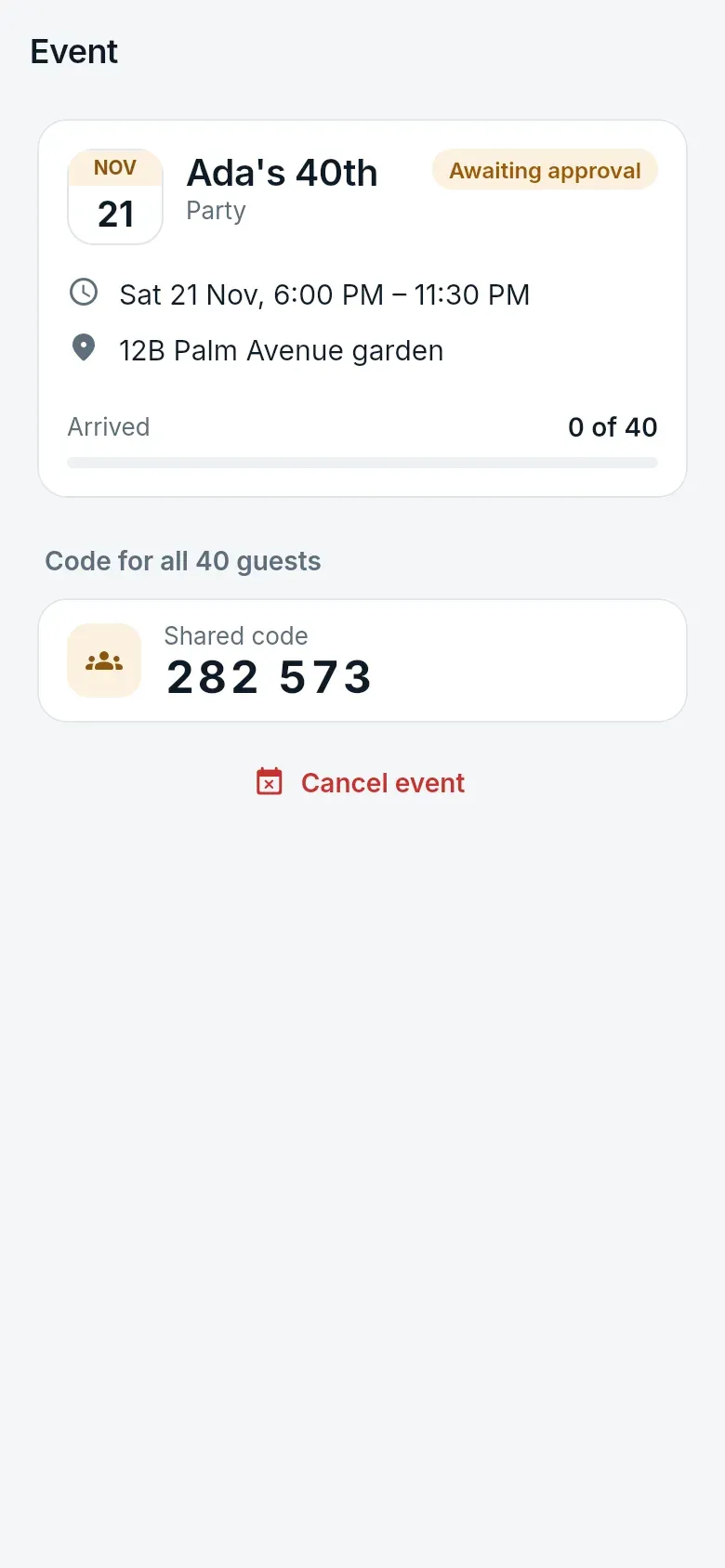
- Events with one shared code or a named guest list, counted live at the gate
- Contractor permits the estate approves, with the crew checked by name
- Codes sent to the visitor by SMS or WhatsApp from the estate, if the resident prefers
- Walk-ins approved by the household from the gate, and residents without smartphones served by USSD
At the gate
Guards see exactly who is coming
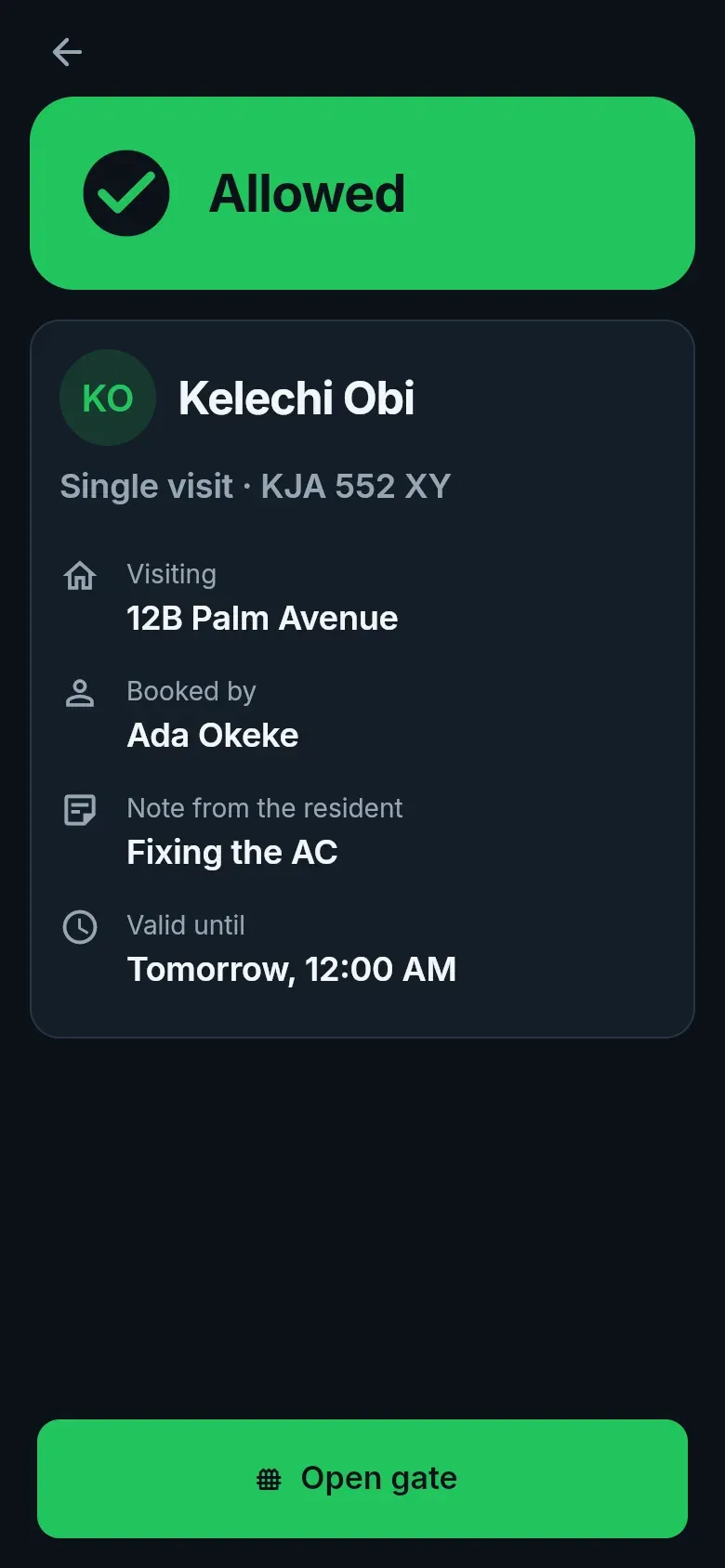
Petra Platform Guard runs on a phone kept at the gate. Each guard signs in with a PIN on a phone the estate has set up.
- Check a code or scan a QR: who, for which home, booked by whom, the car, how many people
- Refusals say why — expired, already used, outside hours, on the watchlist
- Check a resident car by plate or tag; open without a code only with a logged reason
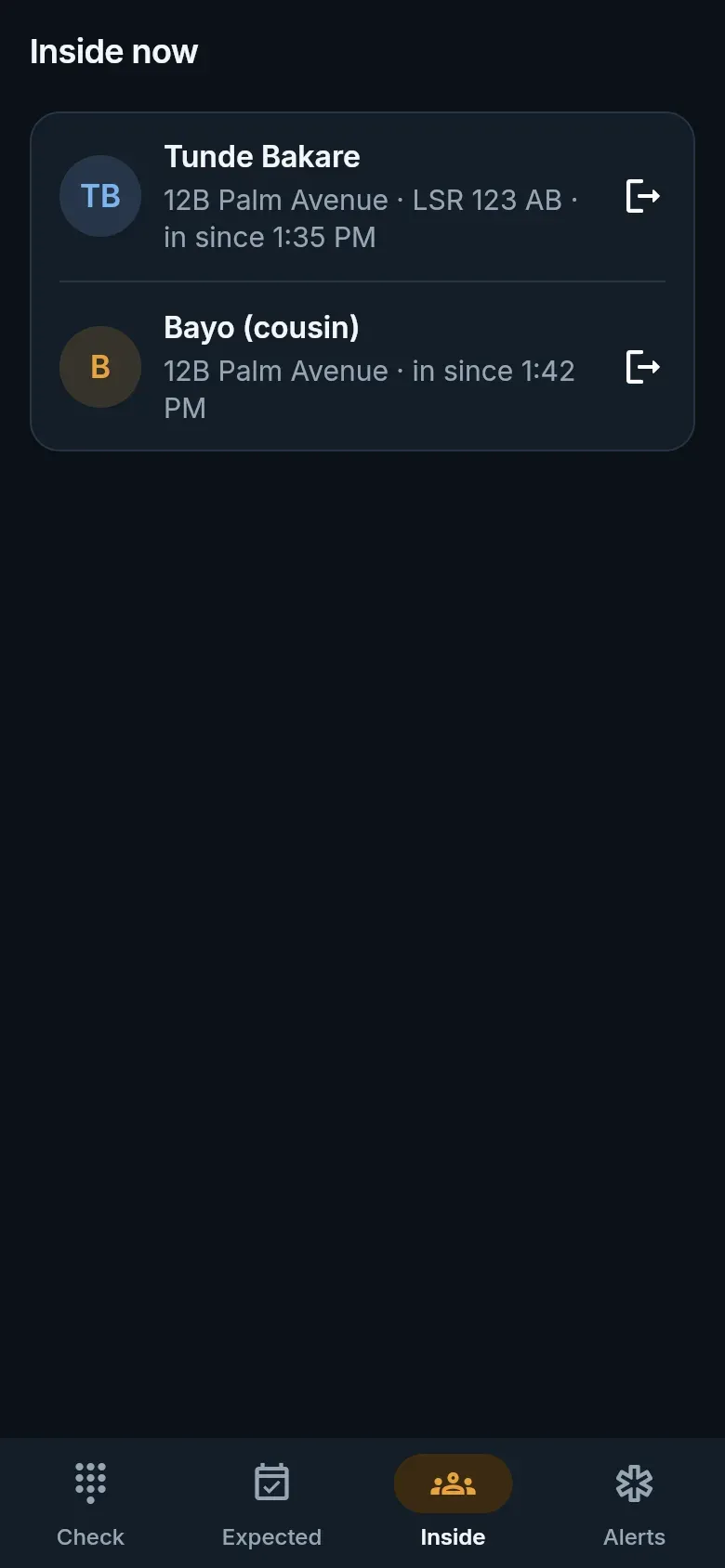
- Expected and inside lists, overstayers first; shift handover notes for the next guard
- Keeps checking QR passes and residents' offline codes when the network drops
Security
Ready for the bad day
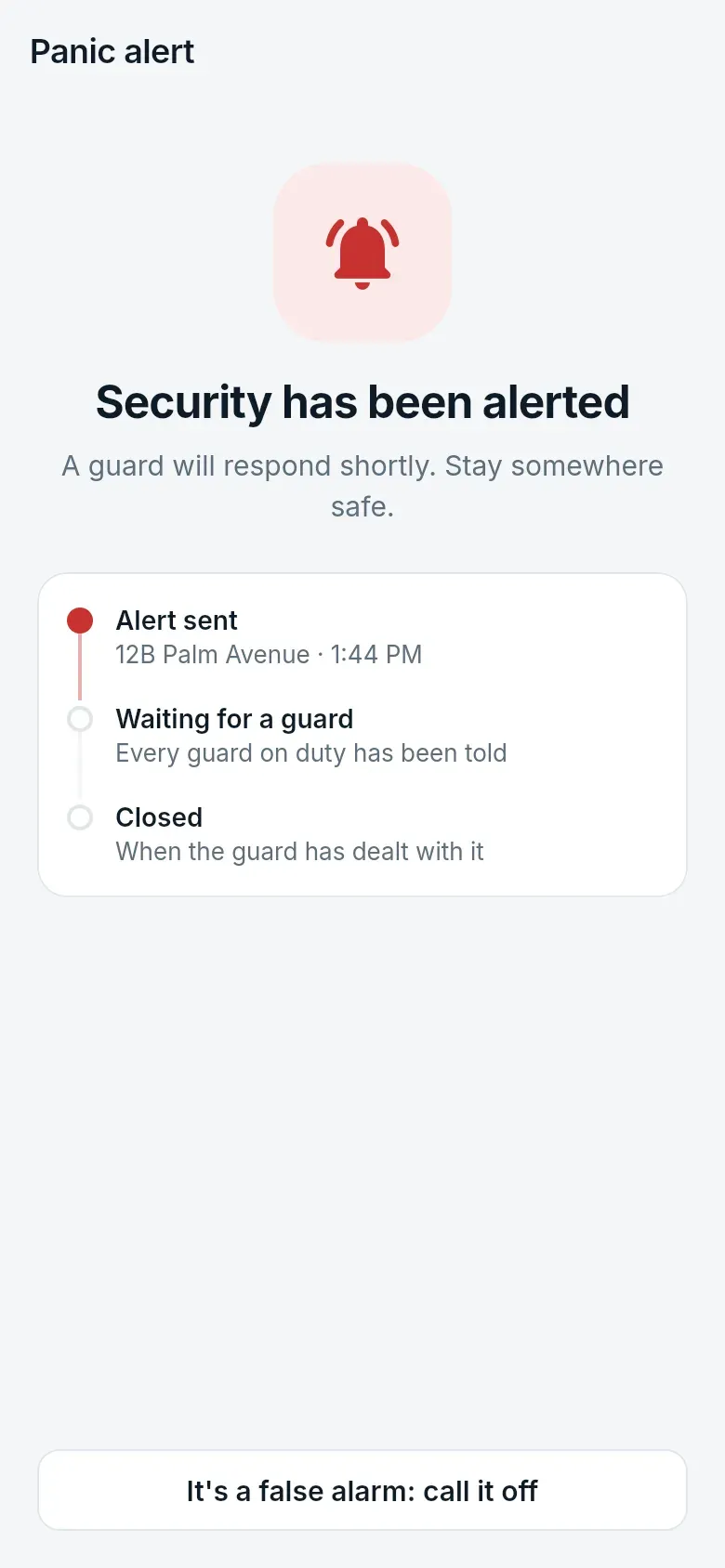
Residents raise a panic alert by holding a button; every guard on duty is alerted at once.
- Panic alerts with the home and the resident's location, and who is responding
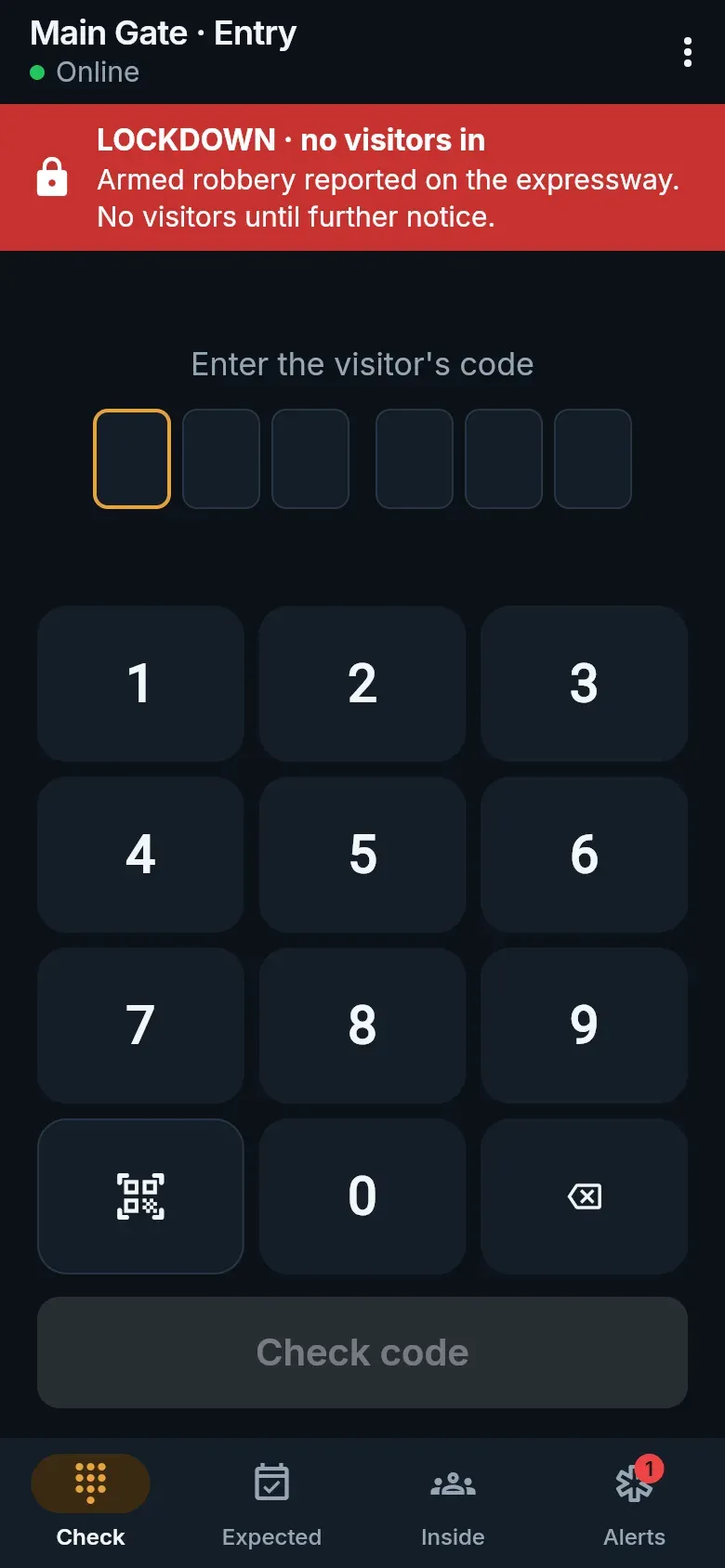
- Lockdown and evacuation modes that alert everyone and change what the gates allow
- An incident register with photos, closed with what was done, exportable
- Overstay alerts, a watchlist of people and plates, and a full gate log
Dues
Dues collected without the chasing
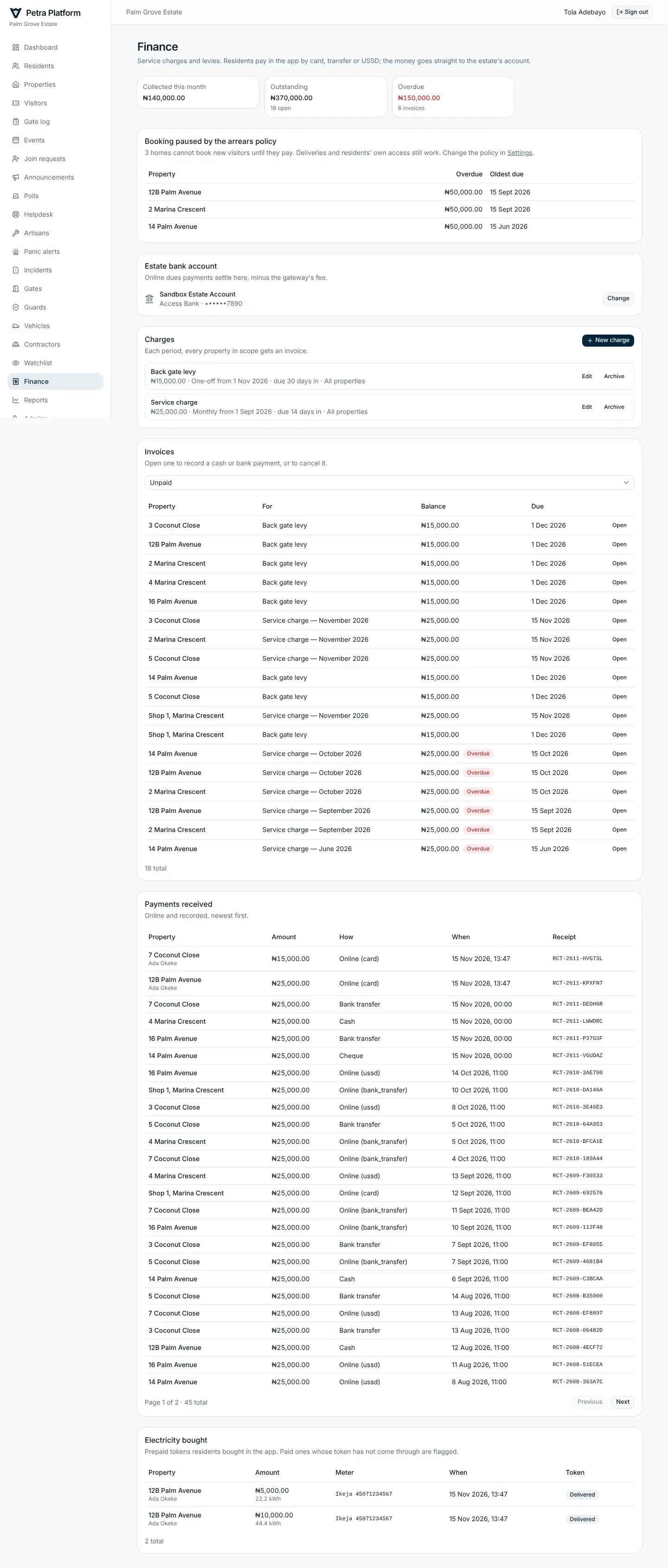
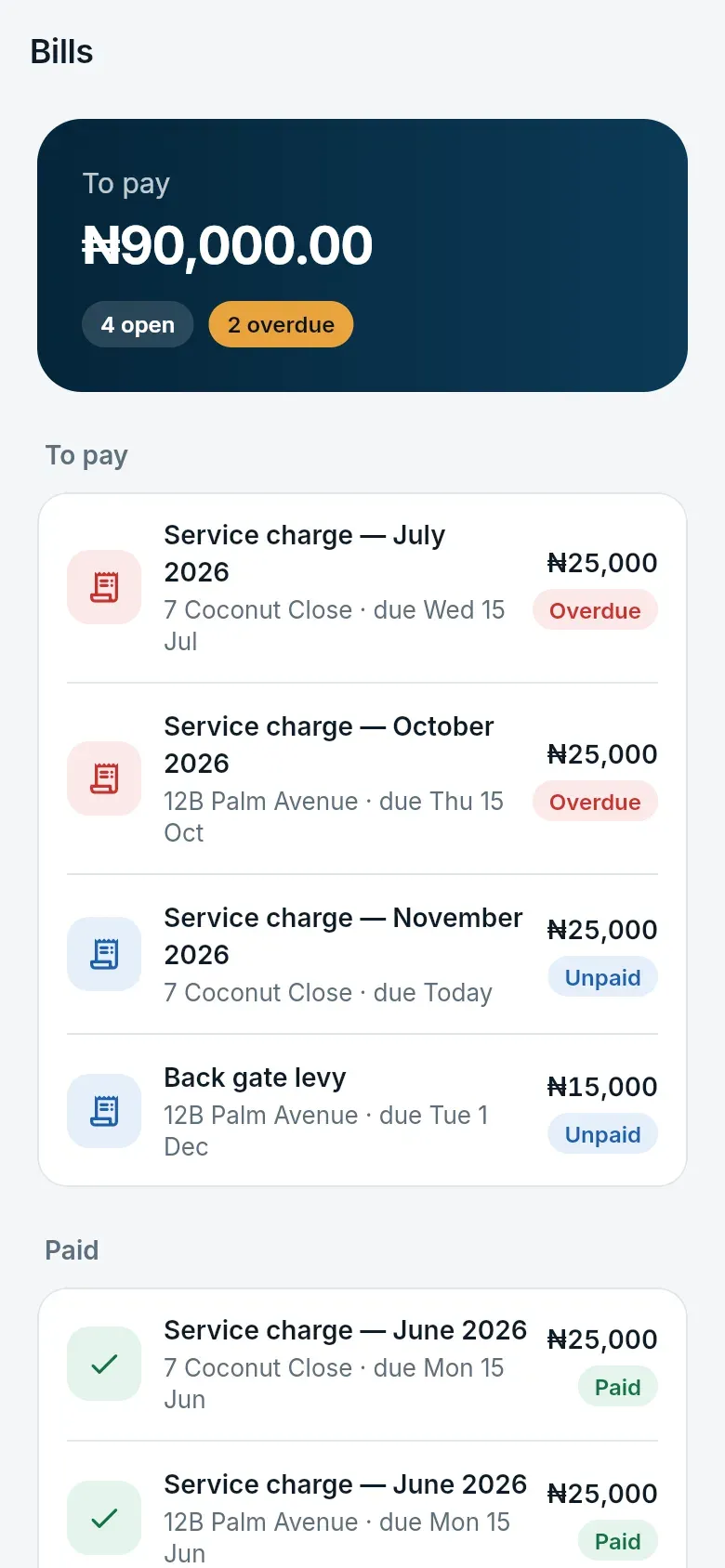
Charges are invoiced to every property automatically, residents are reminded, and they pay in the app. The money settles straight into the estate's bank account.
- Monthly, quarterly, yearly or one-off charges, for every property or a zone
- Card, bank transfer and USSD; cash and cheques recorded at the office
- Receipts for every payment, and reports of invoiced against collected
- An optional arrears policy that limits bookings for homes well behind
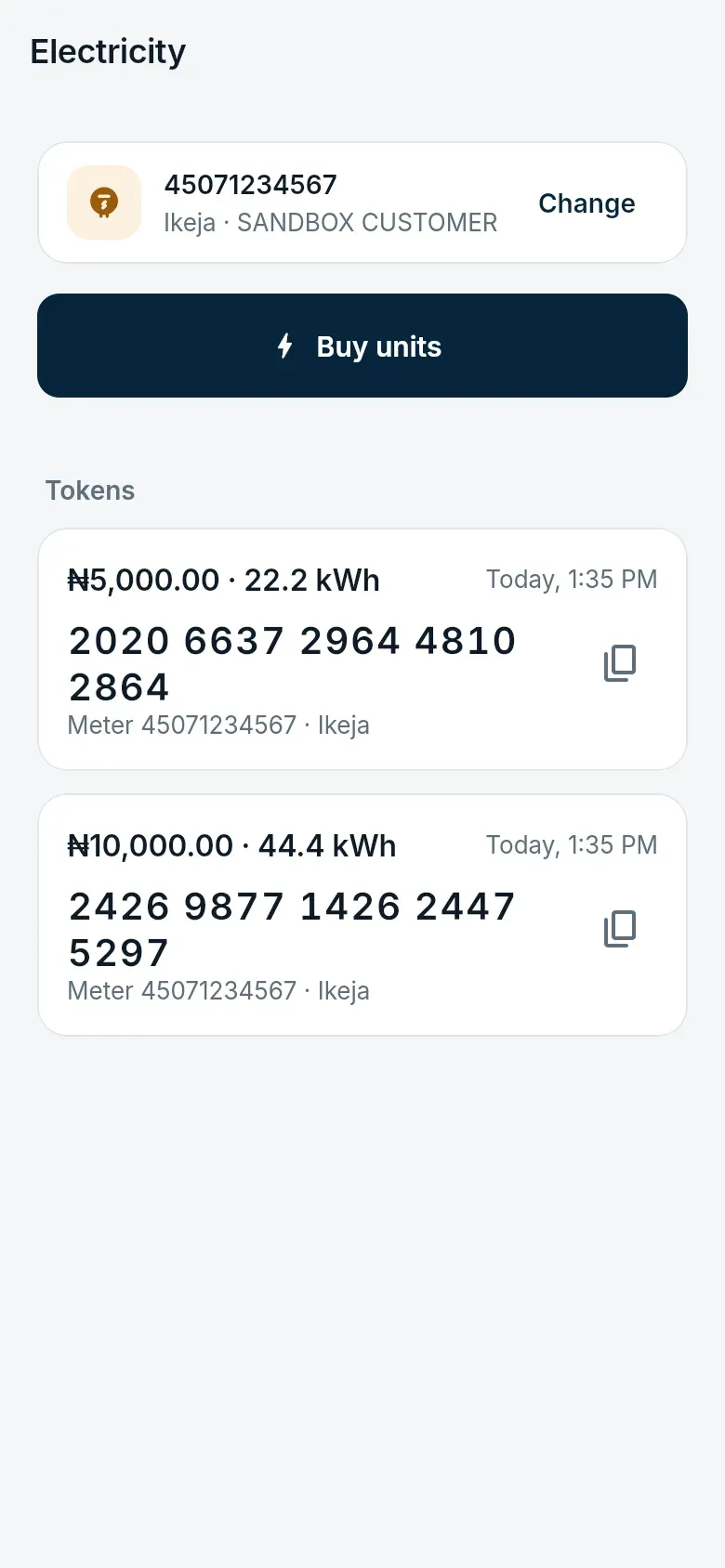
- Prepaid electricity tokens bought in the same app
Estate life
One place for the estate office and residents
Announcements reach every resident at once, and residents reach the office without a phone call.
- Announcements and notifications
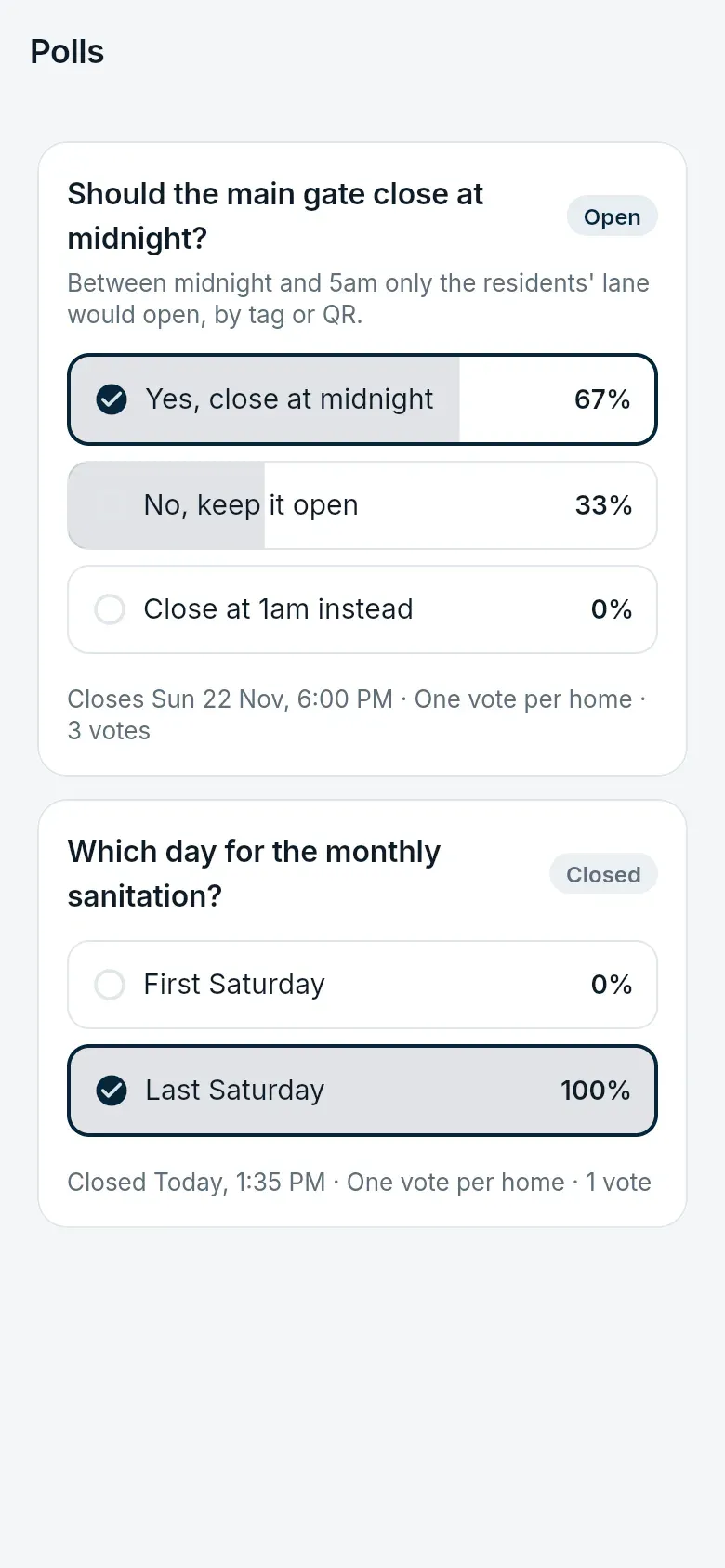
- Polls, with one vote per resident or per home
- A helpdesk for faults, billing questions and complaints
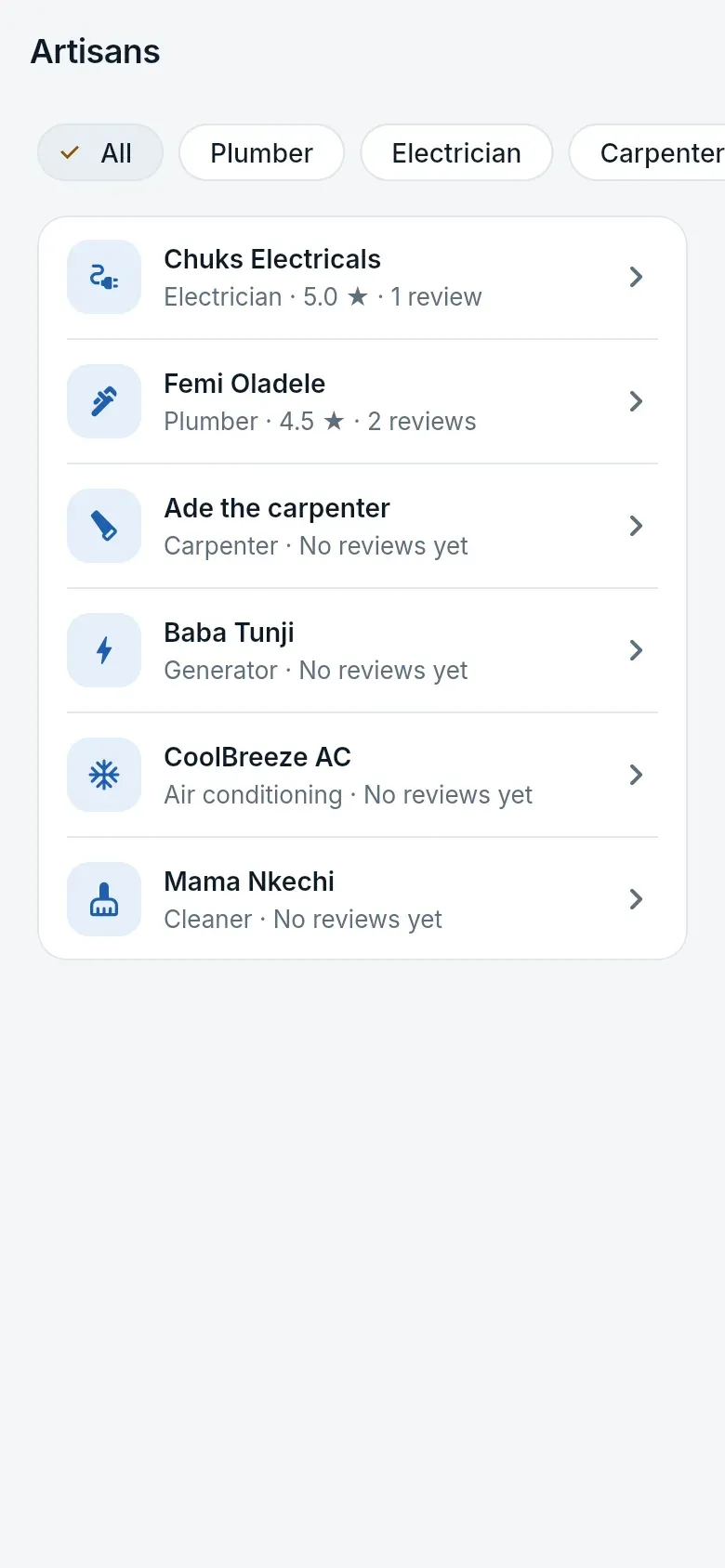
- A directory of tradespeople the estate has vetted, rated by residents
The estate office
Run it from any browser
Residents and homes, gates and controllers, guards and shifts, dues and reports. Admins get only the permissions they need — People, Security, Finance or Settings — and every change is in the audit log.